
Module Builder
The module builder in Portiny lets you design and launch a custom database application without writing code. Choose from 24 field types, arrange the form with drag and drop, and have a working module ready in minutes. Three module types — table, form, and dashboard — cover everything from record management to data collection and visual overviews.
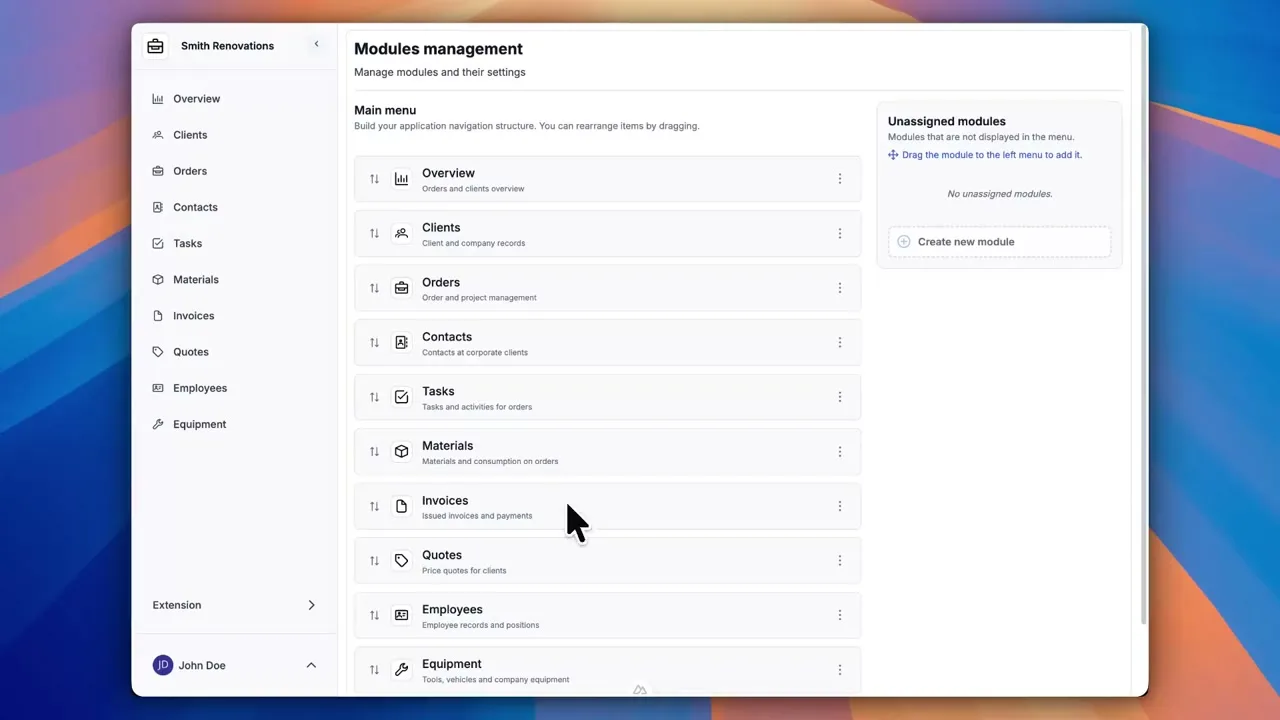
Build a custom database app without writing code
The module builder in Portiny lets you design a complete no-code database application directly in your browser. Pick a module type, add fields, set validation rules, and you have a working app in minutes. No developers needed.
Choose from 24 field types — plain text, dates, file uploads, relational links to other modules, auto-incrementing sequences, and computed fields. Each field has its own configuration for validation, display, and behavior. The result is a database application tailored to your business.
Create a module in five steps
- 1Pick the module type
Portiny offers three types: TABLE for a record list with a form, FORM for a standalone form, and DASHBOARD for a widget-based overview. Most teams start with TABLE.
- 2Name the module and add fields
Enter a name, URL slug, and icon. Then head to the fields tab and start adding columns — text, number, date, file, select list, or a relation to another module.
- 3Organize the form with drag and drop
Reorder fields by dragging them. Split them into tabs so the data entry form matches how your team actually works.
- 4Configure validation and advanced features
Set required fields, format constraints, and default values. Power users can also set up views, workflow actions, or PDF templates right away.
- 5Save — the module goes live instantly
It appears in the workspace menu as soon as you hit save. Authorized users can start entering data immediately.
Why build your company database in Portiny
Text, number, date, file, relation, sequence, computed fields, and more — enough to cover even non-standard workflows.
Add new fields anytime. Existing records stay untouched.
Module names and field labels support multiple languages. Each team member works in their native tongue.
Required fields, format rules, default values — your data stays clean from the very first record.
Enable change logging or notes per module — always know who changed what and when.
Field types by purpose
Every field type has its place. Pick the one that fits your data — from plain text and automatic calculations to cross-module relationships.
Text
For textual content of any length — from short names to multi-line notes.
Short text on a single line.
e.g. customer name, product title, email subject line
Longer text spanning multiple lines.
e.g. project description, internal note, article body
Numbers & money
Numeric values, percentages, and currencies including international codes.
Whole number with no decimal places.
e.g. quantity, age, order number
Number with a fractional part.
e.g. weight, length, temperature, GPS coordinate
Percentage value.
e.g. discount, tax rate, task completion
Monetary amount in a single currency.
e.g. product price, salary, total project cost
Amount paired with an ISO currency code.
e.g. USD/EUR/GBP invoicing for international clients
Date & time
Time-based data at varying levels of precision.
Calendar date without a time component.
e.g. date of birth, invoice due date, event date
Exact moment with hour and minute.
e.g. meeting start time, order received at, task deadline
Choices & decisions
Predefined options or yes/no values.
Yes/no, on/off toggle.
e.g. paid, active, approved
One value chosen from a dropdown list.
e.g. task status, category, priority
Multiple values selected at once.
e.g. tags, skills, product categories
A list of checkboxes for multiple selections.
e.g. task checklist, required equipment for a job
A single choice from mutually exclusive options.
e.g. payment method, customer type, gender
Files & media
Attachments and visual assets stored directly on the record.
Any file attached to a record.
e.g. signed contract PDF, Excel spreadsheet, slide deck
Photo or graphic with an inline preview.
e.g. product photo, employee avatar, company logo
Links & relations
Connections between modules and team member assignments.
A reference to a specific record in another module.
e.g. customer on an order, supplier on a product
Embedded table auto-populated with linked records.
e.g. assigned assets on an employee record, tasks belonging to a project
Assigns a team member to a record.
e.g. task owner, account manager, approver
Advanced & automated
Fields the system manages or derives on its own.
A validated URL field.
e.g. customer website, documentation link, YouTube video
Value derived from a formula using other fields on the record.
e.g. total price (qty × unit price), margin (sale − cost)
Auto-incremented serial number assigned on record creation.
e.g. invoice number INV-2025-0001, purchase order PO-2025-0042
Sub-records managed directly within the parent record.
e.g. invoice line items, workflow steps, project milestones
Automatically managed record metadata.
e.g. created by, created at, last modified at
All 24 field types at a glance
Pick exactly the fields that match your workflow. From simple text inputs to complex relational links and automatic calculations.
Three module types for different needs
TABLE
A record list with its own form. The go-to choice for managing contacts, orders, assets, or any structured data.
FORM
A standalone form without a table view. Great for surveys, data collection, or one-off inputs where you don't need a record list.
DASHBOARD
A widget-based overview for key metrics. Link it to other modules and keep your most important numbers front and center.
Build your first module
Sign-up takes minutes. Try the module builder yourself — from choosing fields to a fully working database app for your team.
Try for freeRelated Features
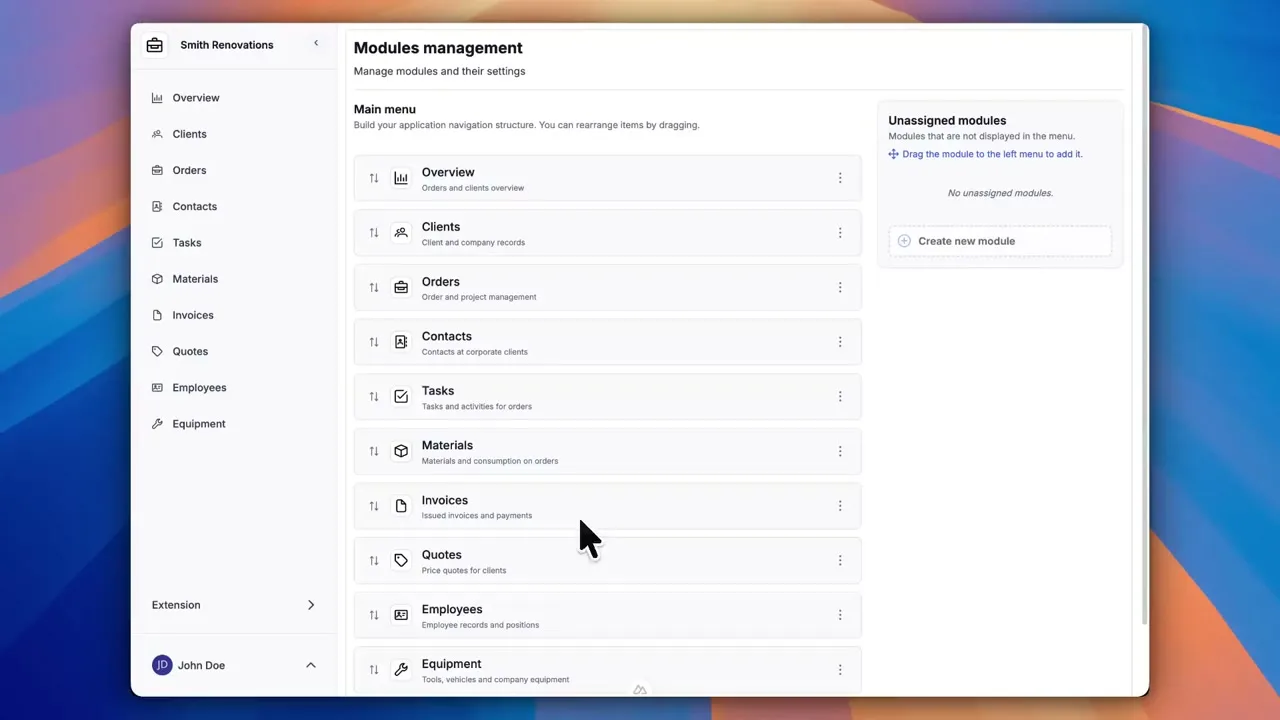
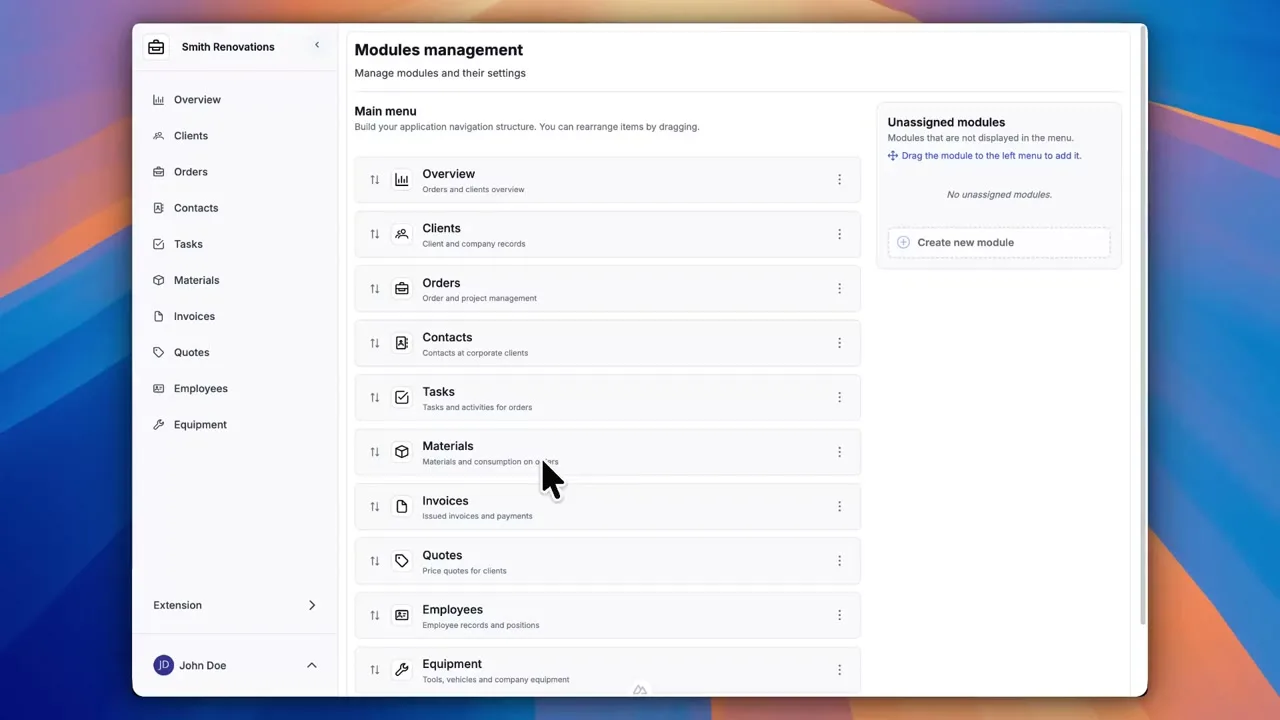
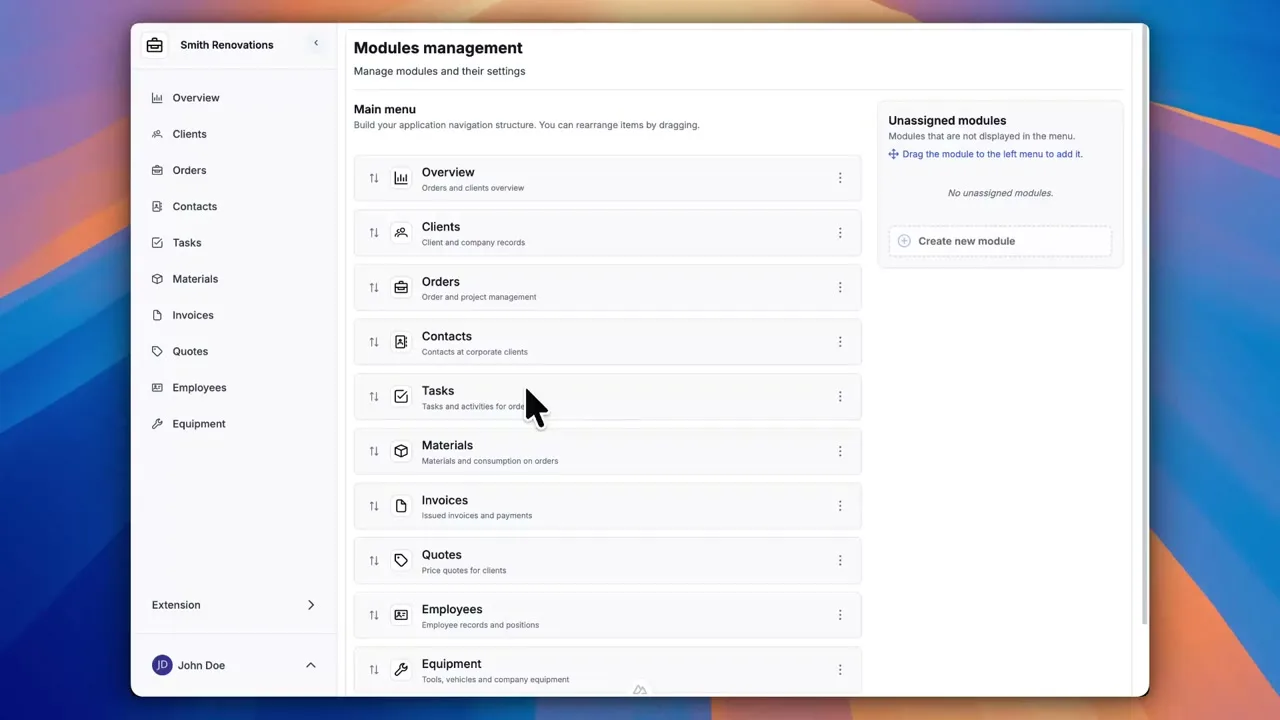
Try everything yourself
After signing up, you can create a demo project — a sample construction company with 9 modules and test data. Everything you see in the videos, you can click through and try yourself.