
Data Relations
Relations in Portiny link records across modules without writing a single line of code. Configure one-to-one, one-to-many, or many-to-many relationships directly in the module builder and create an interconnected network of business data. Orders reference customers, projects link to responsible team members, tasks connect to contacts. A change in one record is instantly reflected everywhere it is referenced — no manual copying, no data inconsistencies.
Link records across modules without code
Relations in Portiny connect records from different modules into a coherent data network. An order points to a customer, a project to its owner, a task to multiple related contacts. Instead of duplicating text across tables, you create live references that stay in sync automatically.
You configure relation fields directly in the module builder. Pick the target module, choose a cardinality type, and save. The field is ready to use immediately.
Two relation types for different needs
Module-to-module relation
Connects records between two modules. An invoice links to a client, a product to a category, an employee to a branch. You pick the cardinality — one-to-one, one-to-many, many-to-one, or many-to-many — and the UI adjusts automatically: single select or multi-select dialog.
User relation
Links a record directly to a platform user instead of another module. Perfect for fields like "Assigned to" or "Approver." This field doubles as a notification recipient in workflow automations — the referenced user gets the alert.
What data relations bring to your workflow
Consistent data
A direct reference, not a copied string. Rename a customer once and the change propagates to every linked order.
One-click navigation
Click a linked record in the table view and its full detail opens in a dialog. No page switching.
Built-in notifications
A user relation field can serve as the notification recipient in workflow rules. The right person gets the alert, every time.
Clean deletions
Delete a target record and the system removes the relation automatically. No orphaned references left behind.
Nested relations
List of Items fields can hold their own relation fields. Each line item in an order can point to a product from another module.
Spreadsheets vs. database relations
Without relations
- Customer name copy-pasted into dozens of orders
- Typos and stale data creep in over time
- Manually searching for related records in another tab
- Orphaned rows after source data gets deleted
With Portiny relations
- One customer record, referenced in every order
- Edits propagate system-wide instantly
- Click a linked record to open its detail
- Deleting a target record cleans up all references
Real-world scenarios for data relations
Orders and customers
Each order references a customer record via a many-to-one relation. Address, contact info, and purchase history live in one place and stay current across every order.
Tasks and assignees
A user relation field assigns a task to a specific person. When the task status changes, a workflow notification goes straight to that user.
Dispatch notes with product lines
A List of Items field holds a relation to the Products module. Every line item on a dispatch note links to a specific inventory item — price and availability come straight from the source.
Connect your business data
Create an account and see how module relations simplify your data management. No coding required, no waiting on IT.
Try for freeRelated Features
Try everything yourself
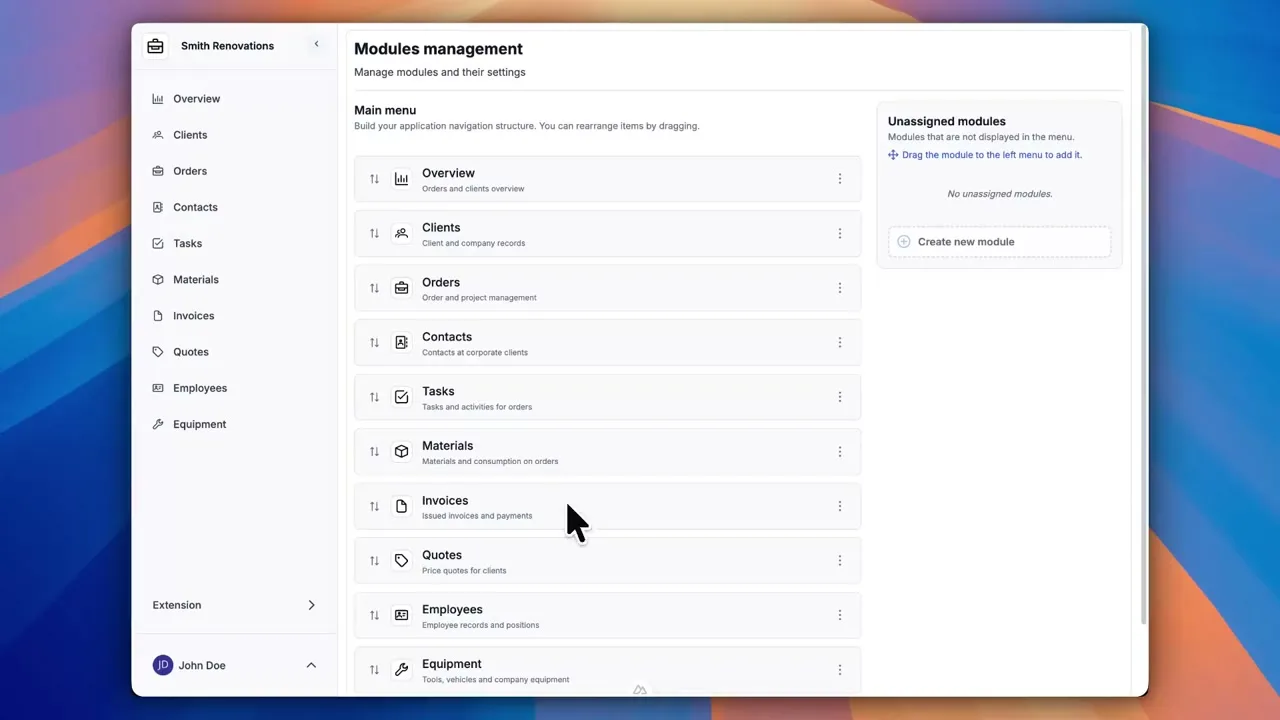
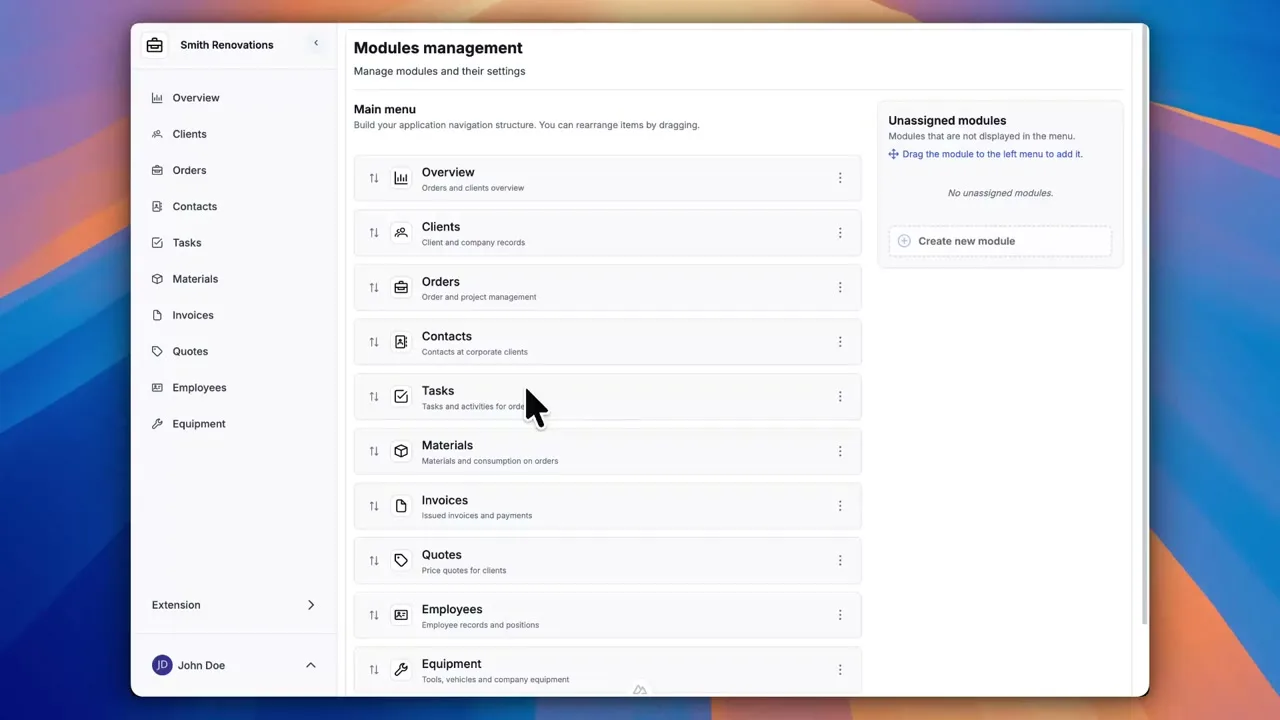
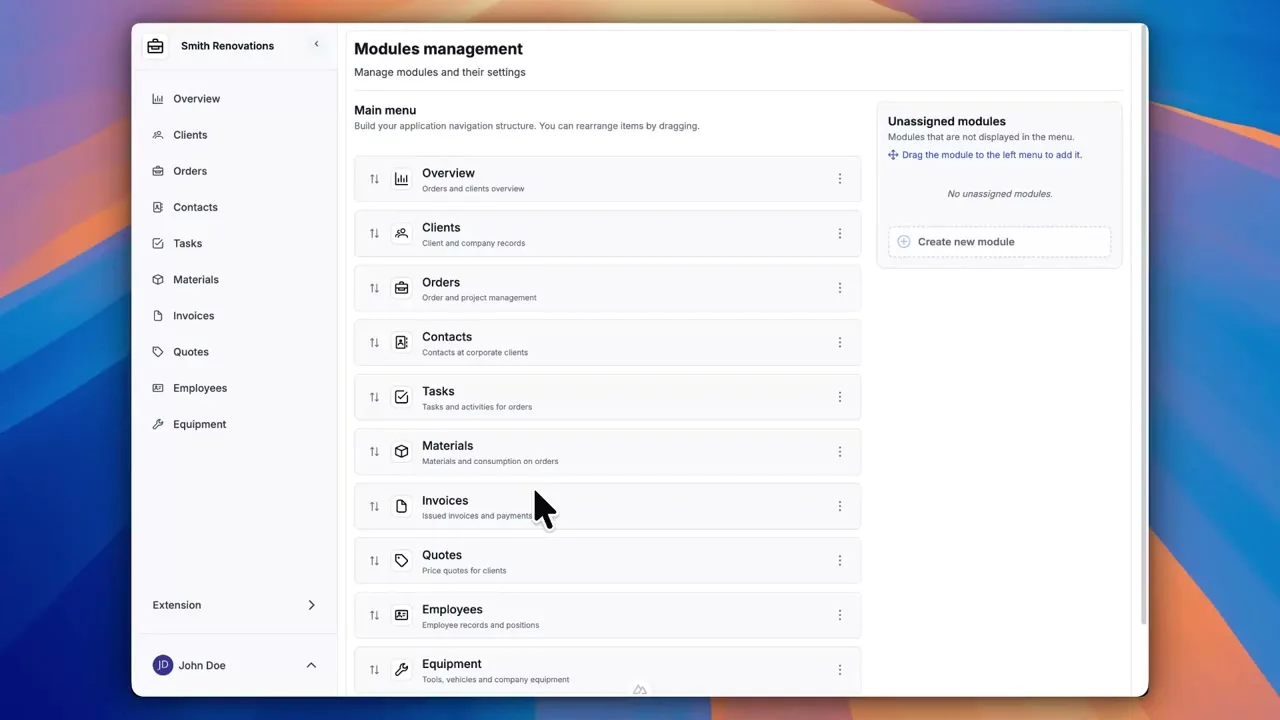
After signing up, you can create a demo project — a sample construction company with 9 modules and test data. Everything you see in the videos, you can click through and try yourself.