
Workflow Automation
Workflow automation in Portiny combines module actions and notification rules into one system. Copy records between modules, bulk-edit dozens of rows at once, or lock finalized data against overwrites. The system sends email or SMS notifications automatically when a record changes — instantly, hourly, or in a daily digest.
Automate business processes without writing code
Workflow in Portiny has two layers: module actions for hands-on data operations and notification rules for fully automatic alerts. Instead of manually copying records or sending reminder emails, you let the system handle it.
Approve an order and copy it to invoicing with mapped fields in one click. When a record changes, the right person gets an email or SMS. All configured from the table view — no developers needed.
Set up your first workflow in minutes
Open the Actions tab in the module builder
Each module has its own set of actions. Add a new one and pick the type — copy, bulk edit, lock, or composite.
Configure the details
For copy actions, map source fields to the target module. For bulk edit, define which fields change and to what value. Composite actions chain multiple steps into one sequence with guaranteed order.
Restrict access by role
Make the action available only to sales reps, admins, or any other role. Leave the list empty and everyone can use it.
Run actions from the toolbar
Select records in the table, click the action, confirm. The system executes it immediately.
Real scenarios where workflow saves hours
Order to invoice in one click
An approved order gets copied to the Invoicing module with all fields mapped — customer, amount, due date. No manual retyping.
Bulk-close 80 tickets at month end
Select all open tickets, run one action to set the status to "Closed" and add a note. Done in seconds, not an afternoon.
Instant email when a record changes
A warehouse manager adds a note to a complaint — the responsible sales rep gets an email with the details right away. No one needs to remember to notify anyone.
Scheduled data export to SFTP
A daily CSV of orders uploaded to your SFTP server automatically. Pick the view, format, and interval — the system handles the rest.
What workflow automation delivers
Notifications go out automatically — instantly, hourly, daily, weekly, or monthly.
One action freezes a record against edits. No one overwrites it until you unlock it.
Select 50 records and change a field value in one go. Saves minutes and frustration.
Send alerts only for records matching your conditions — like status "New" or priority "High".
Notifications reach exactly the person listed in the record — an email address, a user, or an entire role.
Cap the number of emails per hour. Merge multiple events into a single digest.
Composite actions: multiple steps, one click
Need to copy a record to another module, set its status, and lock it? A composite action chains all three steps into one operation with guaranteed execution order. The user clicks once, the system runs the entire sequence. You set it up in the builder in a few minutes.
Try workflow automation today
Sign up and set up your first actions and notification rules. Manual data work can be a thing of the past.
Try for freeRelated Features
Try everything yourself
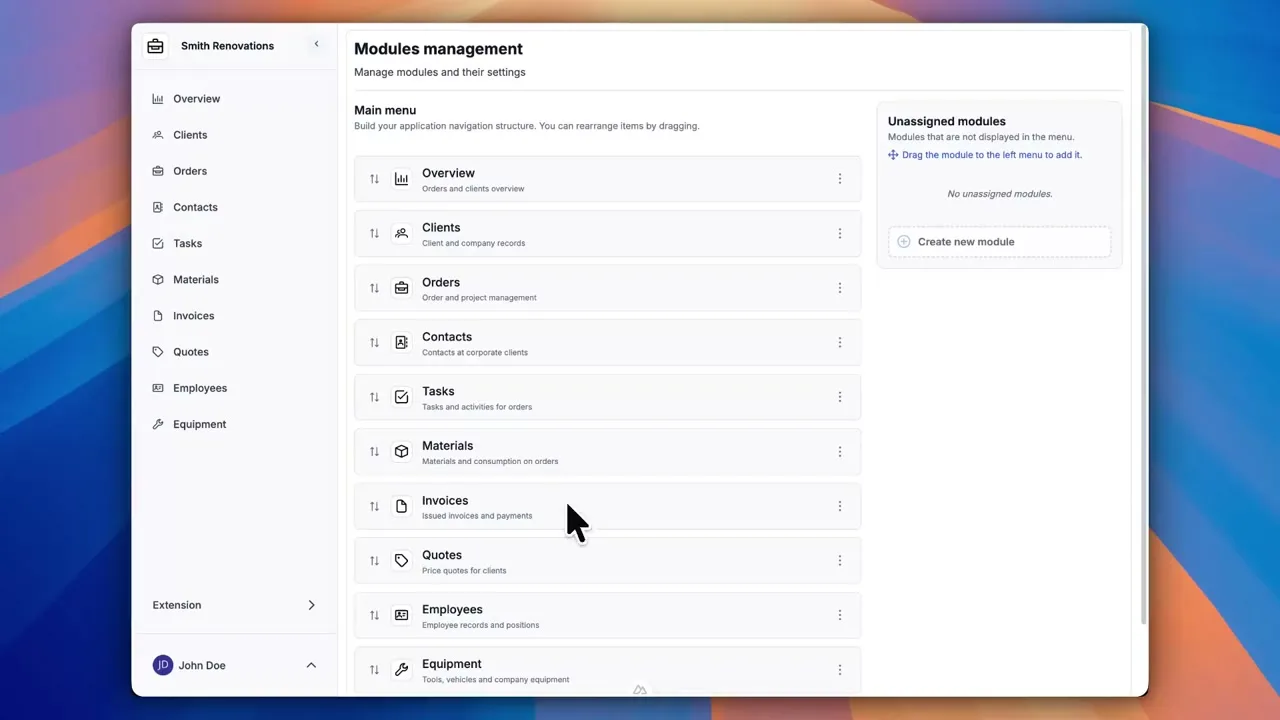
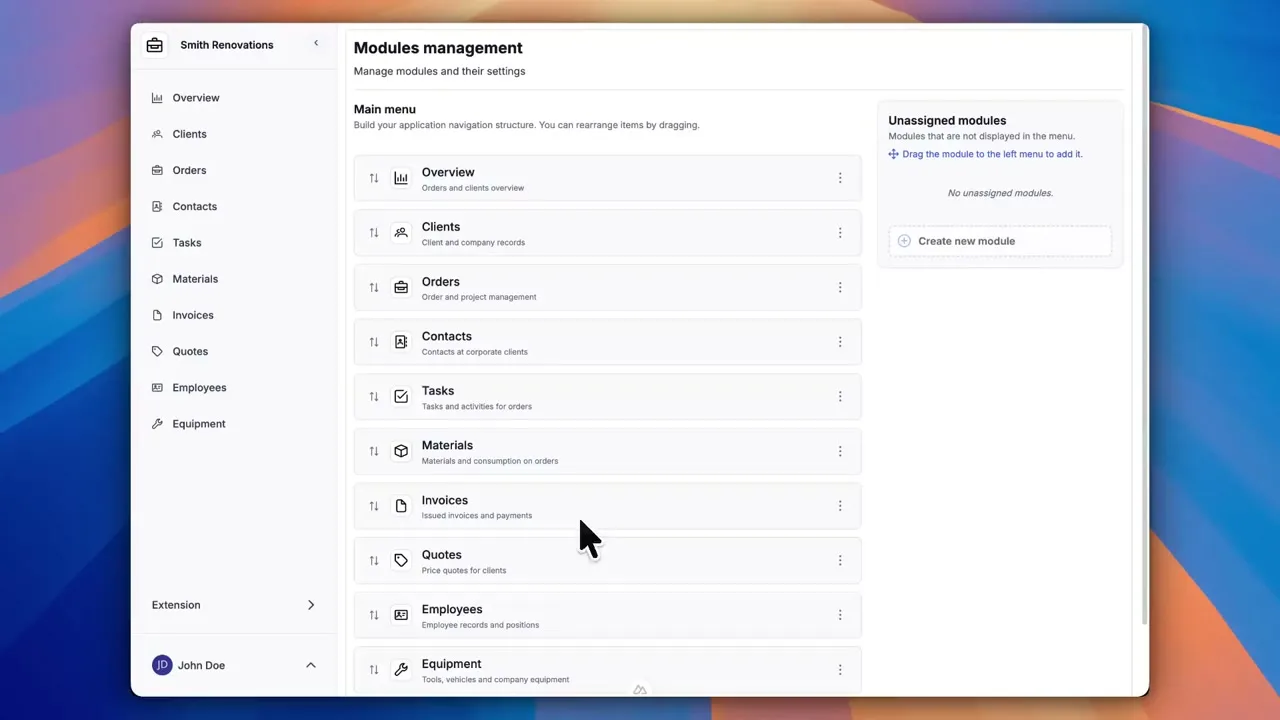
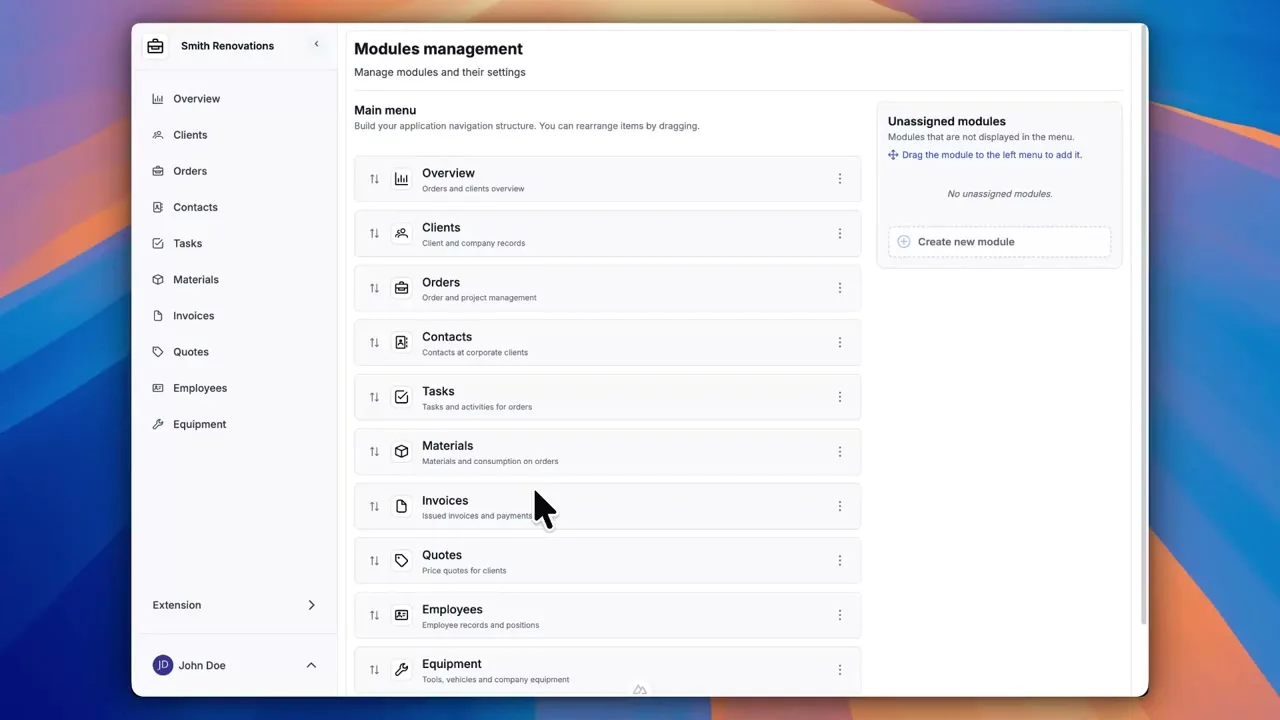
After signing up, you can create a demo project — a sample construction company with 9 modules and test data. Everything you see in the videos, you can click through and try yourself.