
Stay Informed
Automatic notifications in Portiny alert you by email or SMS whenever a record changes in a way that matters. Set up rules per module — tracked operations, FQL filter conditions, delivery frequency, and recipients. Bundling multiple changes into a single message and rate limiting keep your inbox under control.
Automatic email and SMS notifications for your data
Portiny sends an email or SMS every time your records change in a way that matters. You define the rules once per module — pick the operations to track, set a filter condition, choose a delivery schedule, and add recipients. The platform handles the rest asynchronously.
Different modules can have entirely different notification setups. Your sales team gets instant alerts on high-value deals while the warehouse receives a calm daily digest.
What notification rules can do
5 tracked operations
Create, update, delete, lock, unlock. Monitor any combination per rule.
FQL filter conditions
Only notify on orders above $5,000? Or when a status flips to "approved"? An FQL expression handles that.
5 delivery frequencies
Immediate, hourly, daily, weekly, or monthly. Urgent changes arrive instantly; routine summaries wait for morning.
4 recipient types
A specific email address, a platform user, an entire role, or a dynamic address pulled straight from a record field.
Rate limiting
Cap the maximum notifications per hour and per day. A safety net against email storms during bulk imports.
How a notification rule comes to life
Create the rule
Give it a name and description. Both are localized, so every language in your project gets its own label.
Configure triggers and filters
Check the operations you care about. Add an FQL condition like status = "approved" to narrow the scope.
Add recipients
Mix types freely: a manager as USER, the sales team as ROLE, and the customer email from a form field as FORM_INPUT.
Activate and monitor
The rule starts working. Delivery history shows every run — status, recipients, send time, and the next scheduled execution.
Two channels, one setup
Email notifications
Each rule has its own email template. Aggregation bundles multiple changes into one message — a bulk import of 200 records won't flood anyone's inbox. Built-in retry logic means the message gets through even if the mail server hiccups.
SMS alerts
For critical events that can't wait for someone to open their email. Think high-value orders or deleted records that need immediate attention. The SMS channel has its own priority setting and retries three times with a 60-second gap by default.
Why use Portiny notifications
Your team learns about changes automatically. No more scanning spreadsheets for updates.
Customer email stored in a record? The notification goes straight to them without anyone typing an address.
Multiple changes within a configurable time window arrive as one message. Measured in minutes.
Pause a rule during maintenance. Reactivate it with one click when you're ready.
The FQL filter only lets through records matching your criteria. Everything else is silently ignored.
Every rule run is logged — who received the message, when, and whether it succeeded.
Set up your first notification rule
Sign up and configure a notification rule in minutes. Email, SMS — whenever the data that matters changes.
Try for freeRelated Features
Try everything yourself
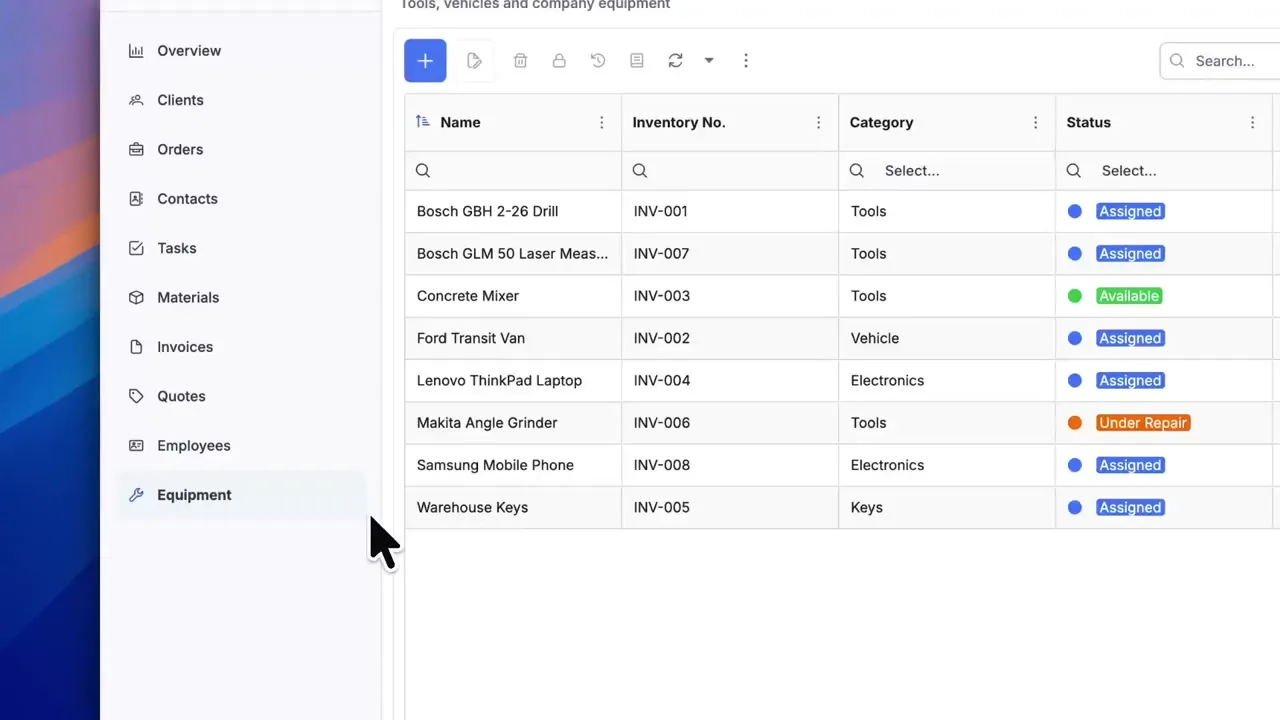
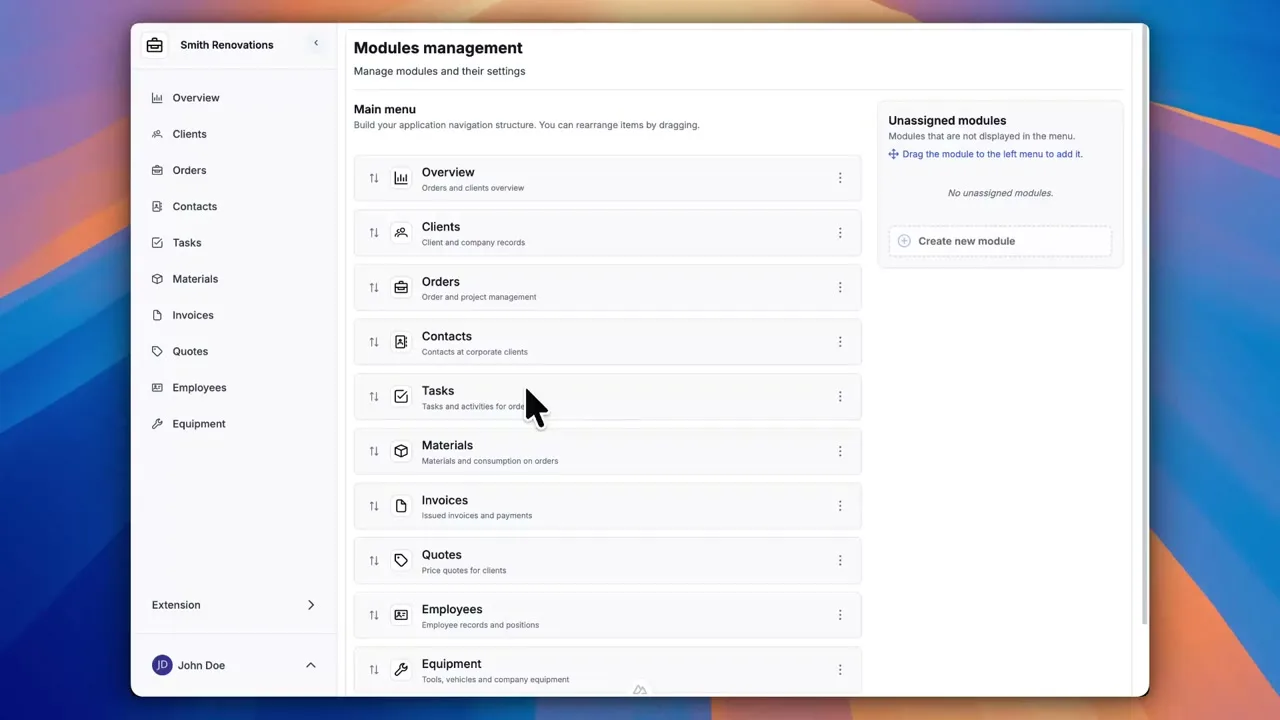
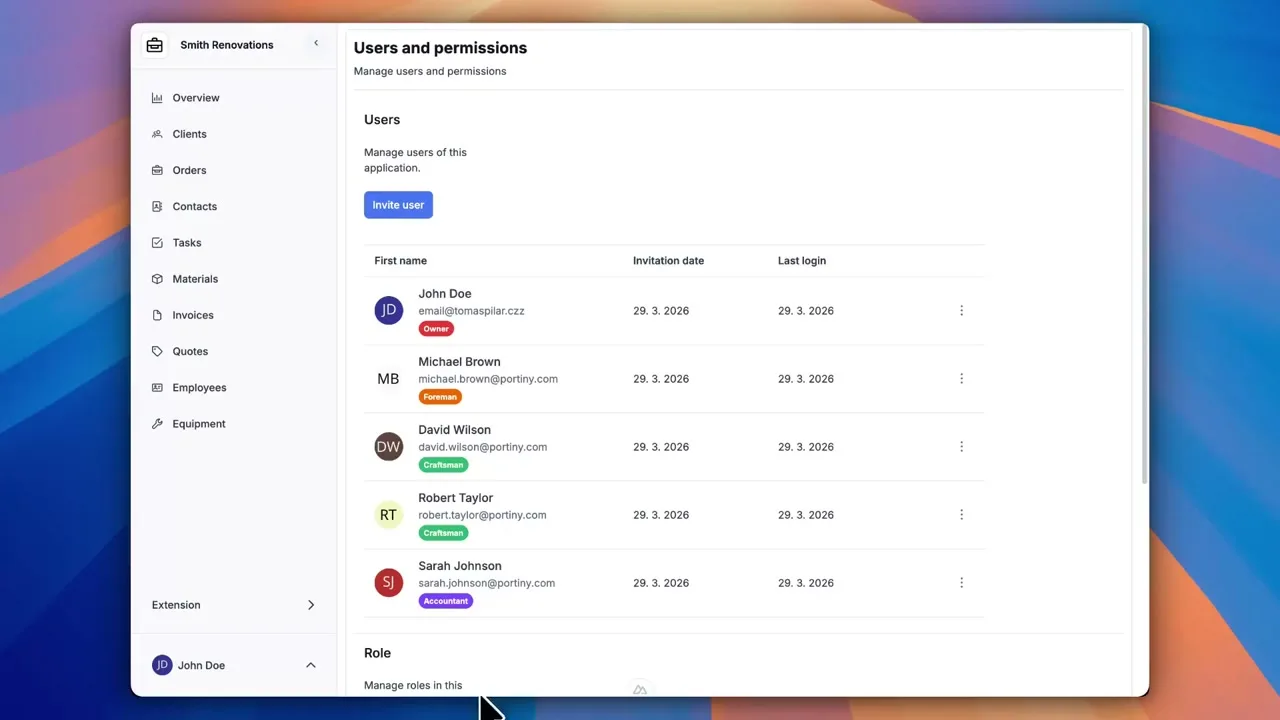
After signing up, you can create a demo project — a sample construction company with 9 modules and test data. Everything you see in the videos, you can click through and try yourself.