
Custom Roles & Permissions
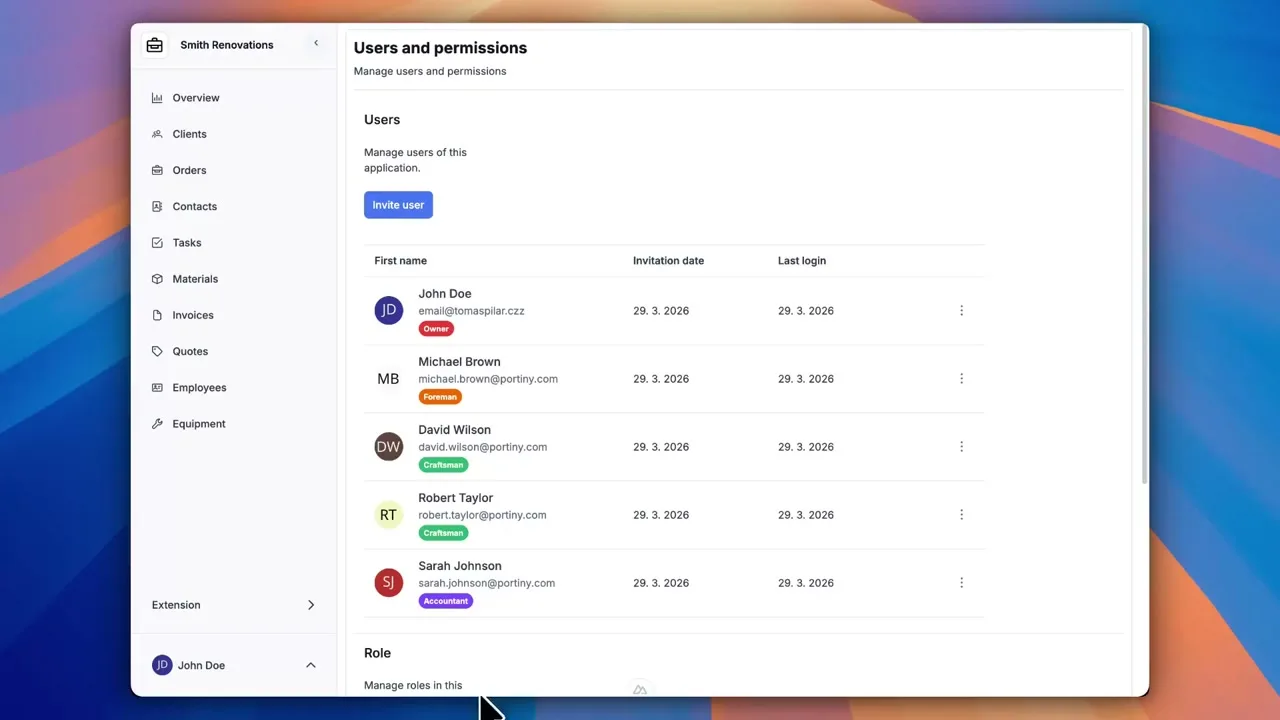
Portiny offers custom roles and permissions with field-level granularity. Create any number of color-coded roles, configure 13 permission attributes including explicit DENY rules, and control access to every module, tab, or form field individually. Changes take effect instantly for all assigned users.
Fine-grained access control without code
Every module in Portiny has its own permission set — who can view, who can edit, who can delete. Custom roles and permissions let you define these rules directly in the admin panel using a matrix of 13 attributes, from basic ones like VIEW and ADD to explicit DENY rules that override everything else.
The real differentiator? Granularity down to individual form fields and record tabs. Salaries, margins, internal notes — all hidden from roles that shouldn't see them, even if those roles have broad access elsewhere.
What the permission matrix covers
Application-level permissions
Set baseline rules for the entire app in one click — view, import, export, and task assignment included.
Per-module control
One role can have full access in Orders and read-only in Invoices. Each module is governed independently.
Field-level protection
Hide or lock specific form fields and entire record tabs for a given role. Sensitive data stays invisible even in the record detail.
Explicit DENY rules
Three DENY attributes — DENY_VIEW, DENY_EDIT, DENY_DELETE — act as overrides. They block access regardless of other permissions granted.
Color-coded roles
Each role gets a color theme and localized name in 28 languages. You spot who belongs where instantly in the user list.
Set up a role in minutes
Go to Access > Roles
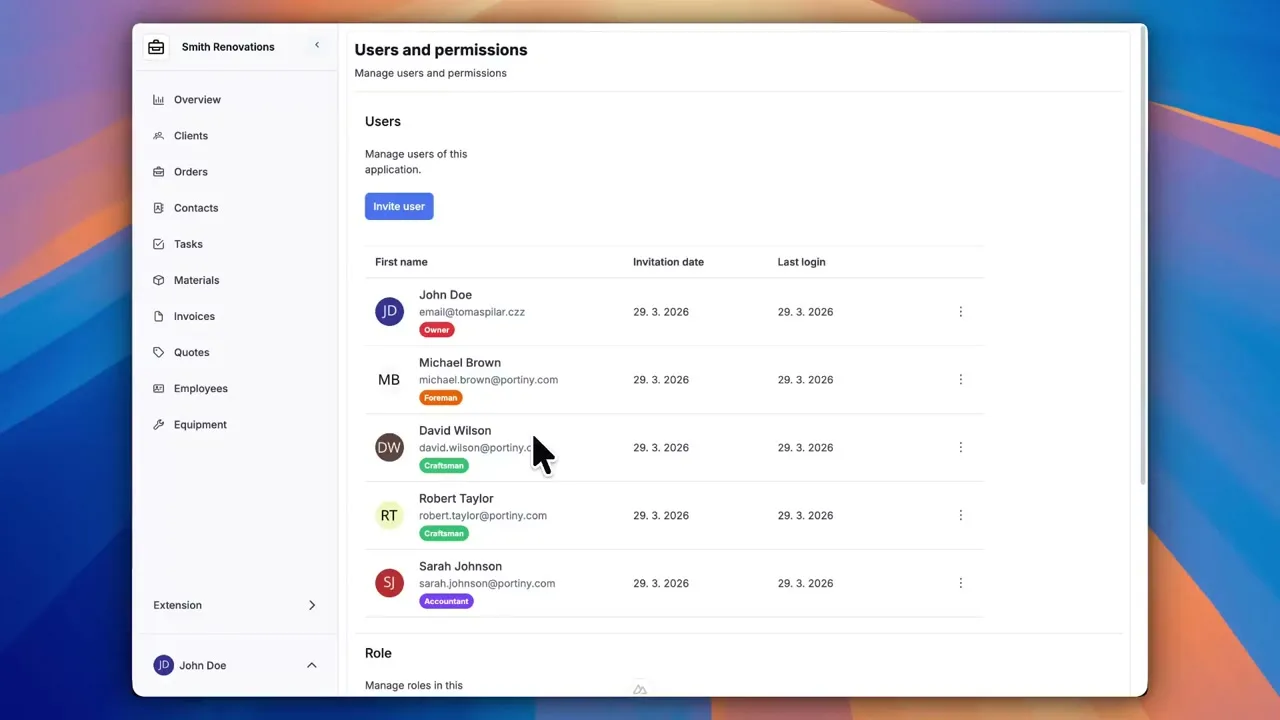
The roles overview shows all existing roles including the system OWNER role, which always has full access and cannot be modified.
Name the role and pick a color
Enter a localized name for each interface language and choose a color theme. The color follows the role everywhere it appears.
Check permissions in the matrix
The matrix offers 13 attributes — ADD, EDIT, DELETE, VIEW, IMPORT, EXPORT, and more. Configure them at the app level or per individual module.
Refine field and tab access
Optionally restrict visibility or editing of specific form fields. A "Margin" field can be hidden for sales reps while the rest of the record stays accessible.
Assign the role to users
A single user can hold multiple roles. Permission changes take effect immediately — no logout required.
Data access without roles vs. RBAC in Portiny
Without roles
- Everyone sees everything — salaries, margins, and all
- No way to prevent record deletion
- Access managed through emails or spreadsheets
- No exception mechanism for edge cases
With Portiny
- Sensitive fields hidden at the form level
- DENY rules prevent deletion even for broad roles
- 13 permission attributes for precise control
- Changes apply instantly — no restart or logout needed
Field-level granularity most platforms lack
Most no-code platforms stop at module-level or app-level permissions. Portiny goes further — you can hide or lock individual form fields and record tabs per role. An HR manager sees everything they need, but the supervisor evaluation field stays visible only to leadership. Every access request is evaluated in real time on the backend.
Build permissions that fit your organization
See how easily you can create custom roles with granular permissions — from app-wide rules down to individual form fields.
Try for freeRelated Features
Try everything yourself
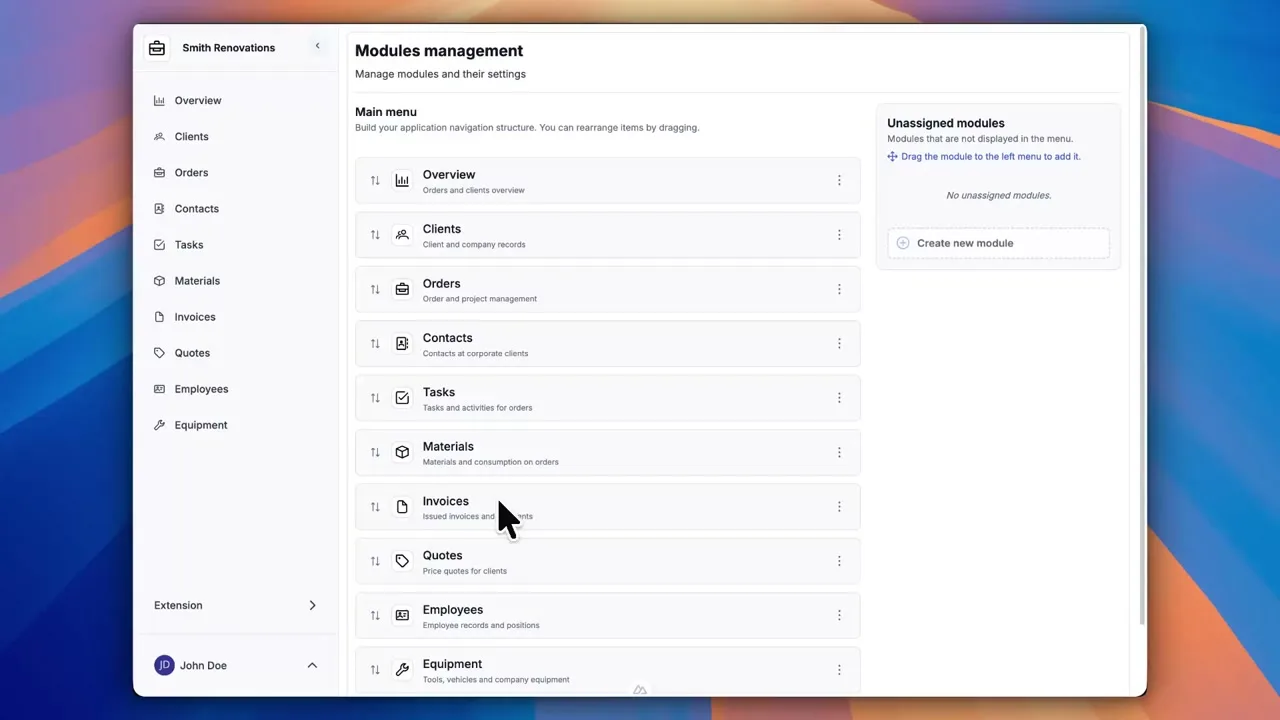
After signing up, you can create a demo project — a sample construction company with 9 modules and test data. Everything you see in the videos, you can click through and try yourself.