
Collaboration
Portiny combines task management, record-level notes, and module sharing in one platform. Assign tasks to specific users or entire roles, track seven lifecycle states, and attach notes directly to your data records. A shared module displays the same data across multiple apps without duplication.
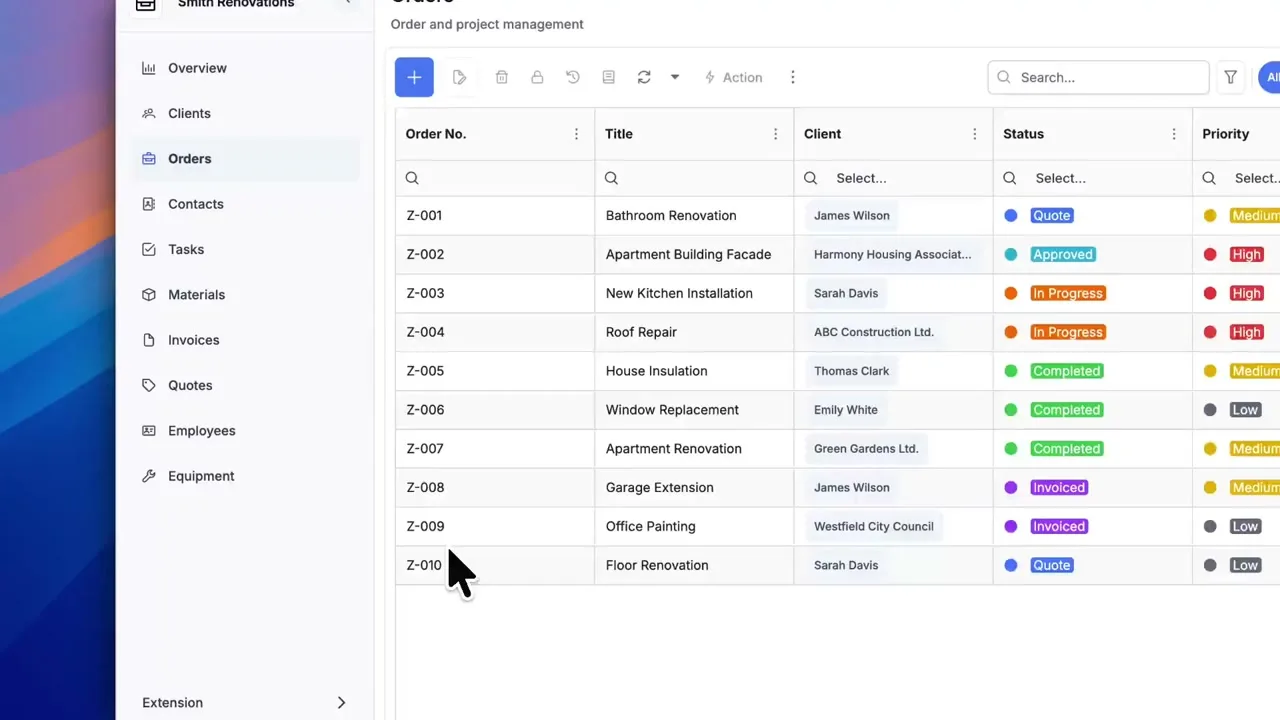
Tasks, notes, and shared data in one place
Collaboration in Portiny runs on three layers: a built-in task management system for your team, notes attached directly to individual data records, and the ability to share entire modules across workspaces within the same project. No more bouncing between a project tool and a database.
Each task carries seven lifecycle states, five priority levels, and can be assigned to a specific person or an entire role. The sales team gets a task as a group — you don't have to pick names one by one.
Team collaboration without extra tools
Without Portiny
- Tasks live in one app, data in another, context in neither
- Record-level notes buried in email threads or chat
- Shared spreadsheets with inconsistent, duplicated data
- Scheduling future tasks requires a separate calendar
With Portiny
- Tasks, notes, and data in the same application
- Notes tied to a record — visible to everyone with access
- One shared module, multiple apps — no data duplication
- Sleeping tasks activate themselves on a set date
Three collaboration layers, one platform
App-level tasks and notes
Three item types — task, note, reminder. Assign each to a user or role, set the priority and due date. Comments and attachments live inside the item.
Record-level notes
A manual comment pinned to a specific row in a module. Stamped with author and time, with an optional flag to surface it in the audit timeline.
Module sharing
Display a module from one app inside another — within the same project. Configure read and write permissions separately. A product catalog shared by headquarters and branch offices stays in sync.
Why manage tasks where your data lives
A note tells you what happened with a record. No digging through email.
Give the "Sales" role a task — everyone in it sees the assignment. No manual selection.
Set a start date and the task moves to active automatically. It won't clutter your current view.
Show a central codebook in multiple apps. A change in one place shows up everywhere.
Break a complex task into checkable items and track progress step by step.
Record-level notes ship alongside other fields in CSV, Excel, or PDF exports.
See team collaboration in action
Create a project, invite your colleagues, and try task management right where you work with data. Sign-up takes minutes.
Try for freeRelated Features
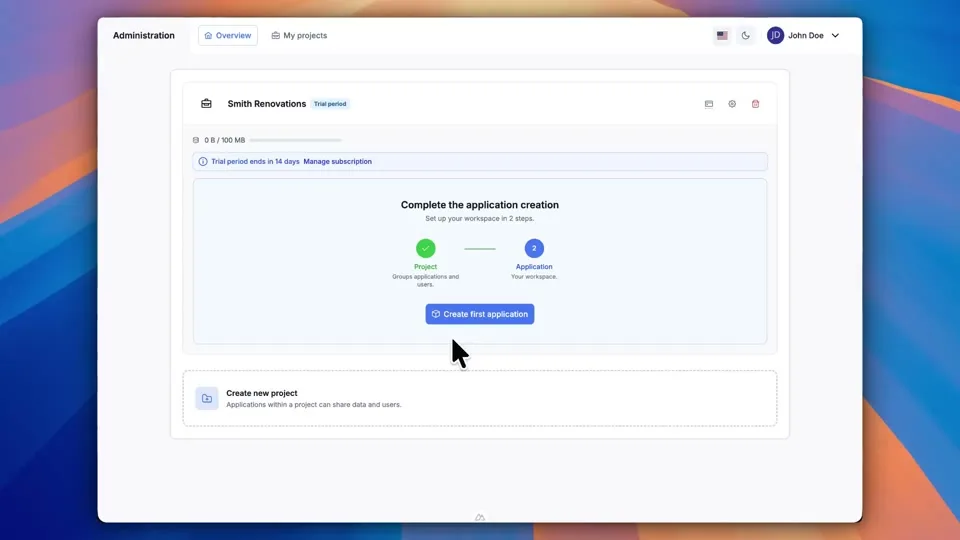
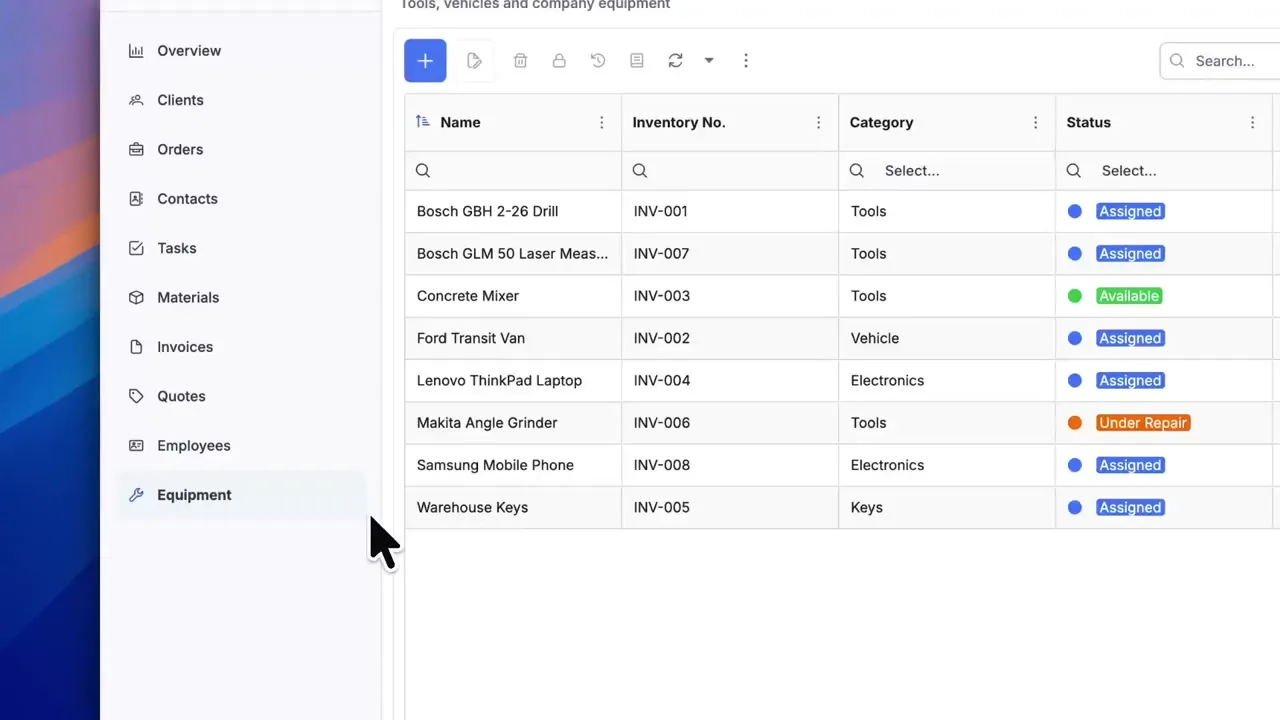
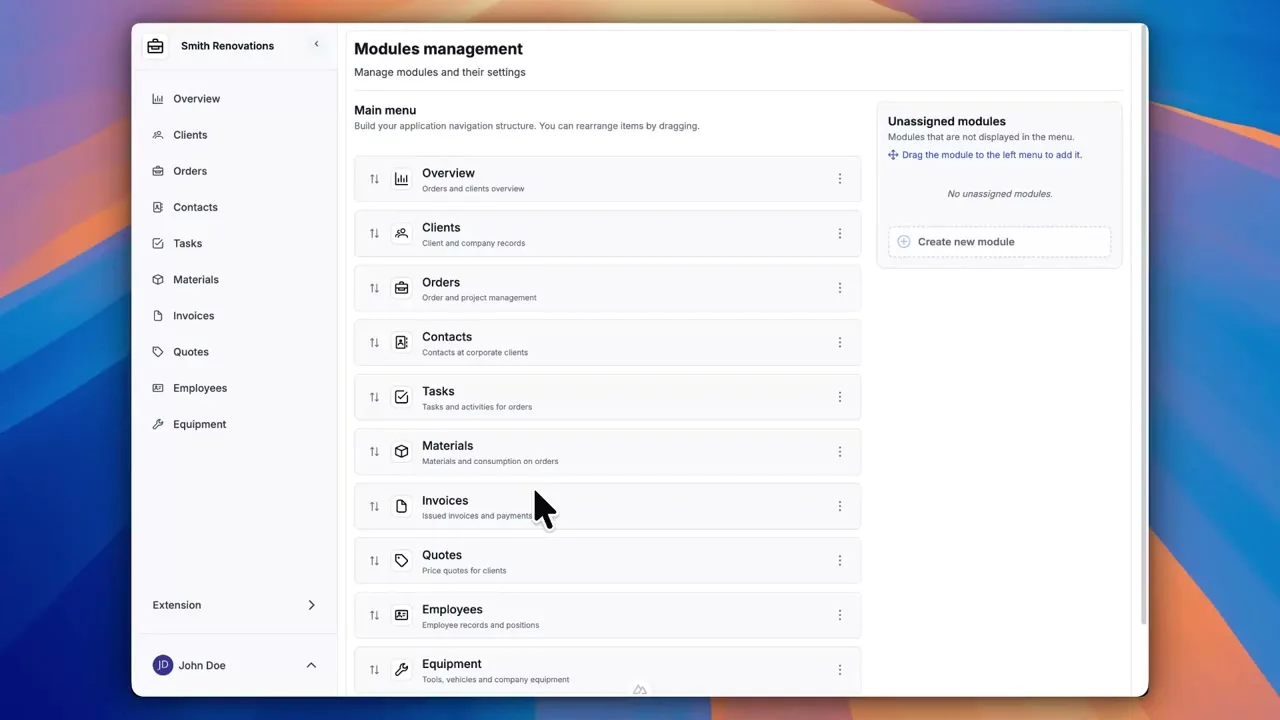
Try everything yourself
After signing up, you can create a demo project — a sample construction company with 9 modules and test data. Everything you see in the videos, you can click through and try yourself.