
PDF Generator
Portiny includes a visual PDF template editor with a canvas for pixel-perfect output layout. Design contracts, invoices, labels, or data cards directly from records without external software. 6 block types, bulk printing, and A3-to-Legal paper formats — all without coding.
Generate PDF documents from your data
Portiny's visual PDF template editor lets you design the exact layout of your output on a drag-and-drop canvas. Drop in text blocks with field variables, add tables, images, lines, or rectangles — and generate a ready-to-download PDF straight from any record.
No Word. No manual formatting. The PDF always pulls live data from the record, so what you send is never outdated.
From blank canvas to finished document
Create a template
Open the PDF Templates tab in your module builder, name the template, and pick a paper format — A3, A4, A5, Letter, or Legal in portrait or landscape.
Design the layout
Drag blocks onto the canvas — text, table, image, line, rectangle, or list of items. Snap to grid, align edges, reorder layers. Text blocks accept {field_key} variables that resolve to record data at generation time.
Share or keep private
Mark the template as shared so every module user can print with it. Or keep it private — visible only to you.
Generate and download
Select a record in the table, hit print, choose a template. The server renders the PDF with current data and returns a file ready to download or send.
Real-world PDF use cases
Work orders and labels
Set up bulk printing via a list-of-items field — one action produces a label for every part in the order. Each label carries the barcode, material spec, and delivery date pulled straight from the record.
Contracts and invoices
Build a template with your company logo, address, and dynamic fields for amount, date, and signature. Pick a client record, click print — done. The data is always current.
Delivery notes
A table block inside the template lists every item in a shipment. The driver gets a PDF with the address, package count, and recipient contact generated directly from the system.
Bulk print saves hours
When a module includes a list-of-items field, the template iterates over every sub-record and outputs a separate page for each one. Instead of dozens of manual clicks, you trigger a single action — and a complete set of labels or work orders lands in your PDF.
Design your first PDF template
The visual PDF editor in Portiny takes minutes to learn. Try building templates for invoices, labels, or data cards with your own data.
Try for freeRelated Features
Try everything yourself
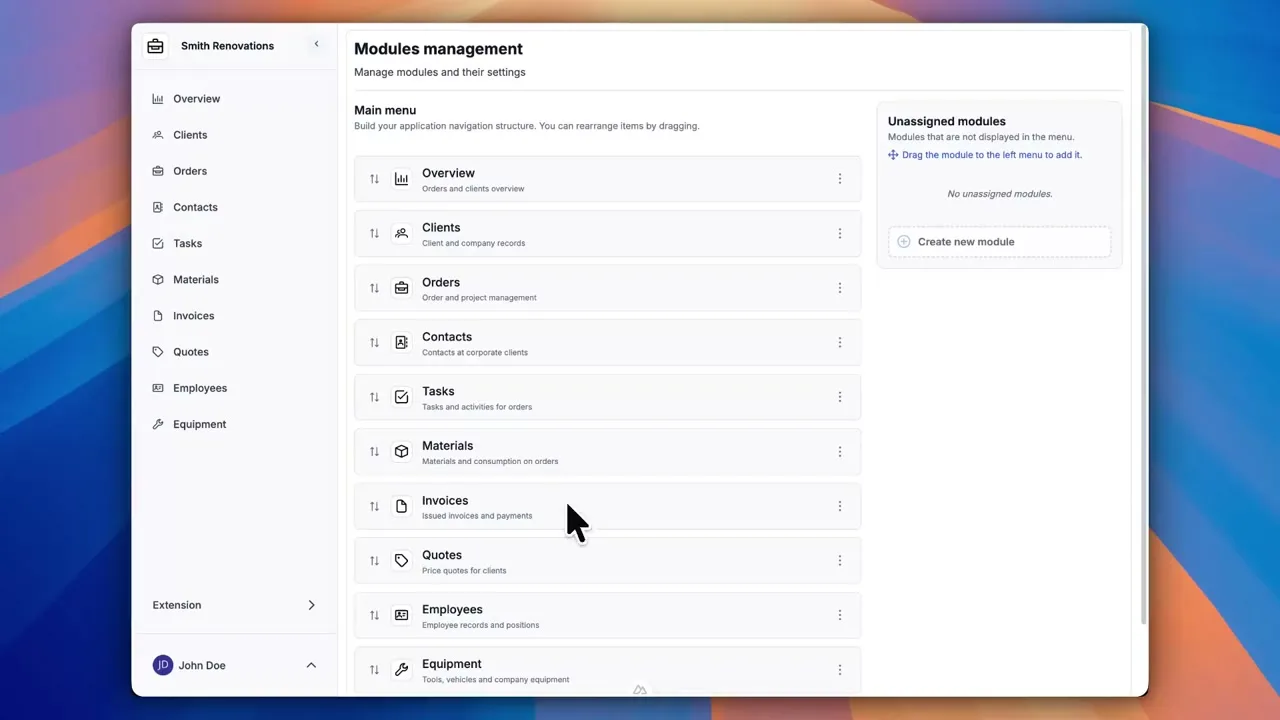
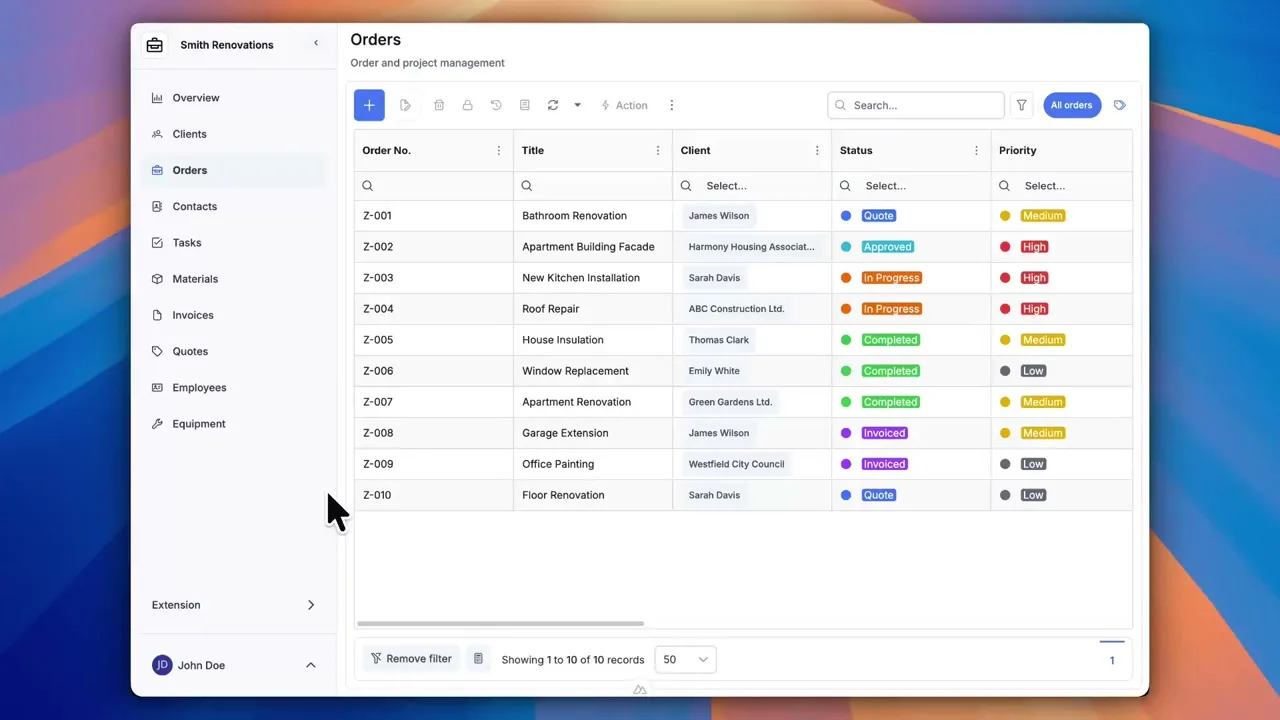
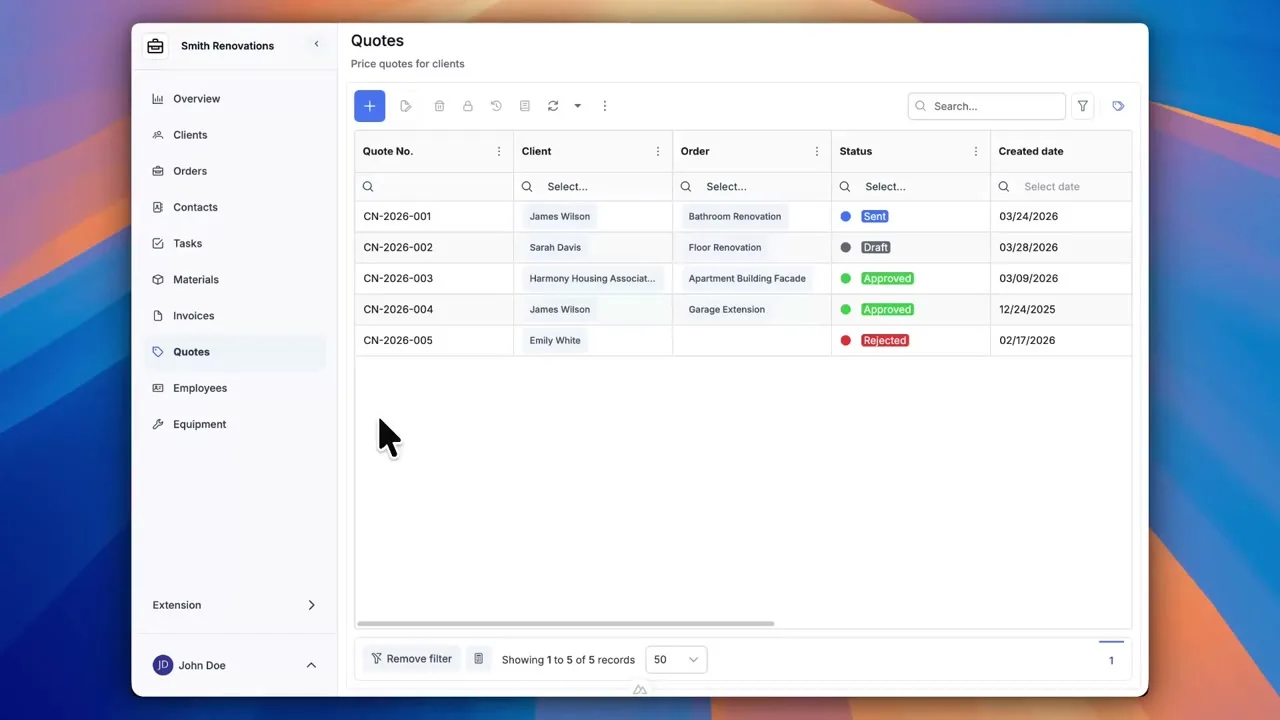
After signing up, you can create a demo project — a sample construction company with 9 modules and test data. Everything you see in the videos, you can click through and try yourself.