
Data Export
Portiny offers both manual and automatic data export from tables to Excel, PDF, and CSV. Manual export downloads a file straight to the browser based on current filters and views. Automatic export reacts to data changes, generates files in the background, and uploads them to an SFTP server with debounce protection against unnecessary transfers.
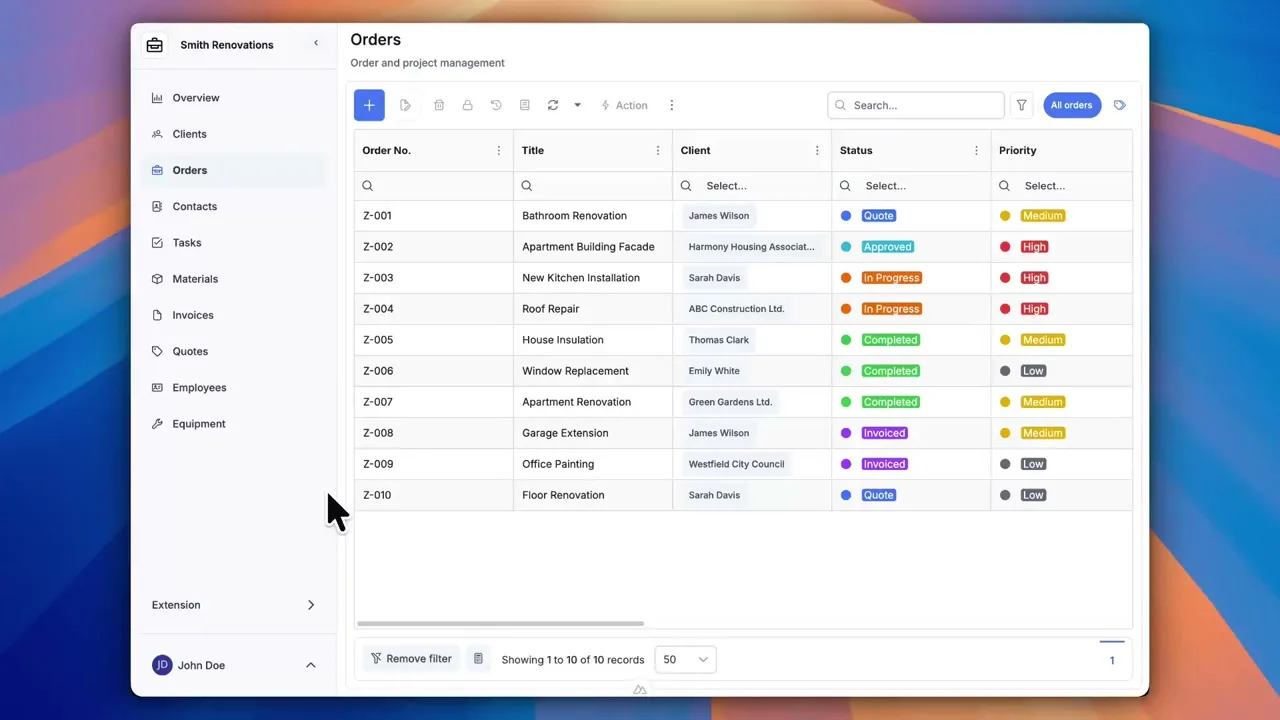
Data export to Excel, PDF, and CSV
Getting data out of Portiny takes two forms. Manual export lets you pick records, choose a format, and download the file straight to your browser. Automatic export watches for data changes and pushes updated files to an SFTP server on its own.
Both methods honor the active view — filters, column selection, sort order. Even conditional cell styles carry over into Excel and PDF files, so recipients see exactly what you see in the app.
Supported formats and options
Each format serves a purpose. Excel for further number crunching, PDF for print and archival, CSV for feeding external systems.
Manual export in three steps
Filter and select
Apply filters or tick specific rows. The export works with whatever you currently see in the table.
Pick a format
Excel for spreadsheet work, PDF for sharing with partners, CSV for piping into accounting or ERP systems.
Download the file
The server generates the file and your browser downloads it automatically. No waiting for emails, no third-party tools.
Manual vs. automatic export
Without automation
- Someone has to manually download and forward the file every day
- Bulk edits trigger dozens of redundant exports
- Transfer failures go unnoticed until someone complains
- Downstream systems work with stale data
With Portiny auto-export
- Files land on SFTP automatically after every change
- Debounce waits for the batch to finish, then sends once
- Status and error messages visible right in the admin panel
- One file pushed to multiple SFTP servers at once
Why use Portiny for data export
Conditional formatting on cells carries over to Excel and PDF. Recipients see the same visual layout you see in the app.
Verify the connection with one click. No need to wait for the first scheduled run to find out the password is wrong.
Files upload as temporary, then rename on completion. Downstream systems never read an incomplete file.
Tick the records you need and export just those. Perfect for ad-hoc reports or partial data pulls.
Send the same file to several servers at once — accounting and headquarters in a single rule.
Each rule shows whether it succeeded, is pending, or failed — along with the reason.
Export your data without writing code
Manual export to Excel takes a few clicks. Automatic SFTP delivery is a one-time setup — the system handles the rest.
Try for freeRelated Features
Try everything yourself
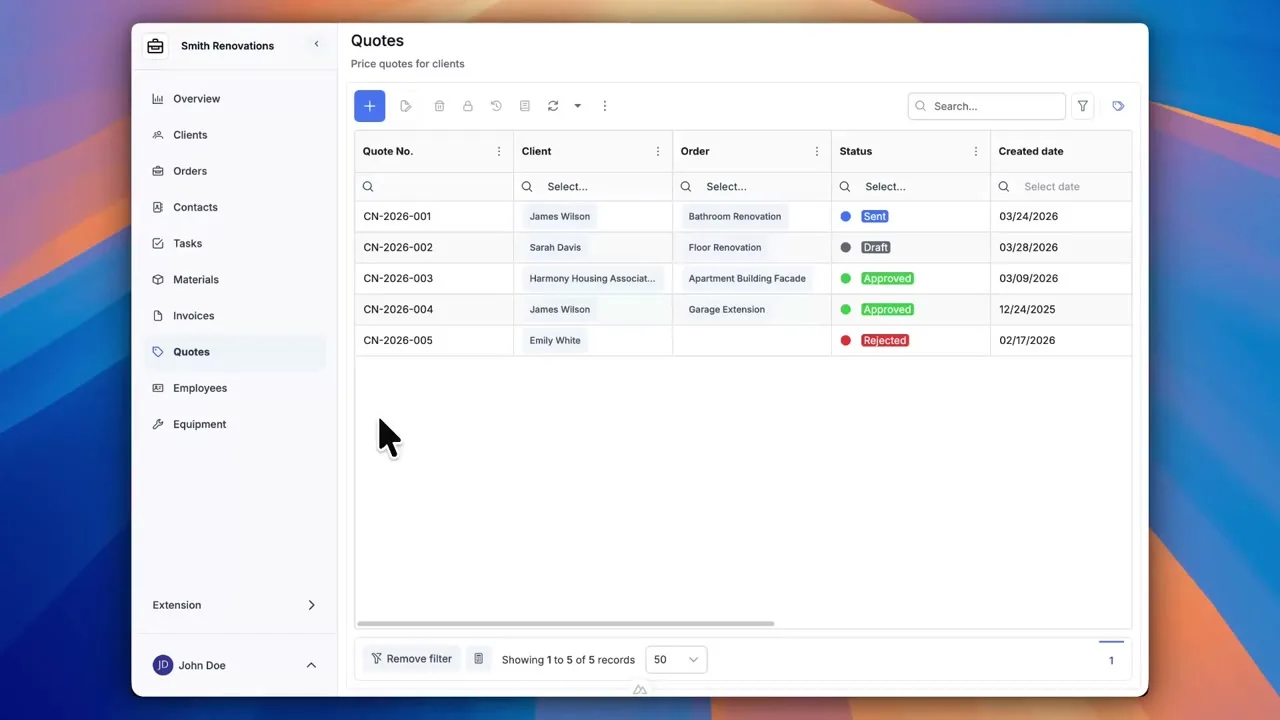
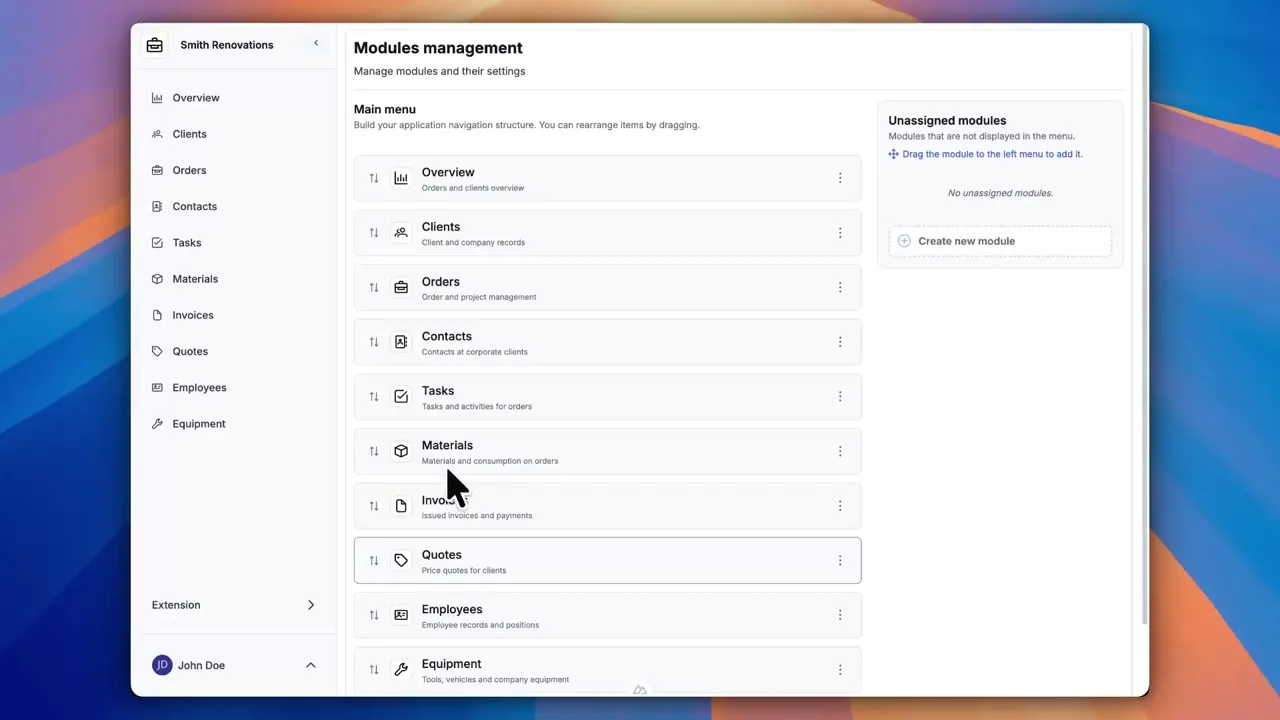
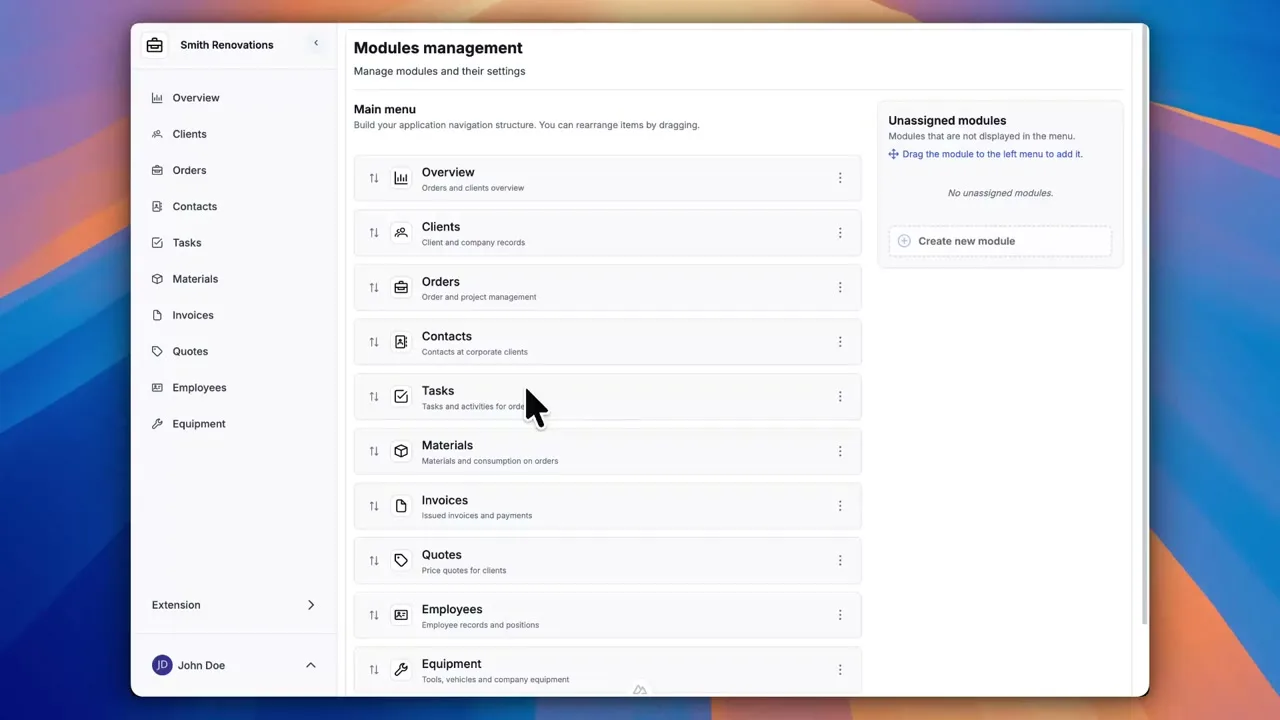
After signing up, you can create a demo project — a sample construction company with 9 modules and test data. Everything you see in the videos, you can click through and try yourself.