
Smart Tables
Smart tables in Portiny save filters, sorting, column visibility, and widths into named views. Share views with the entire team or specific roles and set a default view for each module. Views also serve as the data source for automated FTP/SFTP exports.
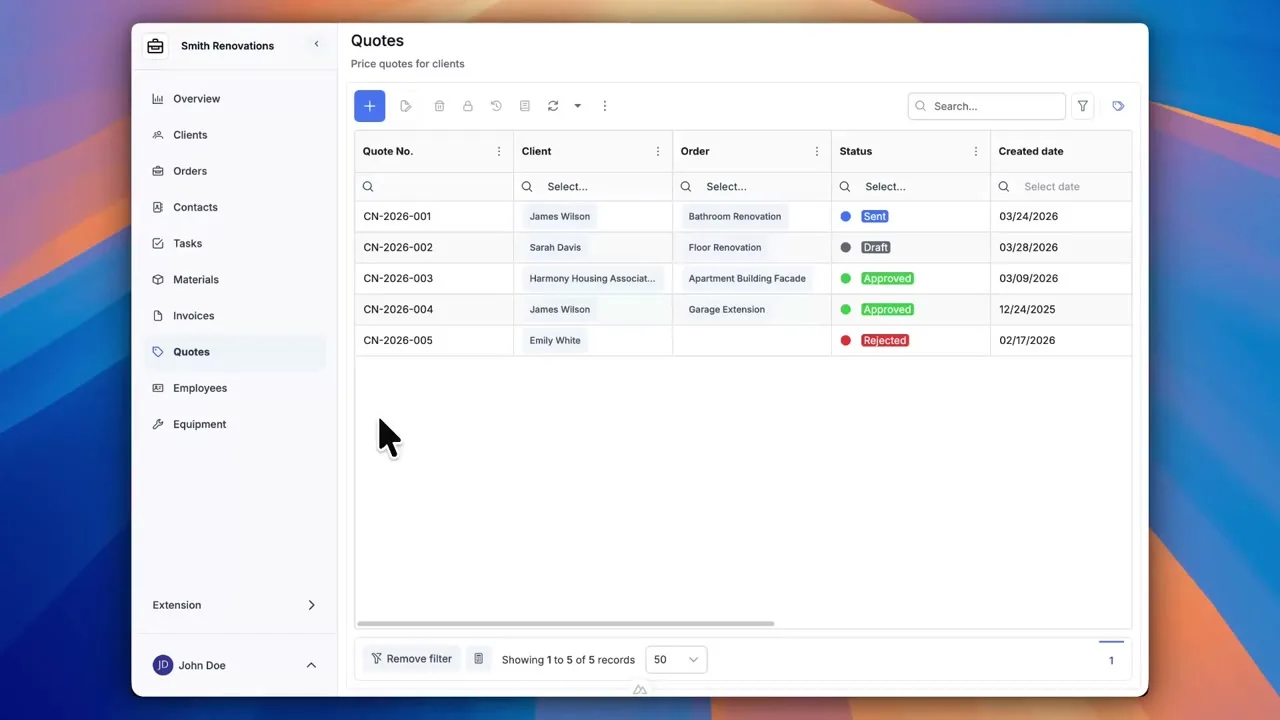
Named views that remember your table setup
Every module in Portiny displays data in a table you can customize — filters, sorting, column widths, column order. The problem? Leave the page and everything resets. Smart tables fix that. Save the current table state as a named view and jump back to it anytime with one click.
Share views with your team, assign them to specific roles, or mark one as the default for an entire module. When someone opens a module, they see the right data immediately — no setup required.
What each view stores
FQL filters and full-text search
Each view persists an advanced FQL filter and a search string. They combine with an AND logic, so you get exactly the records you need.
Column layout
Visibility, width, position, and pinned state — all saved. Your table looks exactly the way you left it last time.
Multi-level sorting
Sort by multiple columns at once. Order status first, then creation date — whatever your workflow demands.
Team sharing
Share a view with the whole app or limit it to selected roles. Colleagues see shared views in the view switcher.
Default module view
Mark a view as default and it loads automatically every time someone opens the module. Zero manual steps.
FQL filter operators
Views use Portiny's internal query language called FQL. The supported operators cover most filtering scenarios — from simple text matching to range comparisons.
Real-world use cases
Open deals this month
A sales rep creates a view filtered to "open" status and the current month. Set it as default and every login shows exactly the deals in progress — no clicks wasted.
Stock below minimum
The warehouse manager shares a view filtered to items below the minimum stock level. The entire logistics team sees the same data and reacts before it is too late.
Daily SFTP report
A view defines which rows and columns get exported. Set up an automated export and the view's data lands on your FTP/SFTP server every day — hands-free.
Why your team will love saved views
Configure the table once, save it as a view. Next time, one click brings it back.
Build your own views and also access the ones shared by colleagues. Both coexist side by side.
Managers see summaries, operators see details. Each role gets access only to the views that matter.
A view controls what gets exported to FTP/SFTP. The filter and column selection carry over into the exported file.
Set a default view and everyone sees the right data the moment they open the module.
Stop re-building your filters every time
Create an account and try smart tables with saved views. Your team gets exactly the data it needs — without the repetitive clicking.
Try for freeRelated Features
Try everything yourself
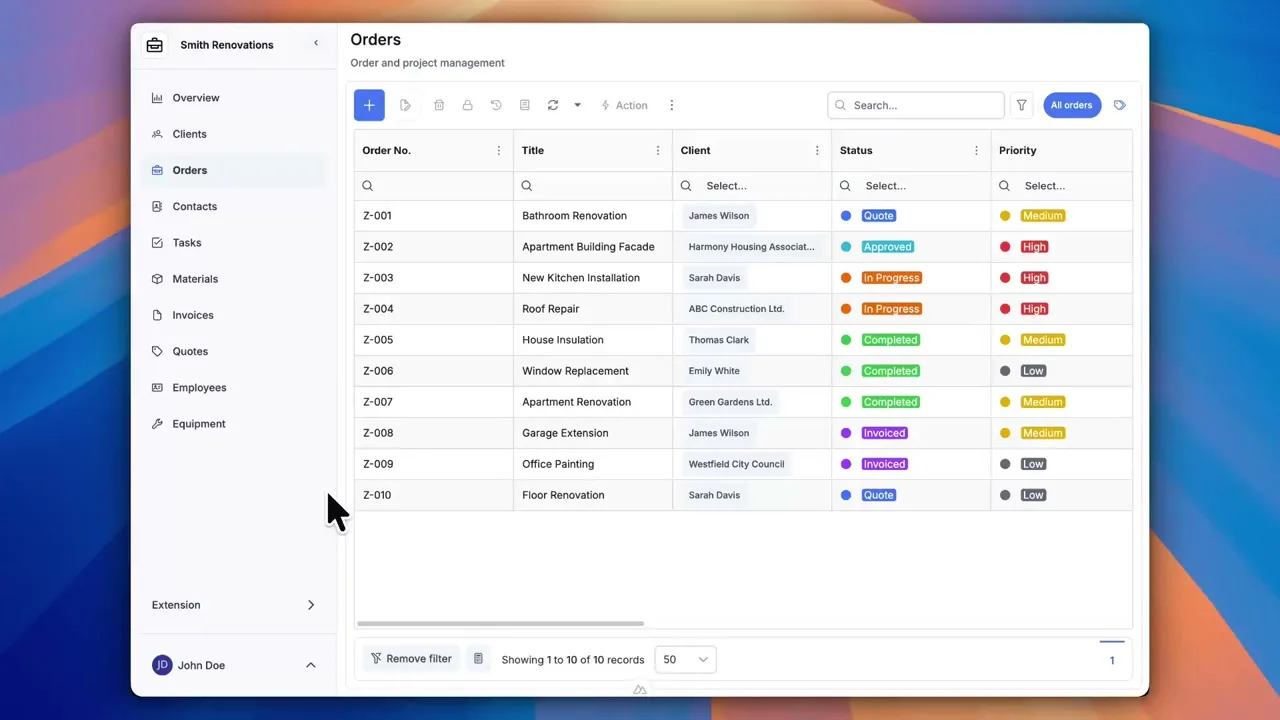
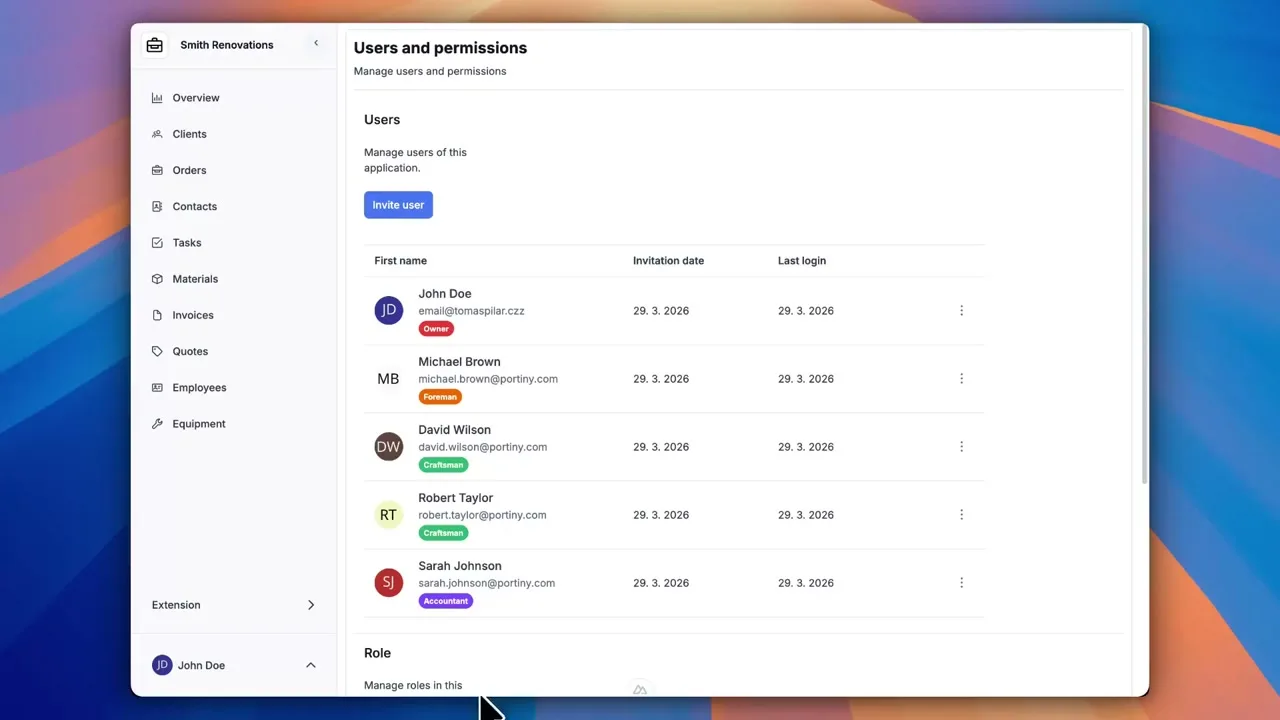
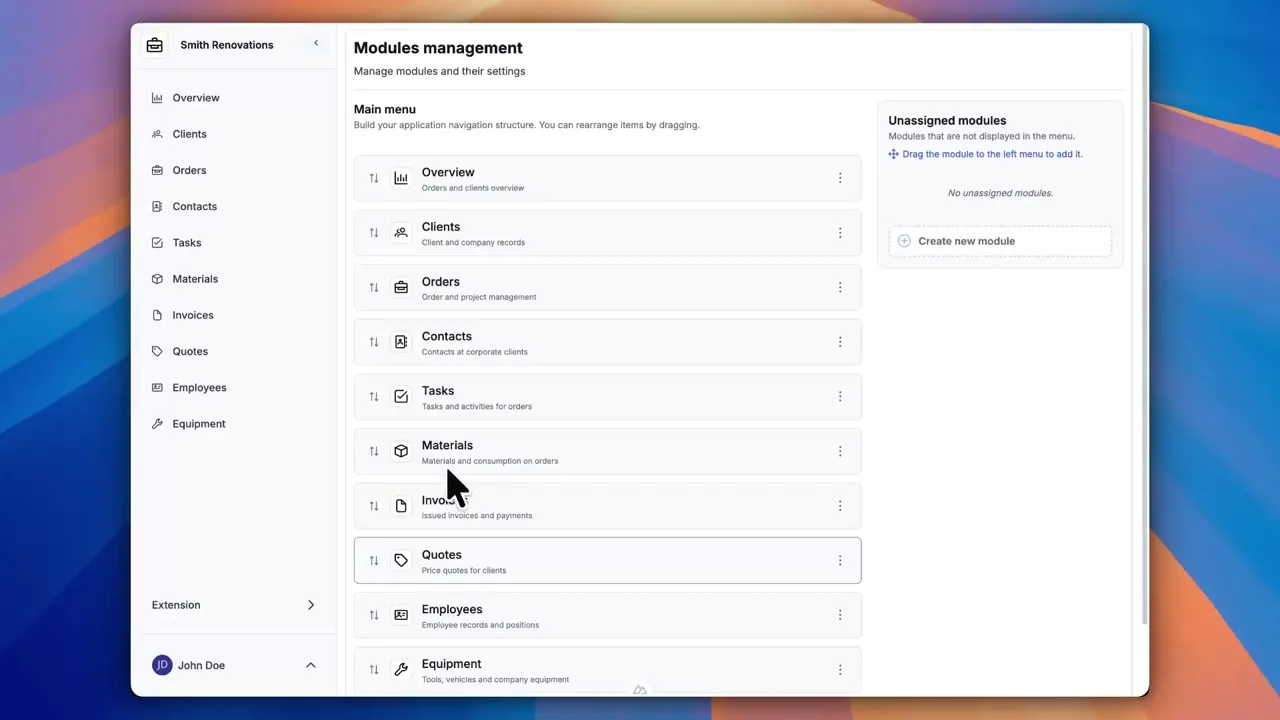
After signing up, you can create a demo project — a sample construction company with 9 modules and test data. Everything you see in the videos, you can click through and try yourself.