
Add Apps
An app in Portiny is an isolated workspace inside a project with its own users, roles, color theme, and regional settings. Create separate environments for warehousing, customer service, or HR without writing code. Each app supports a custom domain, two-factor authentication, and 22 color themes.
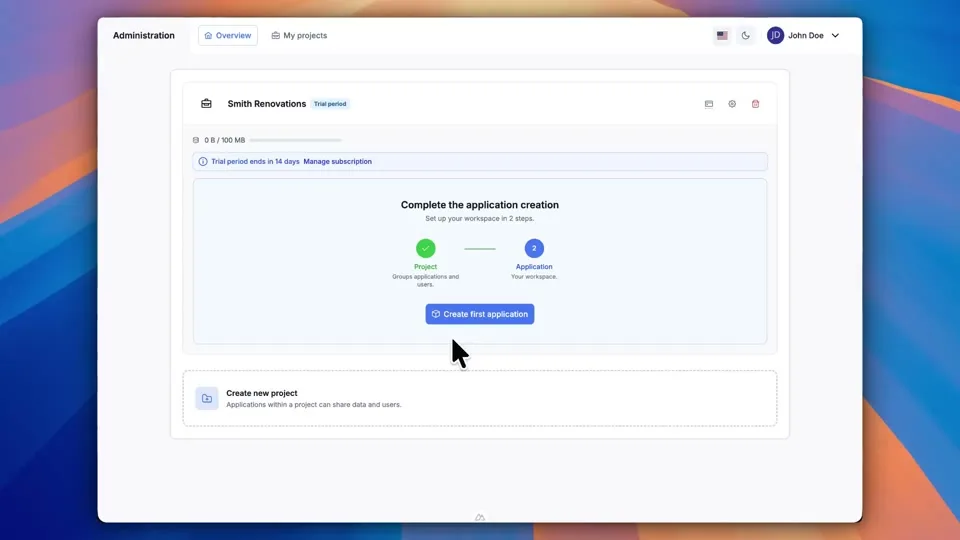
A dedicated workspace for every team
An app in Portiny is a fully isolated environment inside your project. It has its own users, roles, security rules, and visual identity. Warehouse, customer service, HR — each department gets a separate workspace without paying for another software instance.
Adding a new app takes minutes. Pick languages, choose a color theme, configure date and time formats, enable two-factor authentication, and optionally run the whole thing on your own custom domain.
What you can configure per app
22 color themes
From Emerald to Stone. The theme colors the entire app UI, making each workspace instantly recognizable.
Regional settings
Time zone, five date formats, 12h or 24h clock, and Monday or Sunday as the start of the week.
Security per workspace
Two-factor authentication via SMS or email. Session expiration in days — or no limit at all.
Custom domain
Run an app on your company domain — like inventory.acme.com. No code changes needed.
Users and roles
Each app has its own role system. The same person can be an admin in one app and a viewer in another.
Managing team apps: before and after
Without Portiny
- Every department uses a different tool with separate logins
- Changing a date format requires a developer
- Security policies are inconsistent across teams
- Onboarding another team means buying another license
With Portiny
- All teams under one project, each in their own isolated space
- Date format, time format, and week start — configured in a minute
- 2FA and session expiration set at the app level — clear and centralized
- Need another team workspace? Add it in a few clicks with zero downtime
Why build apps in Portiny
Languages, colors, security — everything is set through a visual interface.
Each app picks its own language subset — independent of the project and other apps.
Logo, cover image, and color theme give every app the look and feel of its own system.
Add a new app anytime. Existing apps keep running without interruption.
Roles in one app are completely separate from roles in another. No overlap, no confusion.
Create your first app
Setting up an isolated workspace in Portiny takes minutes. Choose colors, languages, and security rules — all without writing a single line of code.
Try for freeRelated Features
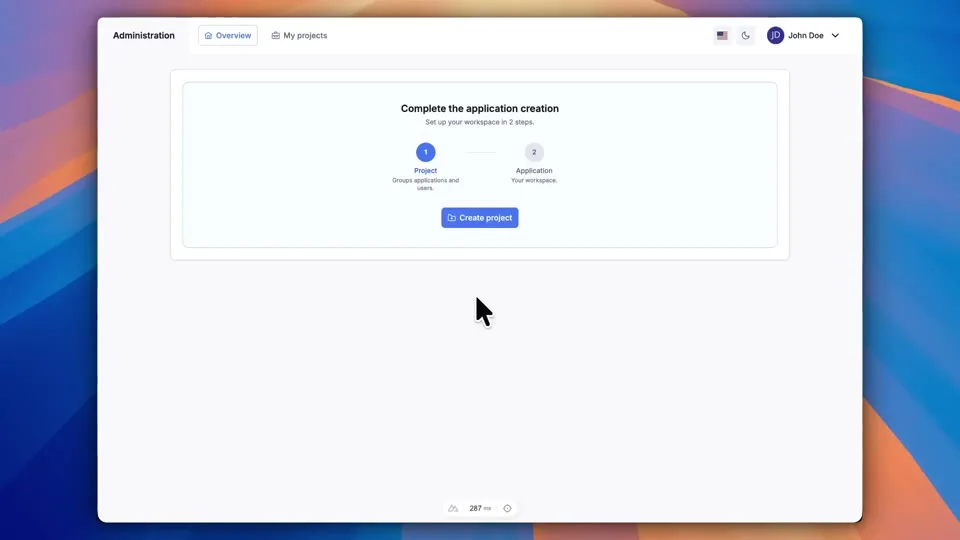
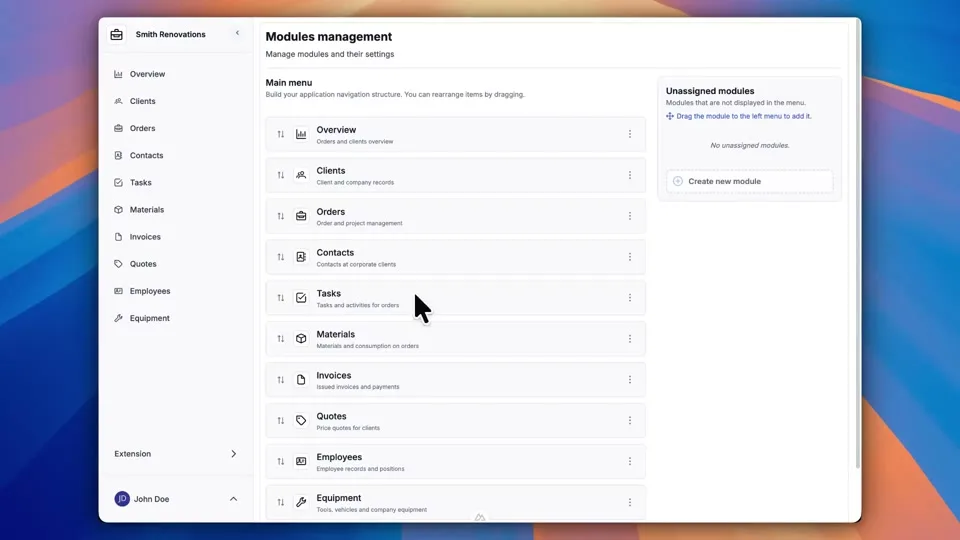
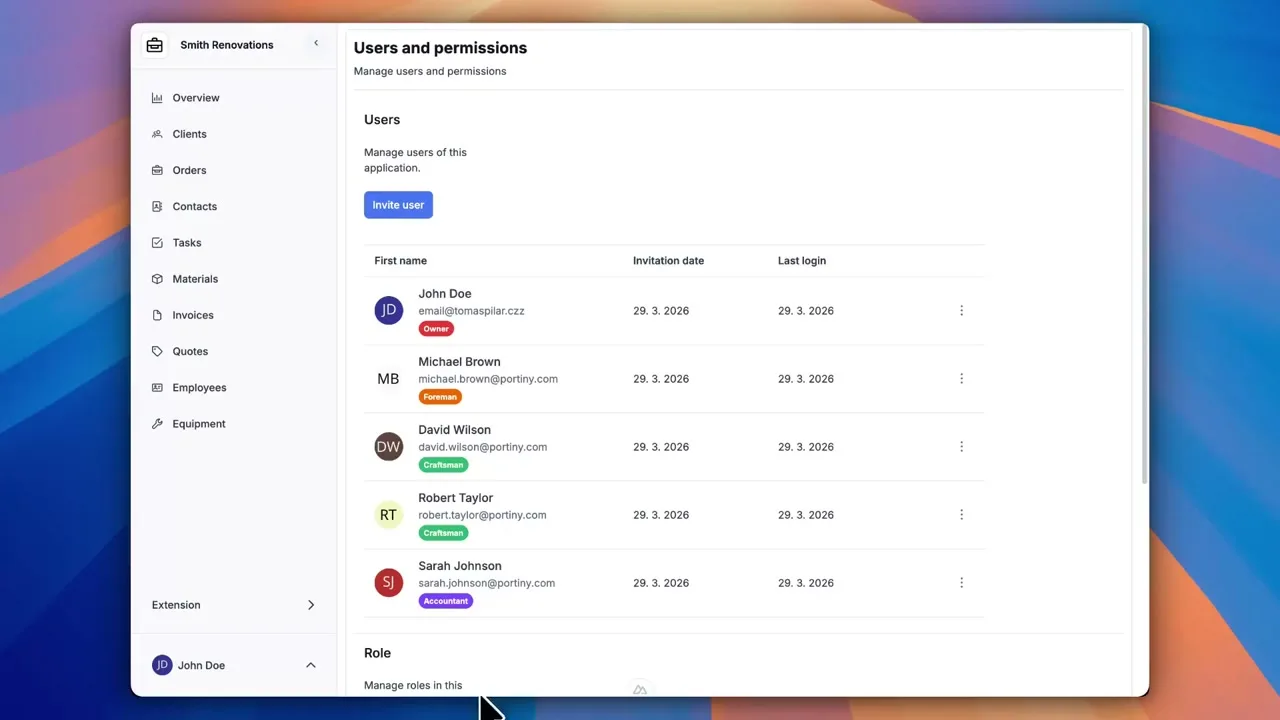
Try everything yourself
After signing up, you can create a demo project — a sample construction company with 9 modules and test data. Everything you see in the videos, you can click through and try yourself.