
Create a Project
A project in Portiny acts as the top-level container for your entire business setup — apps, users, and billing in one place. Support up to 28 languages, upload your company logo, and pick a plan that fits. No coding required. Want to explore first? Spin up a free demo project with sample data.
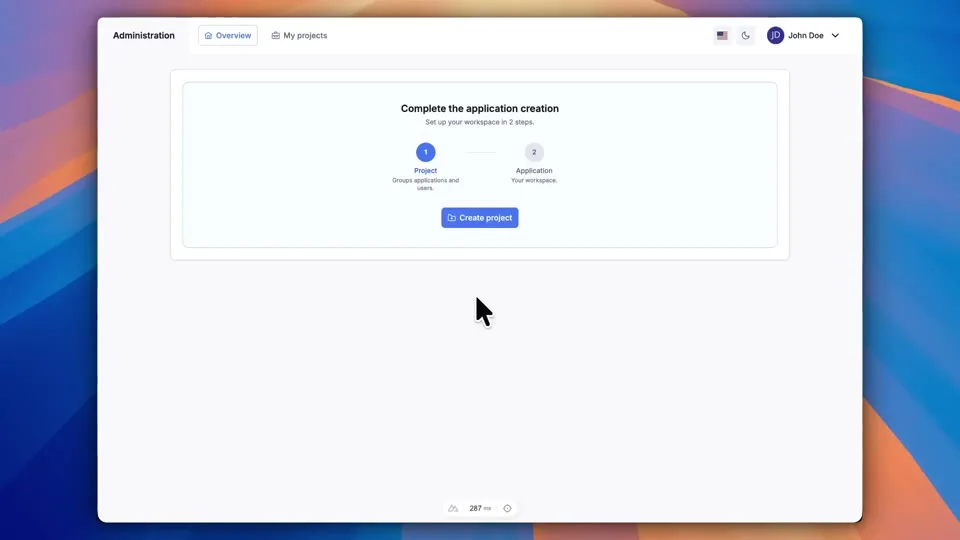
Project management starts here
A project in Portiny is the top-level container that holds your apps, users, and billing together. Think of it as the root folder for your entire business admin system. You set it up once, and everything else lives inside.
Need a multilingual project? Pick from 28 supported languages. Your team members each see the platform in their own language from day one.
Set up a project in four steps
Sign in to the admin panel
After registration, you land on the project list.
Click New Project
A form opens where you fill in the project name and description — separately for each language you need.
Pick languages and branding
Choose which languages the project will run in. Upload your company logo or select an icon from the built-in library — whichever fits your use case.
Save and go
The system generates a unique URL slug. Your project is live and ready for apps.
What you get out of the box
International teams work in their native language with zero extra setup.
Plan, billing cycle, extra storage — all managed from project settings.
A pre-built project with sample apps, modules, and data. One click to create, no configuration needed.
An active subscription prevents accidental removal.
Upload an image for client-facing projects, or pick a quick icon for internal ones.
Each project gets a stable, addressable URL in the system.
Not sure where to start? Try the demo
Every user can generate one free demo project — complete with sample apps, modules, and data. No setup required: just click and explore how Portiny works in practice. You can delete the demo anytime and start fresh.
Create your first project
Sign-up takes minutes. See project management in Portiny for yourself — start with a demo or build from scratch.
Try for freeRelated Features
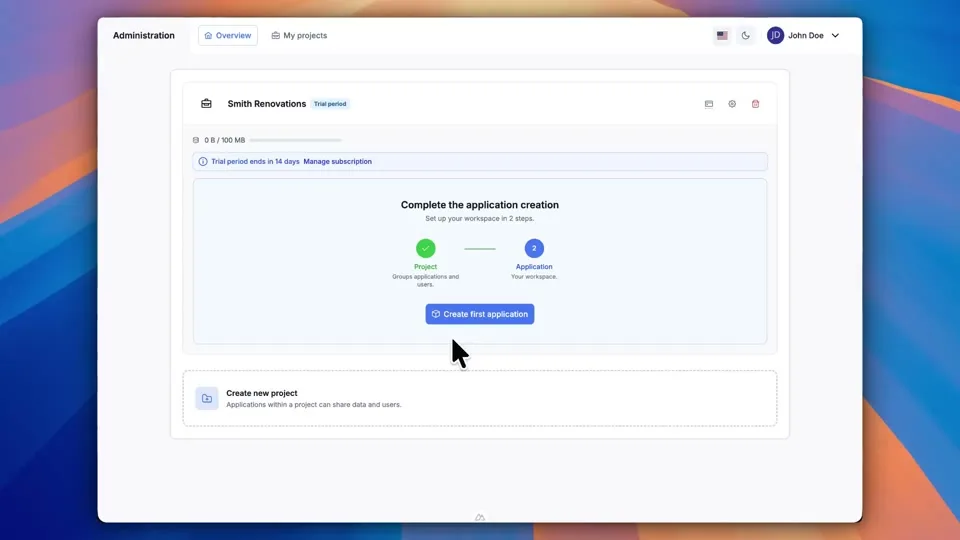
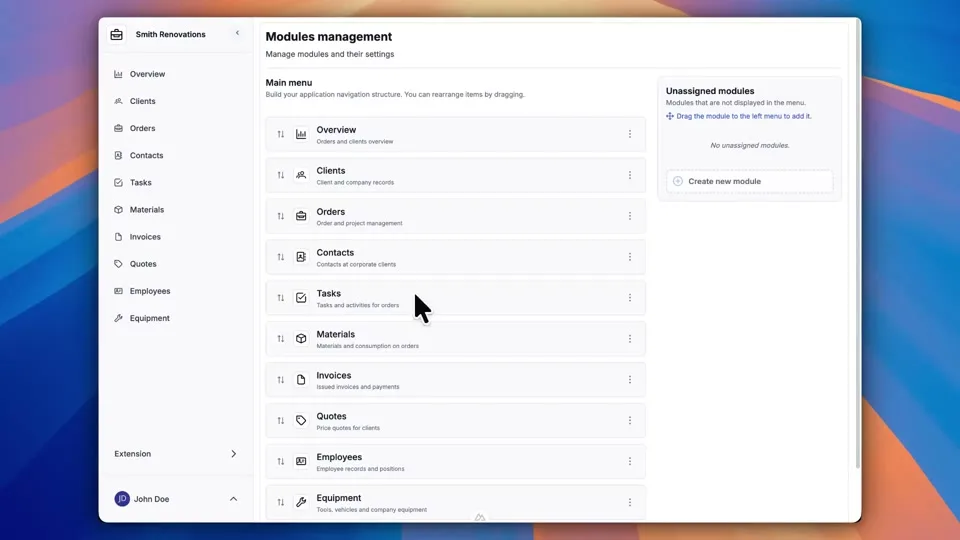
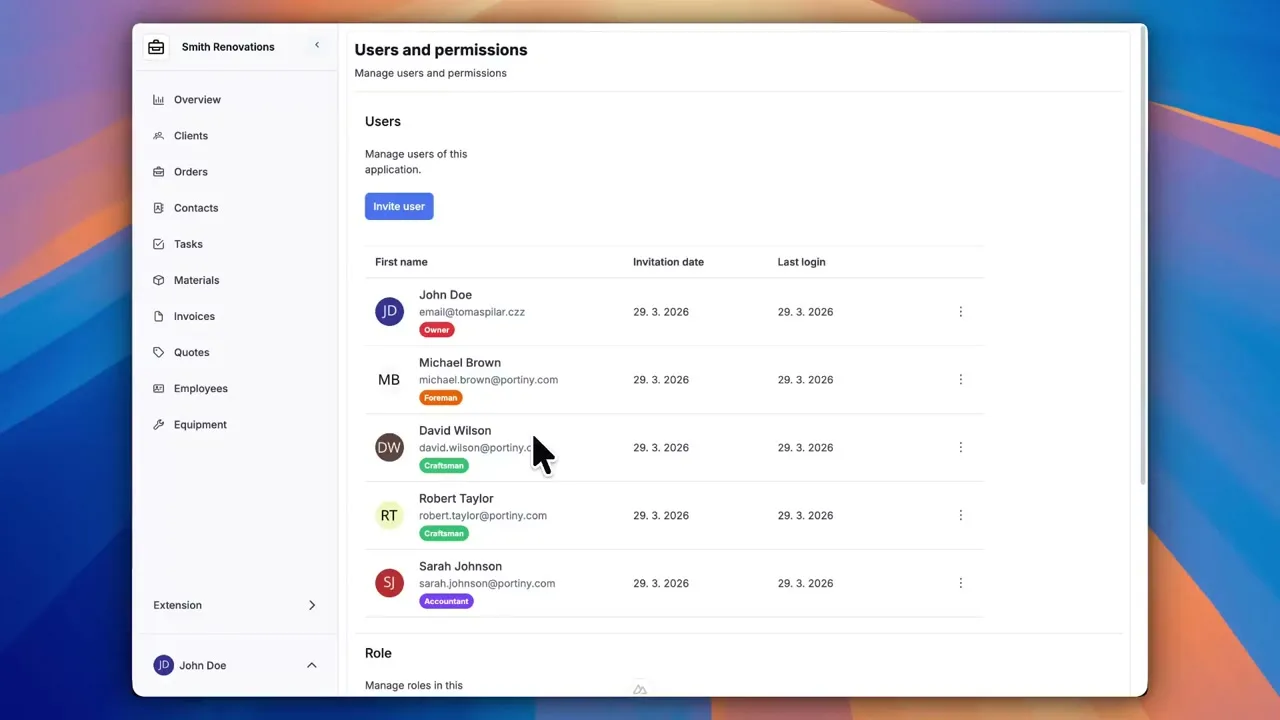
Try everything yourself
After signing up, you can create a demo project — a sample construction company with 9 modules and test data. Everything you see in the videos, you can click through and try yourself.