
Define Forms
A form in Portiny defines the data structure of every module — from text fields and relations to automatic calculations. 24 field types, a drag-and-drop designer, and granular permissions down to individual fields. No coding required, instantly functional.
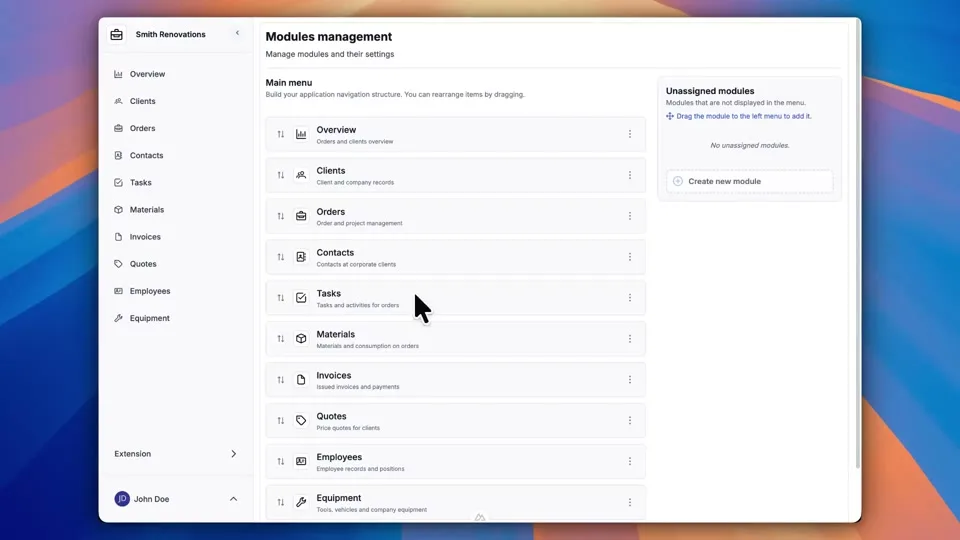
Build your data model without writing code
Every module in Portiny starts with a form. The form defines what data gets stored, in what format, with what validation rules, and who can see or edit each field. You get 23 field types — plain text, numbers, money, relations between modules, computed fields, file uploads, and more.
Design the entire schema visually. Drag a field type onto the canvas, name it, set your rules, save. No SQL, no developer needed. The form is live and ready for data entry the moment you hit save.
From empty module to working form
Open module settings
Navigate to the Form or Columns tab in your module's admin. The left panel shows all 23 field types organized by category.
Drag fields onto the canvas
Drop a field type into a specific tab. The system generates a unique key automatically. You fill in the localized name and description.
Configure validation and permissions
Mark fields as required or unique. Then set per-role access: who sees the field, who can edit it, who shouldn't see it at all.
Save and start working
The form goes live instantly. Records can be entered through both the form view and the table view — the schema applies everywhere at once.
23 field types for real-world needs
Text and numbers
Single-line text, multi-line text, integers, decimals, and percentages. The building blocks of every form.
Money and calculations
Currency-aware money fields and dynamic computed fields that auto-calculate from templates. The platform resolves dependency order for you.
Module relations
Link records across modules like tables in a database — no SQL required. Relation fields for module data and user references.
Dates, files, selections
Date and datetime pickers, file and image uploads, single-select and multi-select dropdowns, checklists, and radio buttons.
Automatic fields
Auto-incrementing sequences, system audit fields (created_at, updated_at, data version), and nested item lists within a single record.
Field-level permissions
Hide or lock any field or tab per role. Salary data visible only to HR, internal ratings only to managers.
Computed fields do the math for you
Write a template like %first_name% %last_name% and the platform merges the values into one field automatically. Dependencies between computed fields are resolved topologically — even when one computed field depends on another, the backend always evaluates them in the right order. No macros, no manual formulas.
Design your own database
23 field types, a drag-and-drop designer, and permissions down to individual fields. Try form definition in Portiny yourself.
Try for freeRelated Features
Try everything yourself
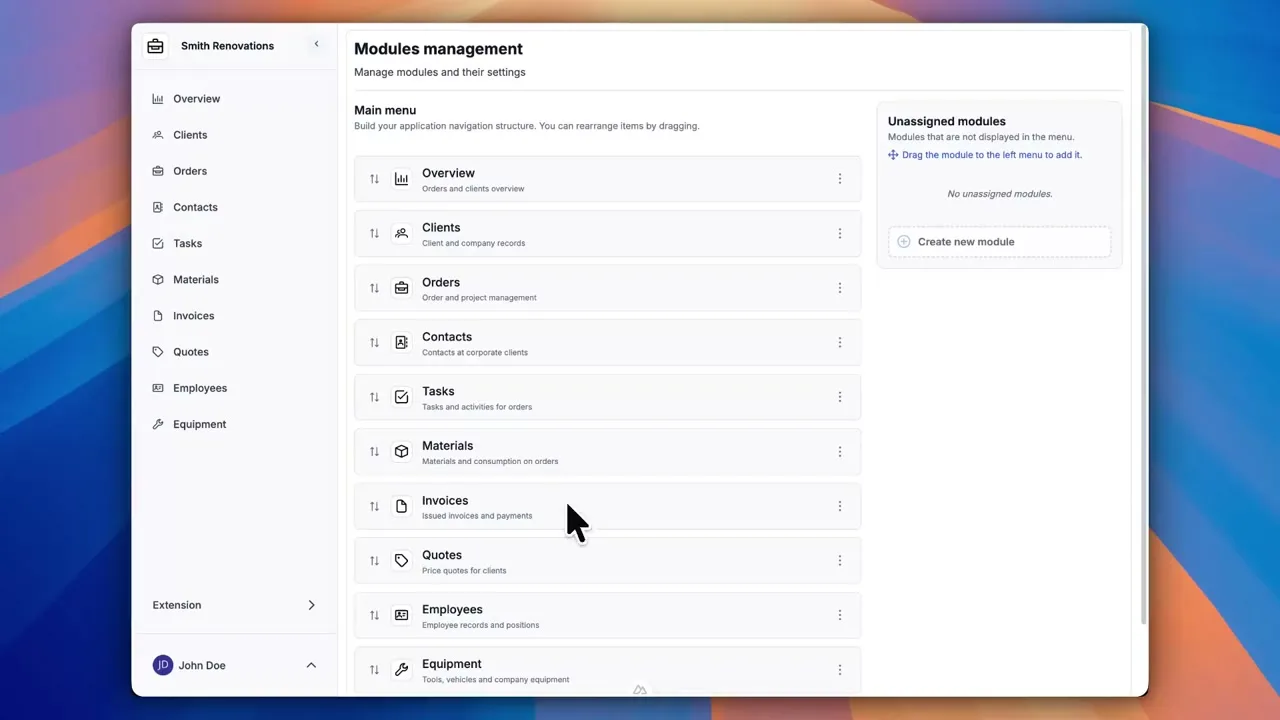
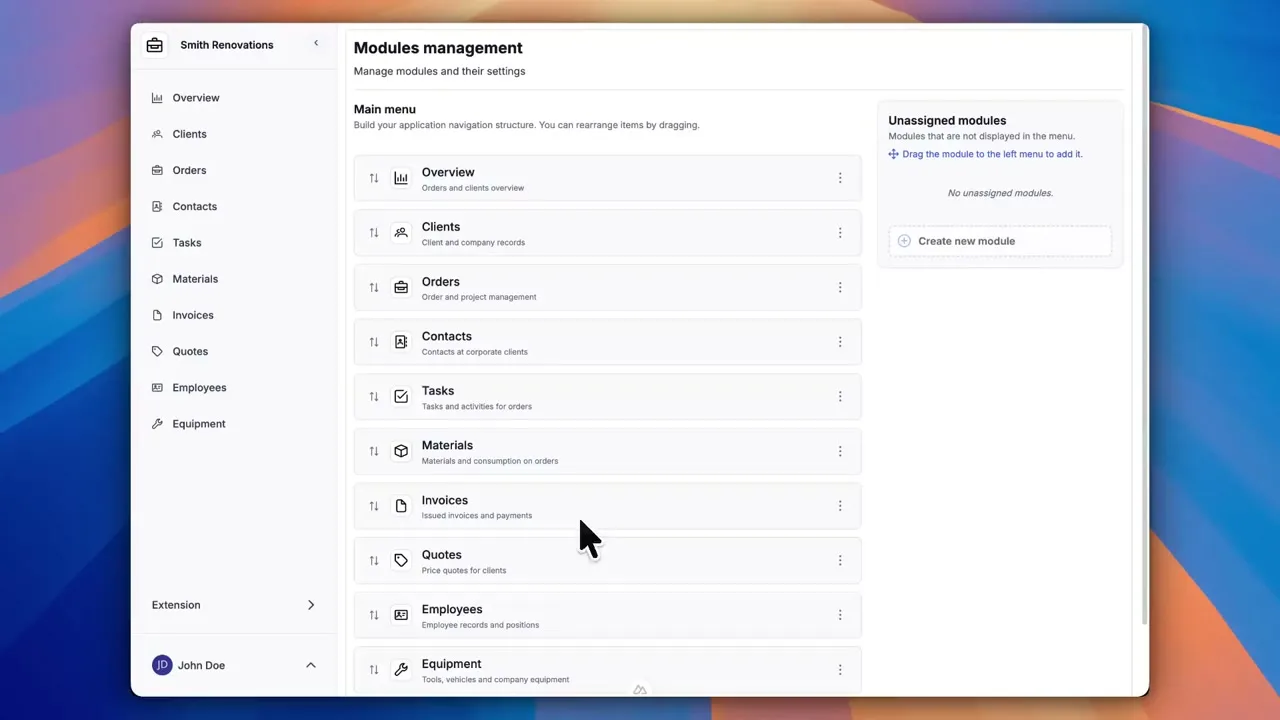
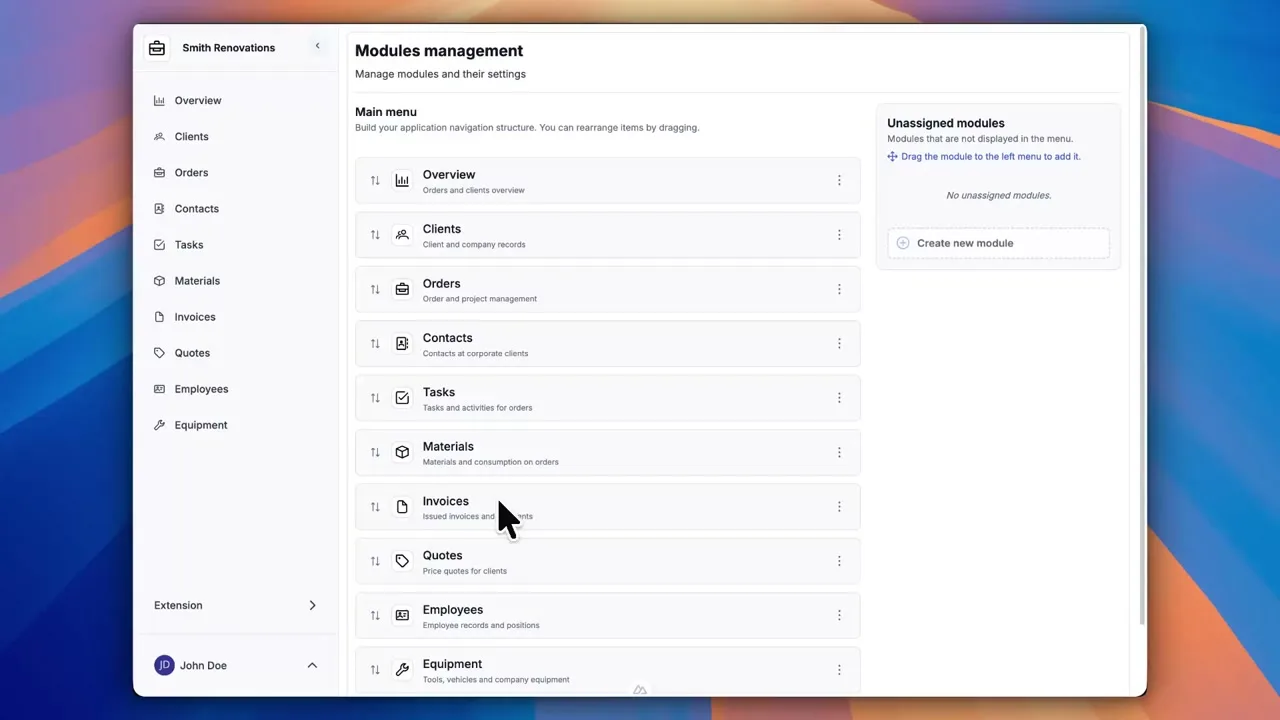
After signing up, you can create a demo project — a sample construction company with 9 modules and test data. Everything you see in the videos, you can click through and try yourself.