
Secure Access
Portiny protects every login with two-factor authentication and encrypts sensitive data using AES-256-GCM. Configure 2FA per app via SMS or email. The stateless JWT architecture verifies each request independently with no shared server sessions.
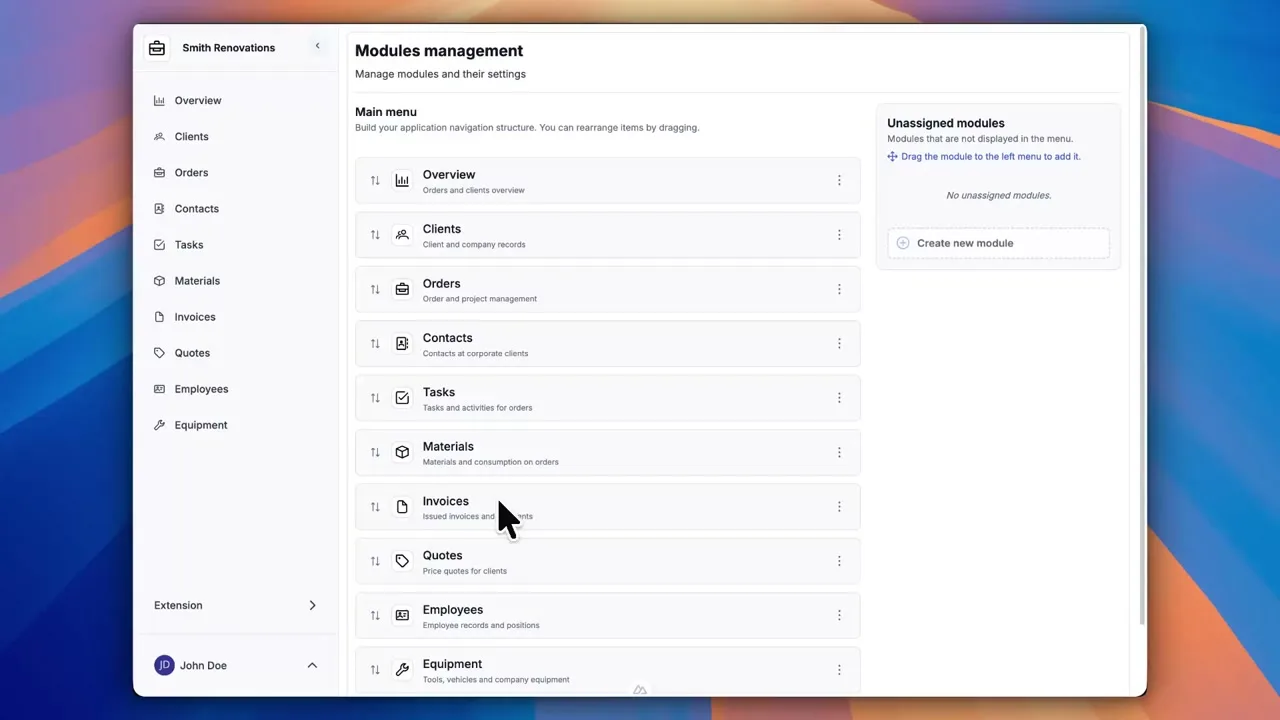
Two-factor authentication and data encryption built in
Every login in Portiny goes through two layers of verification. A password alone won't cut it — the system requires a one-time code via SMS or email before granting access. Sensitive fields stored in the database are encrypted with AES-256-GCM, the same standard used by financial institutions.
You configure two-factor authentication separately for each app. An internal employee directory doesn't need the same security level as a module holding client contracts.
What happens when a user logs in
Email and password
The user enters their credentials on the login page.
Second factor verification
If the app has 2FA enabled, the system sends a one-time code via SMS or email. The user enters it in an OTP dialog without losing their place in the workflow.
Phone setup for SMS 2FA
First-time user without a phone number on file? The system prompts them to set one up right in the login flow. No digging through profile settings.
Secure session
A JWT token is stored in an HTTP-only cookie. Every request to the server is verified independently — no shared sessions, no risk of session hijacking.
Secure access at every level
2FA via SMS or email
Two-factor authentication configurable per app. Pick the channel that works for your team.
AES-256-GCM encryption
Sensitive database fields are encrypted with a unique IV per record. Bank-grade data protection.
Token-based password reset
Forgot your password? A single-use link with expiration lands in your inbox. No calls to IT.
Configurable session expiration
Set the number of days a session stays valid for each app. Or set it to zero so sessions never expire.
ACL-protected routes
Unauthenticated users can't get past the login page. Authenticated users without permissions see a clear access-denied message.
Why handle login security with Portiny
An attacker with a stolen password still needs the one-time code from your phone or email.
Internal wiki without 2FA, contracts with mandatory SMS verification. One platform, two policies.
Stateless tokens don't need shared session storage. The system scales without a server bottleneck.
Users activate accounts and recover passwords on their own. IT doesn't deal with routine requests.
Bank-grade encryption standard
Portiny encrypts sensitive values using AES-256-GCM with a unique initialization vector for every record. Even if someone gained direct database access, the data would be unreadable without the encryption key. This is the same standard used by financial institutions and government systems worldwide.
Secure your business data today
Sign up in minutes. Experience two-factor login and data encryption firsthand — no commitment, no credit card required.
Try for freeRelated Features
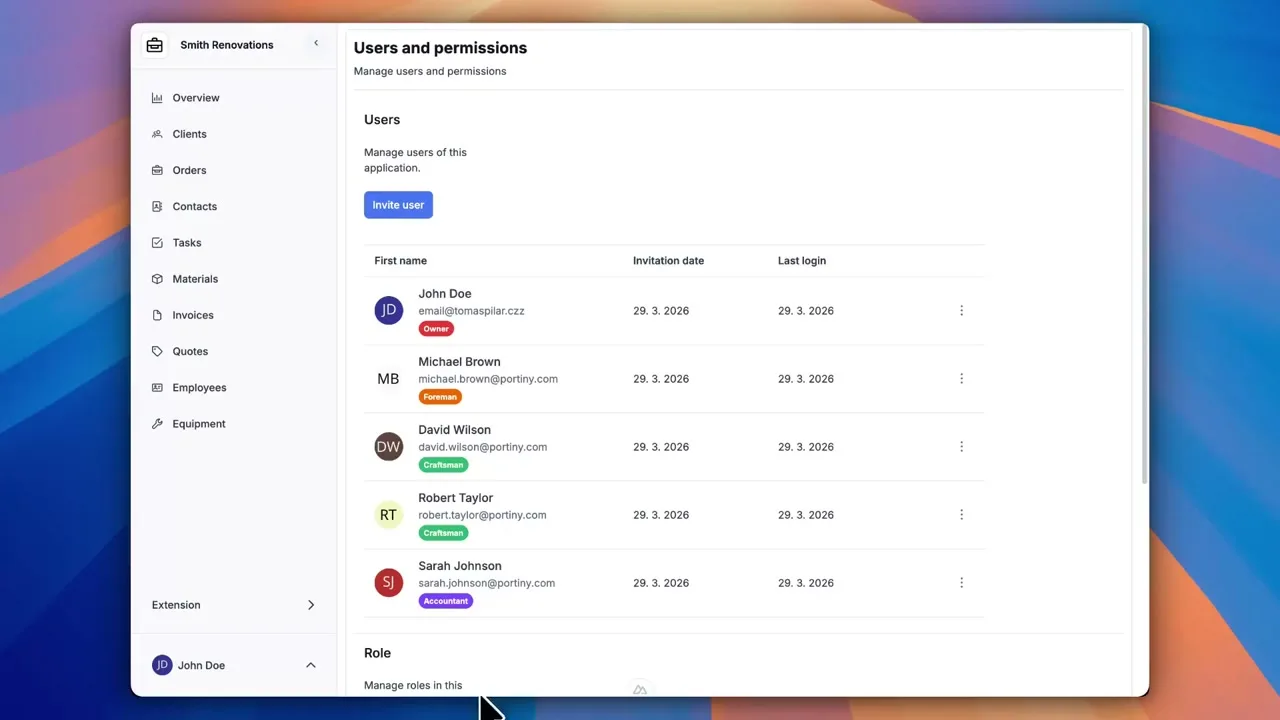
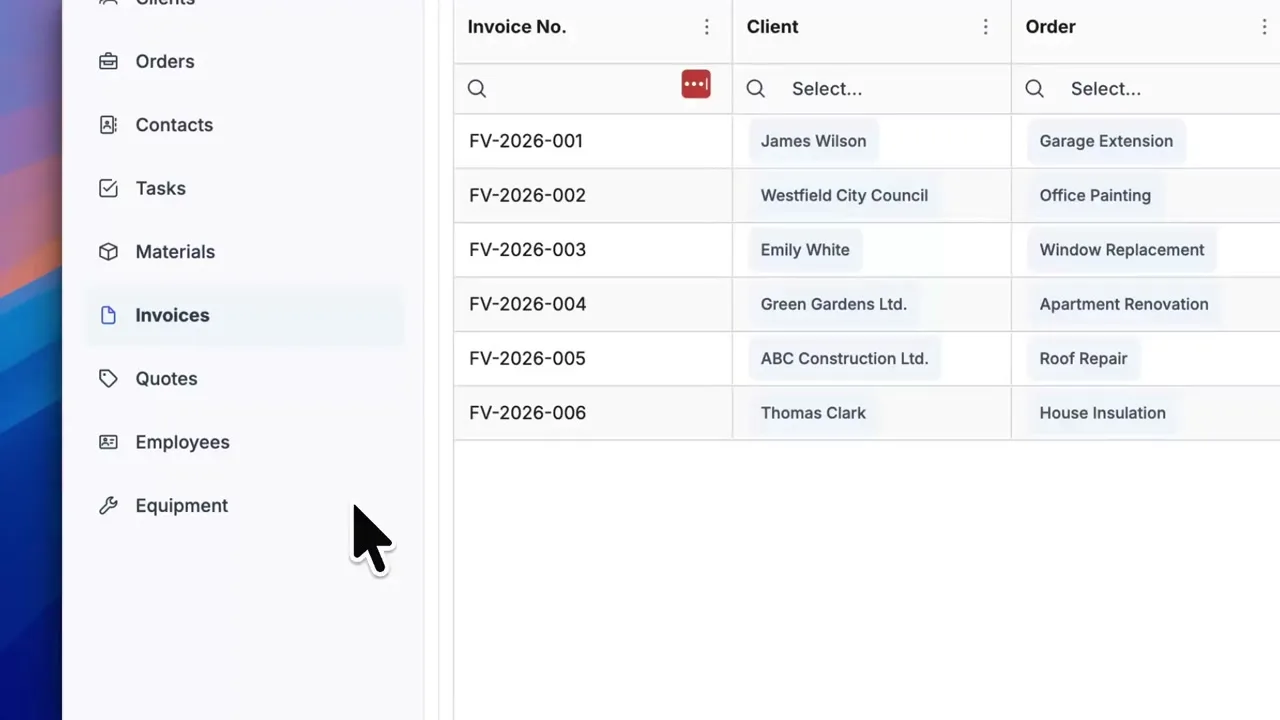
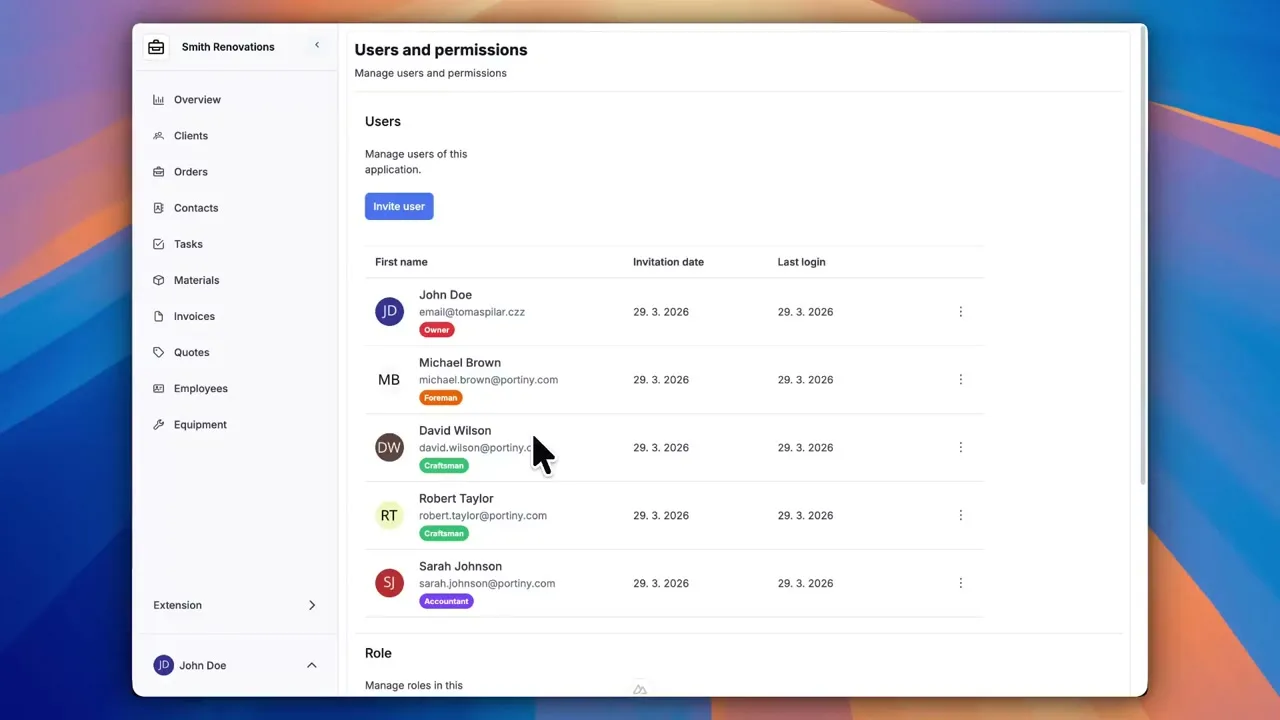
Try everything yourself
After signing up, you can create a demo project — a sample construction company with 9 modules and test data. Everything you see in the videos, you can click through and try yourself.