
Unlimited Users
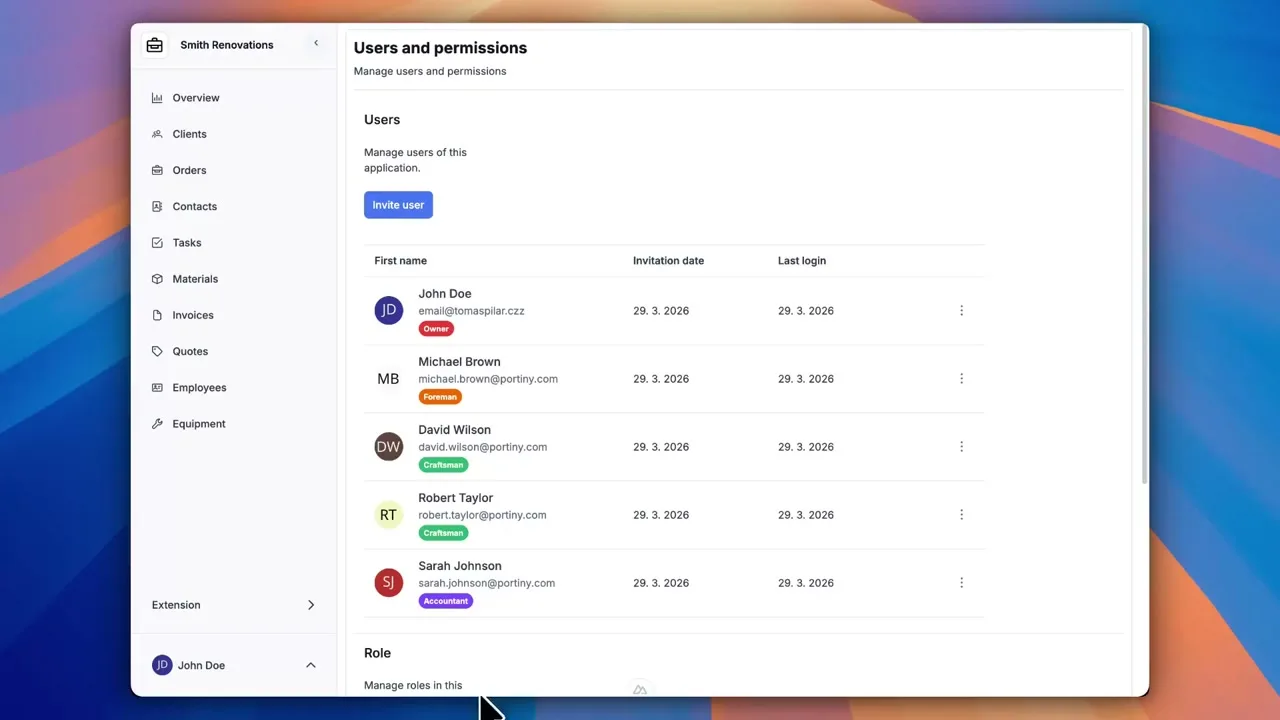
Portiny places no cap on the number of users in a project. Invite as many people as you need — every team member gets their own account with a profile, language preference, and time zone setting. Control application access through invitations and roles so team growth is never slowed by per-seat pricing or complex admin overhead. Deactivating and reactivating an account takes a single click, and all linked data stays intact.
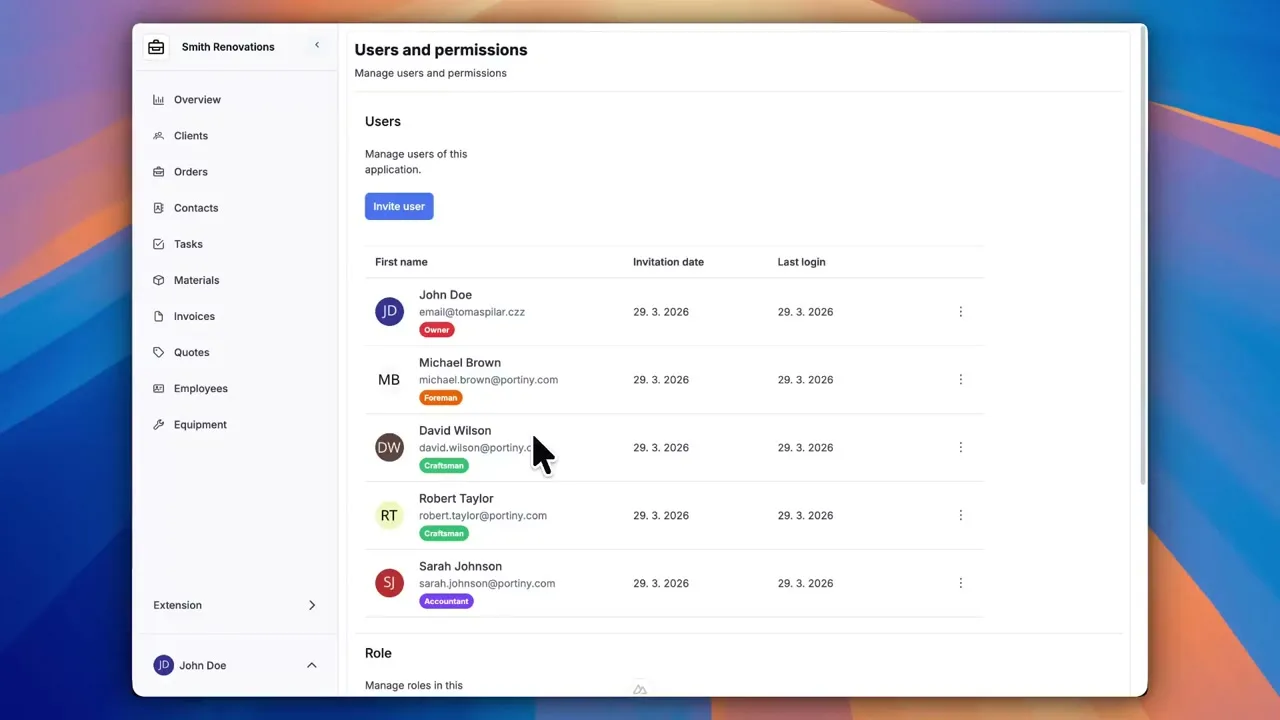
Unlimited user management for your workspace
Add your entire organization to Portiny without worrying about per-seat fees. Every team member gets a personal account with their own profile photo, language, and time zone. Access to individual apps is governed by invitations and role assignments, so scaling your team never means scaling your bill.
Adding someone takes seconds: type their email, pick a role, done. When a colleague leaves, deactivate their account in one click. The records they created stay linked and auditable.
Why unlimited users change the equation
User count is not a billing metric. Add 5 people or 500 for the same price.
Revoke access instantly while keeping every record the person created fully intact.
Every account shows the exact timestamp of the last successful login, so you can spot dormant accounts fast.
Enable registration from the login page and let new members onboard themselves without admin intervention.
A colleague in Berlin sees the UI in German with CET timestamps. A teammate in New York sees English in EST.
Assign several roles to one person and cover even complex organizational structures in a single setup.
Access management: typical SaaS vs. Portiny
Typical SaaS tools
- Monthly fee for every user
- Deleted account = broken links to records
- Plan upgrade required when the team grows
- One interface language for the whole team
With Portiny
- Unlimited users at no extra cost
- Deactivation preserves all data and links
- Team scales without plan changes
- 28 languages — everyone works in theirs
How inviting a user works
Look up or invite
Enter an email address. If the account already exists on the platform, it is added immediately. Otherwise, an invitation is sent.
Assign roles
Select one or more roles that define what the user can see and do inside the application.
Activation and profile
The new user sets a password, uploads an avatar, and picks an interface language. A Gravatar image serves as the default photo.
Invite your whole team — no seat fees
Create an account and add as many users as you need. No per-seat charges, no surprise invoices.
Try for freeRelated Features
Try everything yourself
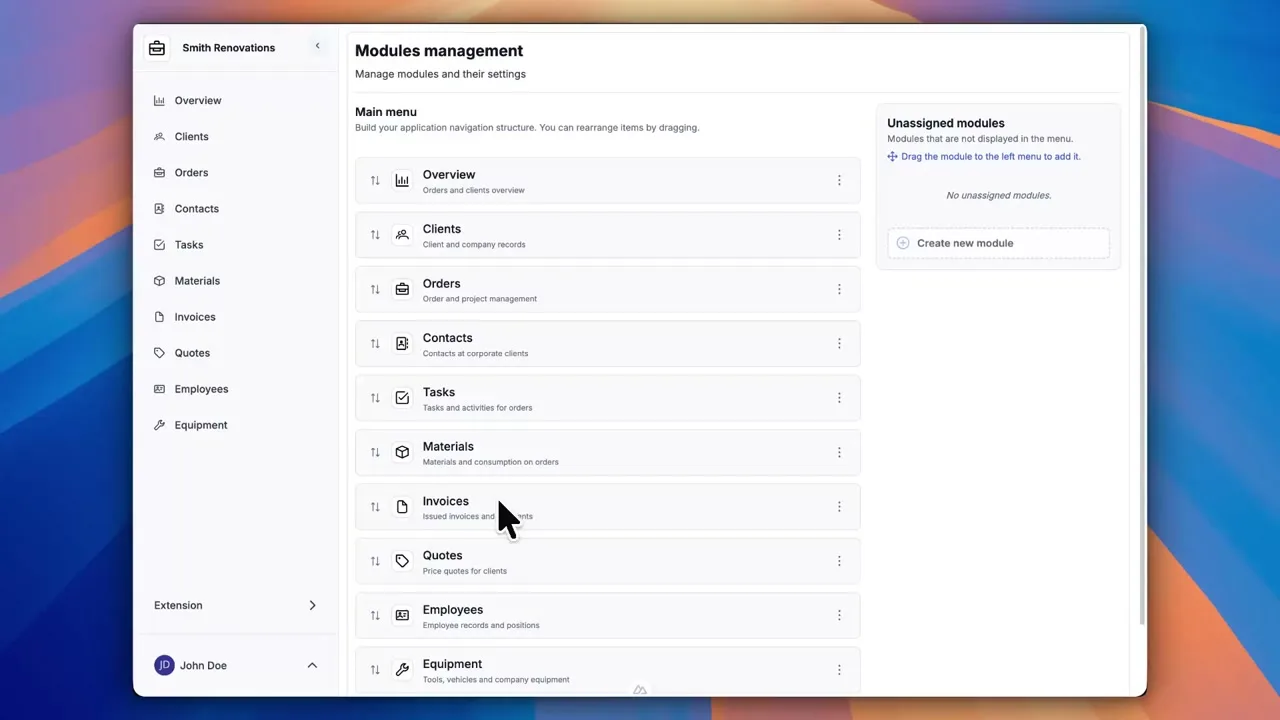
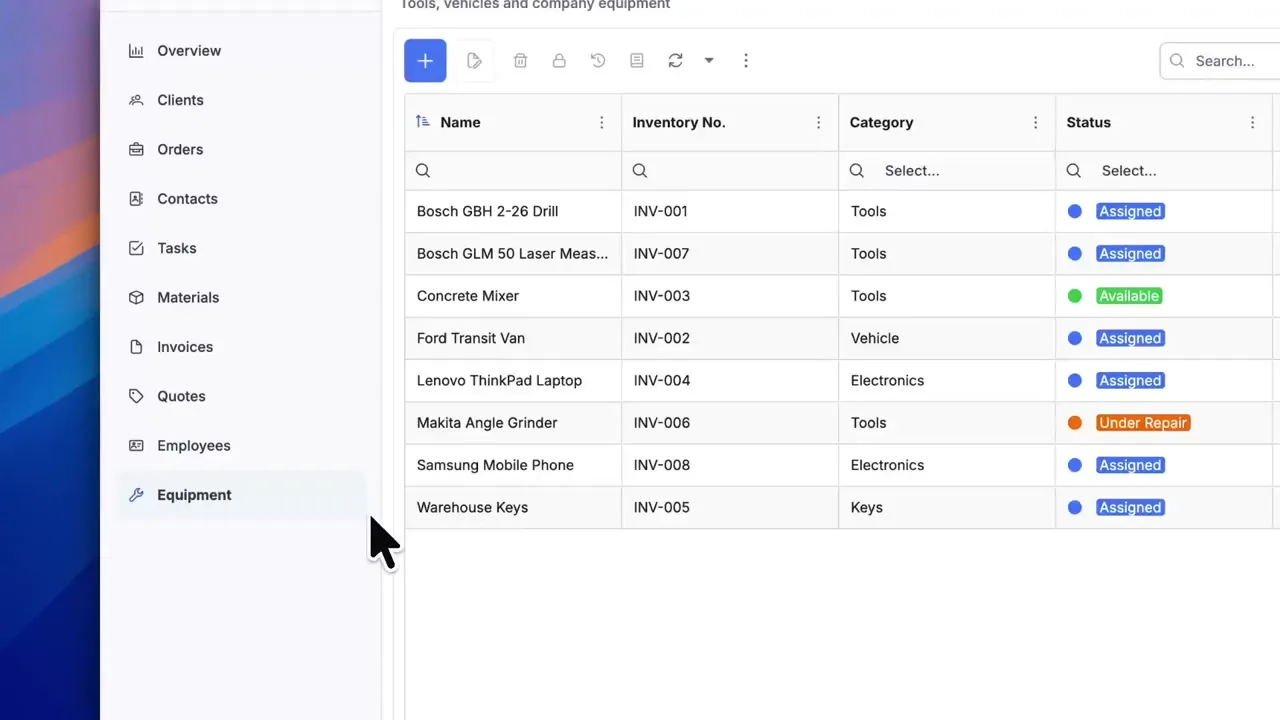
After signing up, you can create a demo project — a sample construction company with 9 modules and test data. Everything you see in the videos, you can click through and try yourself.