
Data Protection
Portiny lets you lock individual records or entire batches with a single click. A locked record becomes fully read-only — no edits or deletions, even for users with Edit permissions. Every lock and unlock action is recorded in the audit log with timestamp, user, and IP address.
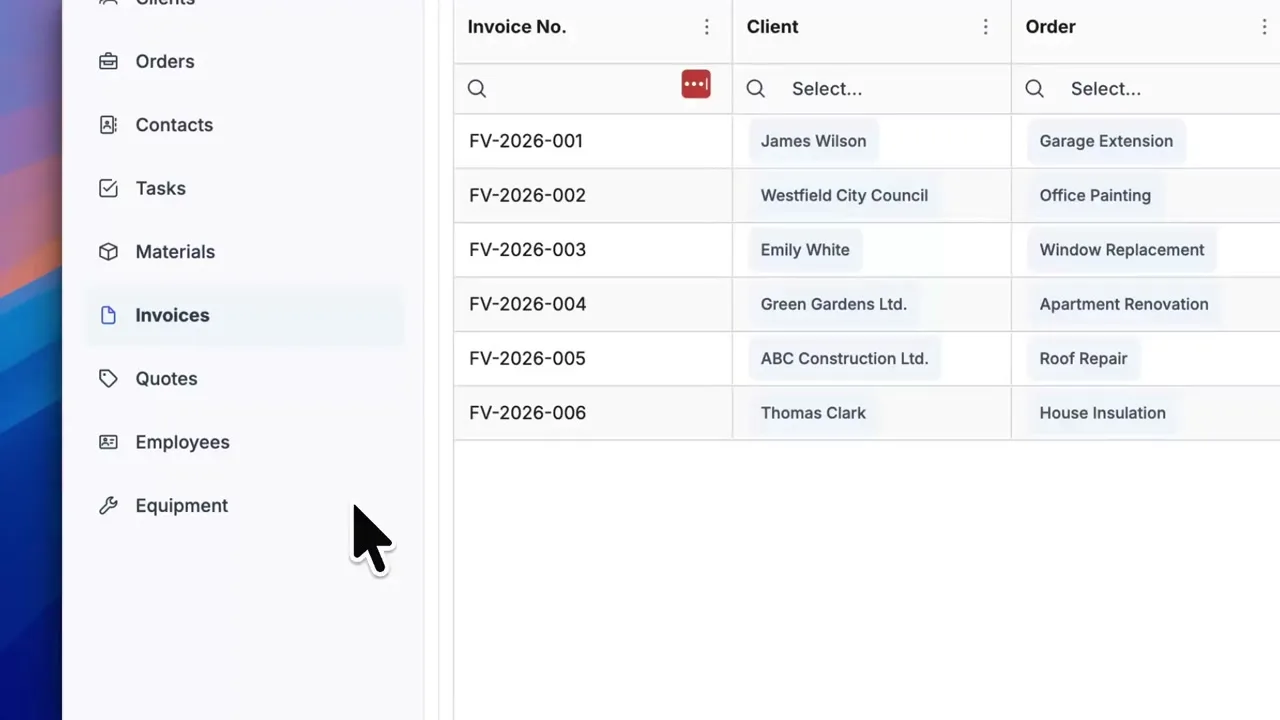
Lock records that must never change
Approved invoices, closed purchase orders, archived customer profiles. Some data simply cannot be edited after the fact. Portiny gives you record-level locking with a single click — the locked record goes fully read-only, enforced on the backend.
Every lock and unlock operation is written to the audit log with a timestamp, user identity, and IP address. You always know who sealed a record and when.
Data protection with and without Portiny
Without Portiny
- Anyone with access can overwrite an approved invoice
- No audit trail showing who finalized a record
- Closing an accounting period means manual work
- Protection relies only on roles — no per-record control
With Portiny
- Locked records cannot be edited or deleted — even with Edit permissions
- Audit log captures timestamp, user, and IP address
- Bulk lock via module action on a filtered selection
- Two layers of protection: record lock + role-level deny permissions
How to lock a database record
- 1Open the record detail
The lock button appears only for roles that have the LOCK permission assigned.
- 2Click Lock
The system instantly saves the lock state, timestamp, and user identity. Every form field becomes disabled, and the edit and delete buttons disappear.
- 3Check the table view
A lock indicator shows up directly in the data table column. No need to open each record individually.
- 4Unlock when needed
Any user with the LOCK permission can reverse the action. Both lock and unlock events are recorded in the audit log.
Real-world locking scenarios
Period close
An accountant closes the month and bulk-locks all invoices for that period. Nobody can retroactively change amounts. The audit log serves as proof of closure.
Approved orders
A manager approves an order and locks it. Sales reps can still view all the details but cannot change pricing, quantities, or delivery terms.
Customer archival
Lock former client records so they stay intact for compliance audits. The data remains readable but fully protected from modification.
Why use record locking
A locked record cannot be edited or deleted, regardless of the user's role.
Who locked it, when, from which IP. All stored in the audit log.
Filter records in the table and lock the entire selection at once via a module action.
API requests to edit a locked record are rejected. It's not just a hidden button in the UI.
A lock indicator appears right in the table column — no need to open the detail view.
Record lock (hard) plus DENY_EDIT/DENY_DELETE role permissions (soft) complement each other.
Protect your critical data today
Create an account and try record locking on your own data. From sign-up to your first locked record takes just minutes.
Try for freeRelated Features
Try everything yourself
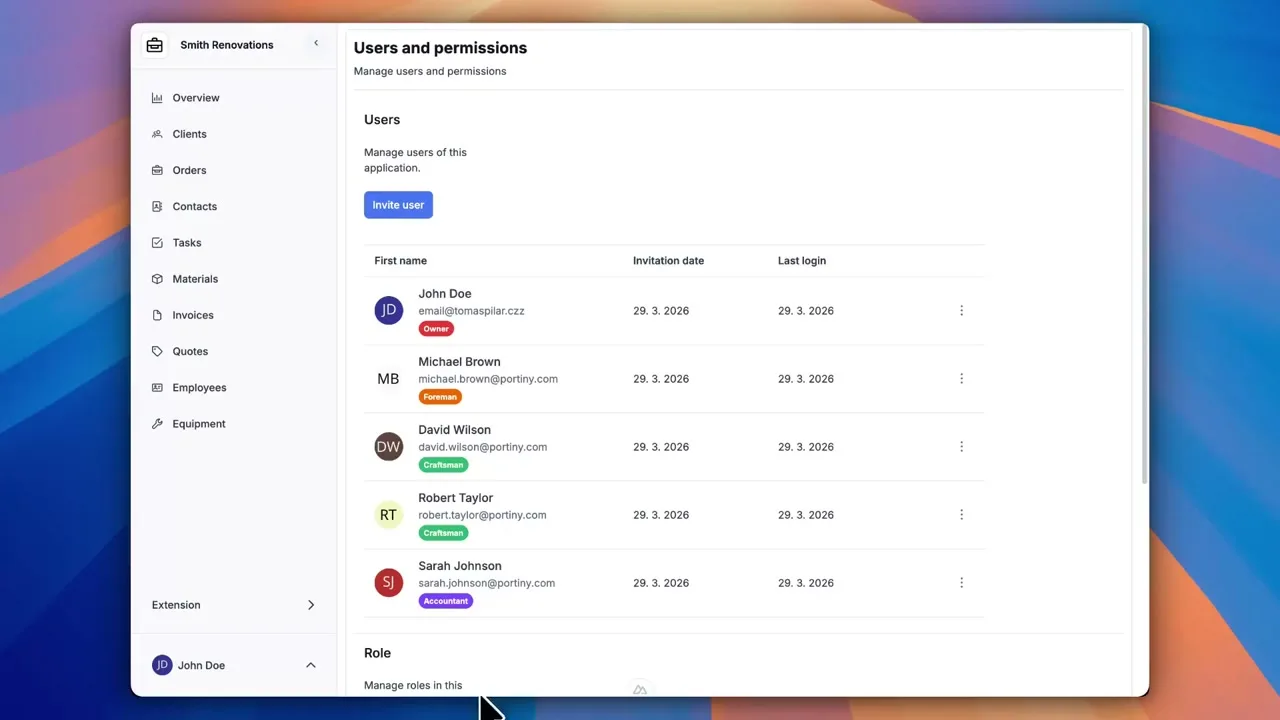
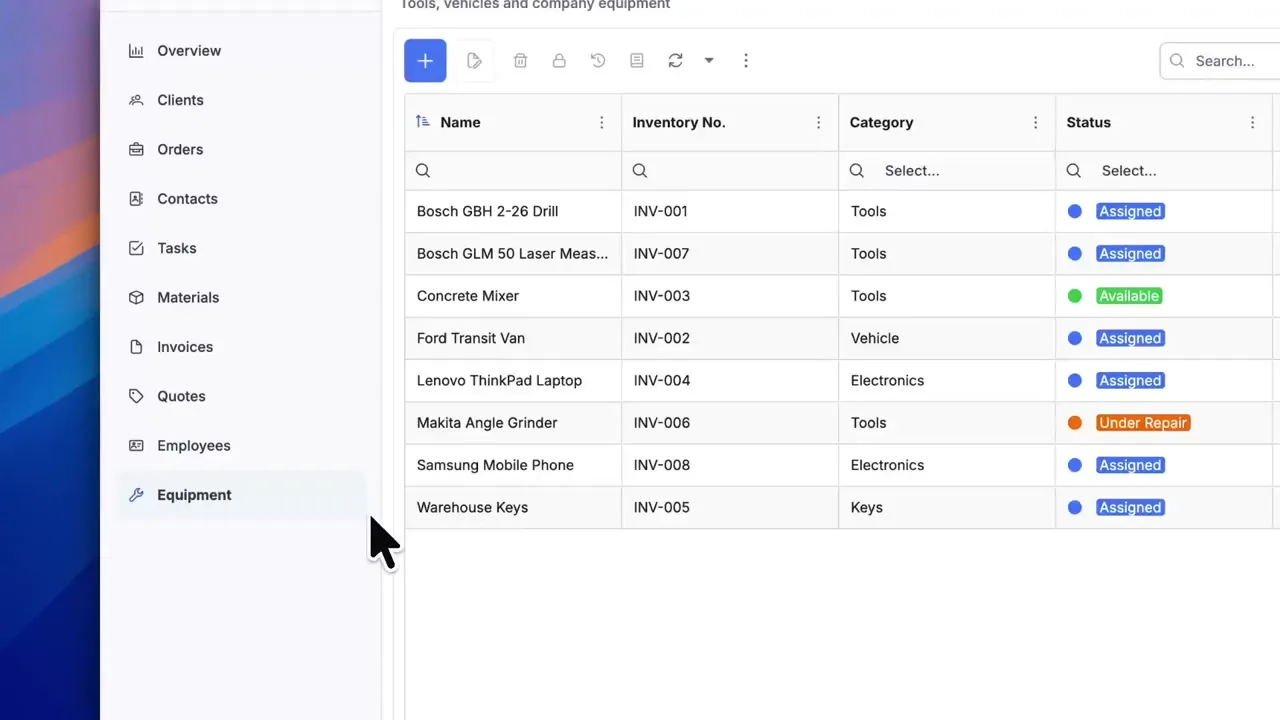
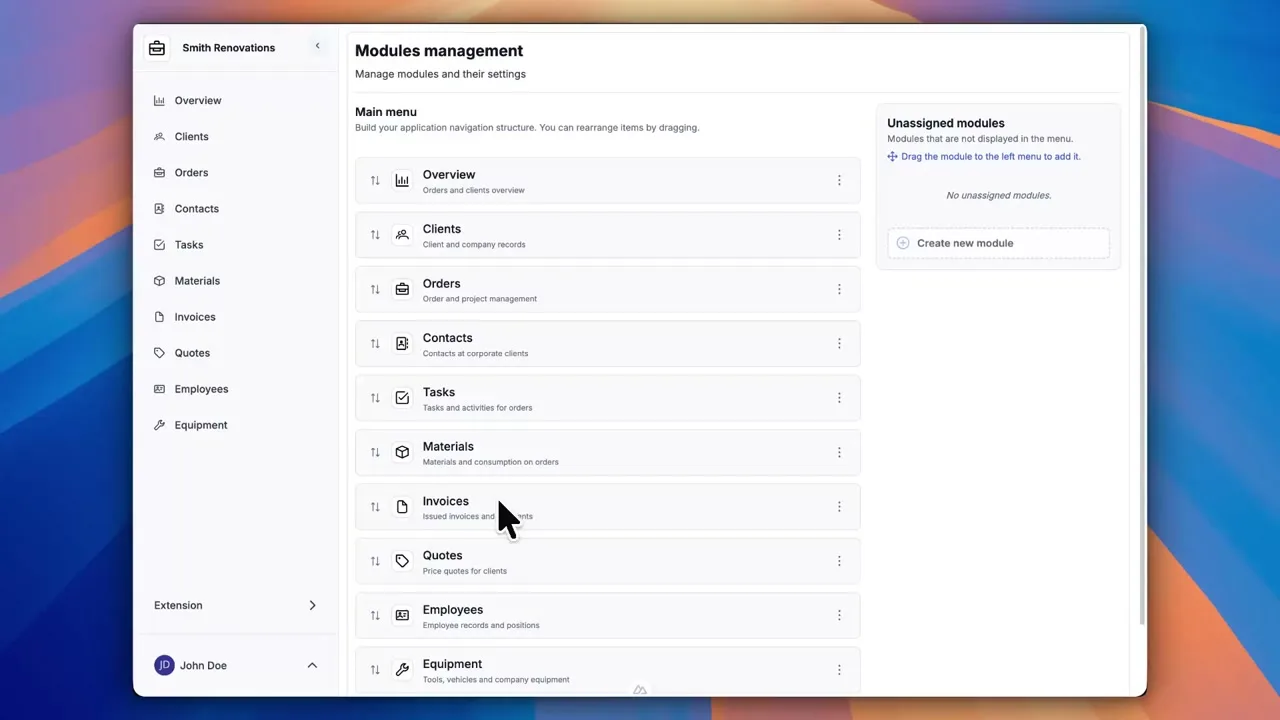
After signing up, you can create a demo project — a sample construction company with 9 modules and test data. Everything you see in the videos, you can click through and try yourself.