
Computed Fields
Computed fields in Portiny automatically generate values from other record fields — text strings and mathematical calculations alike. Define a template with variables, conditions, and filters directly in the form builder. Results are saved on every record save and can be filtered, sorted, and exported just like regular fields.
Automatic calculations inside your forms
Computed fields handle the math and text assembly so your users don't have to. Define a template with variables that reference other fields, and the system evaluates it every time a record is saved. The result is stored, read-only, and immediately available in tables, detail views, and exports.
Two output types cover most scenarios: text for concatenation, formatting, and conditional labels; number for arithmetic like totals, margins, or tax calculations. No code, no spreadsheet formulas.
Set up a computed field in five steps
Open the form builder
Navigate to the module settings and click Add Field.
Pick the Dynamic type
Choose "Dynamic" from the field type list, then select whether the output should be text or a number.
Write the template
The editor lists every available variable from the form. For text output, use %field_key% syntax with conditions and filters. For numbers, write math expressions like %price% * %qty% * 1.21.
Choose when to recalculate
On record creation only, on edit only, or both. This gives you control over values that should be set once versus updated continuously.
Save and you're done
The field appears in the table and record detail. Values are computed automatically on every save.
Real-world scenarios
Line total with tax
Enter price and quantity, the system calculates the subtotal and adds VAT. A formula like %price% * %qty% * 1.21 handles even complex margin calculations.
Full address line
Street, city, and ZIP are separate fields. A computed field merges them into one string — ready for label printing or CSV export.
Shipment code
A conditional template generates a different prefix based on shipment type. Domestic parcels get "DOM-", international ones "EXP-" — no manual input required.
Employee ID
A combination of department code, hire year, and sequence number. The field calculates once on record creation and never changes — just set the recalculation mode to "add only".
Dependencies resolve themselves
A computed field can reference another computed field. The system detects dependencies and sorts evaluations in the correct topological order — automatically. Your "Margin" field can safely depend on "Subtotal", which in turn depends on "Unit Price".
Let the system do the math
Set up dynamic fields in Portiny and eliminate manual calculations along with copy-paste errors. Sign up in minutes.
Try for freeRelated Features
Try everything yourself
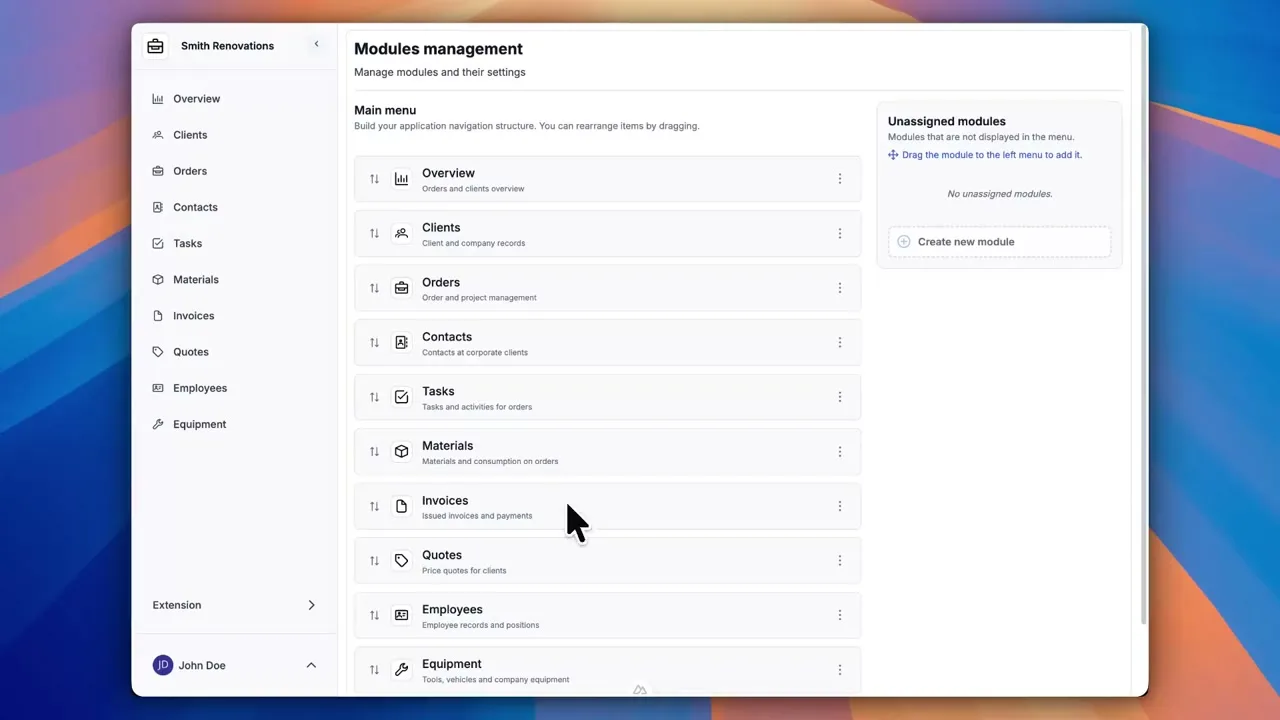
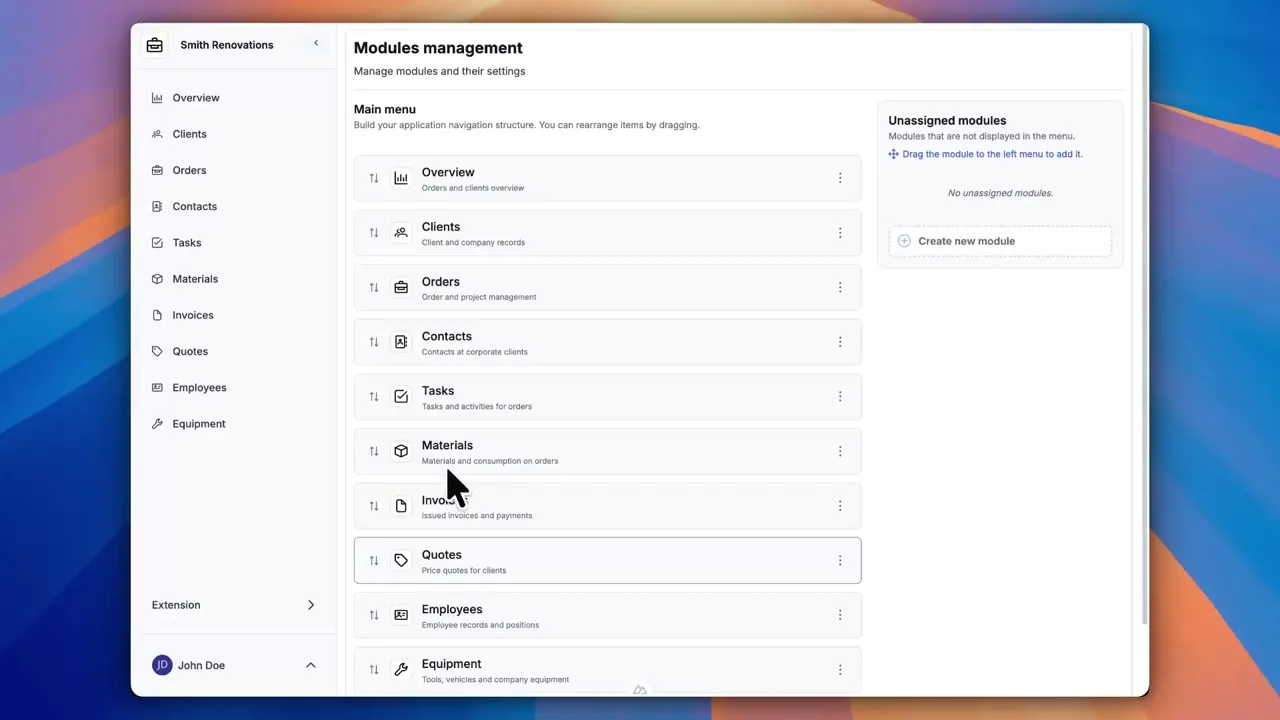
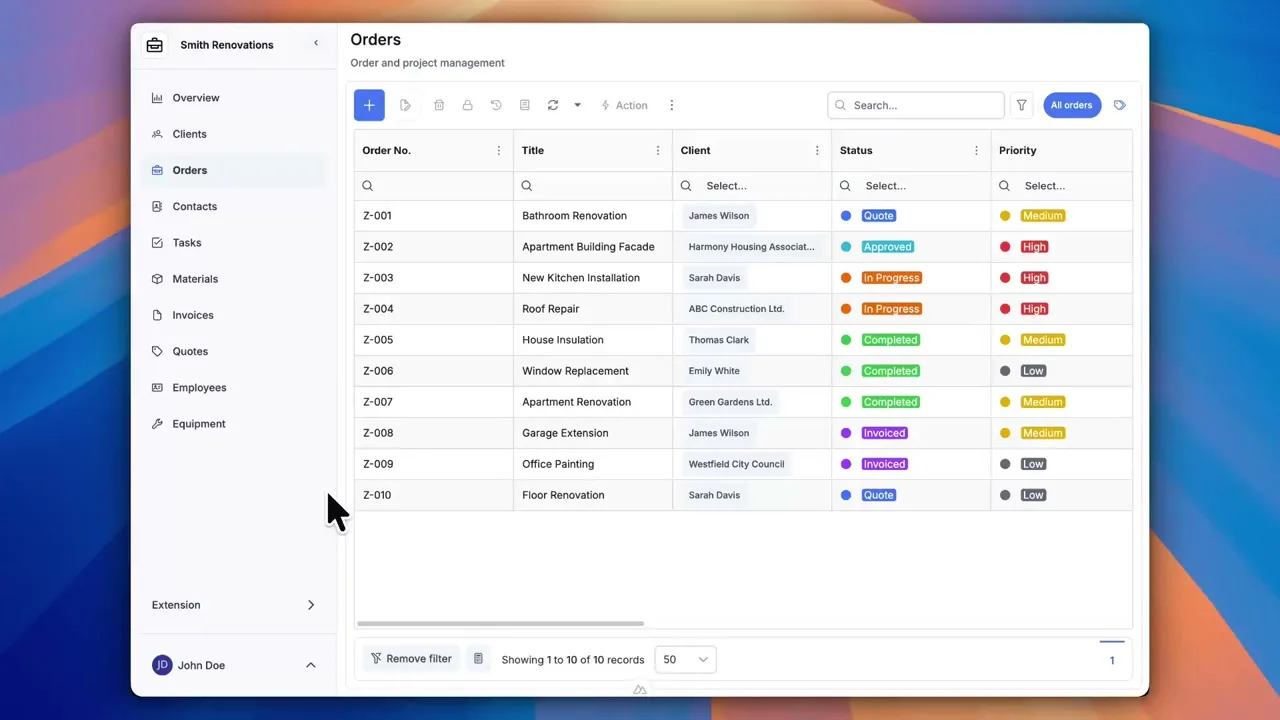
After signing up, you can create a demo project — a sample construction company with 9 modules and test data. Everything you see in the videos, you can click through and try yourself.