
Form Tabs
Split forms in Portiny into tabs and group fields by topic or process. Each tab has its own localized name, icon, and per-role access permissions. Hide sensitive data behind a tab visible only to selected users. Move fields between tabs with drag-and-drop directly in the form designer — no coding, no data loss.
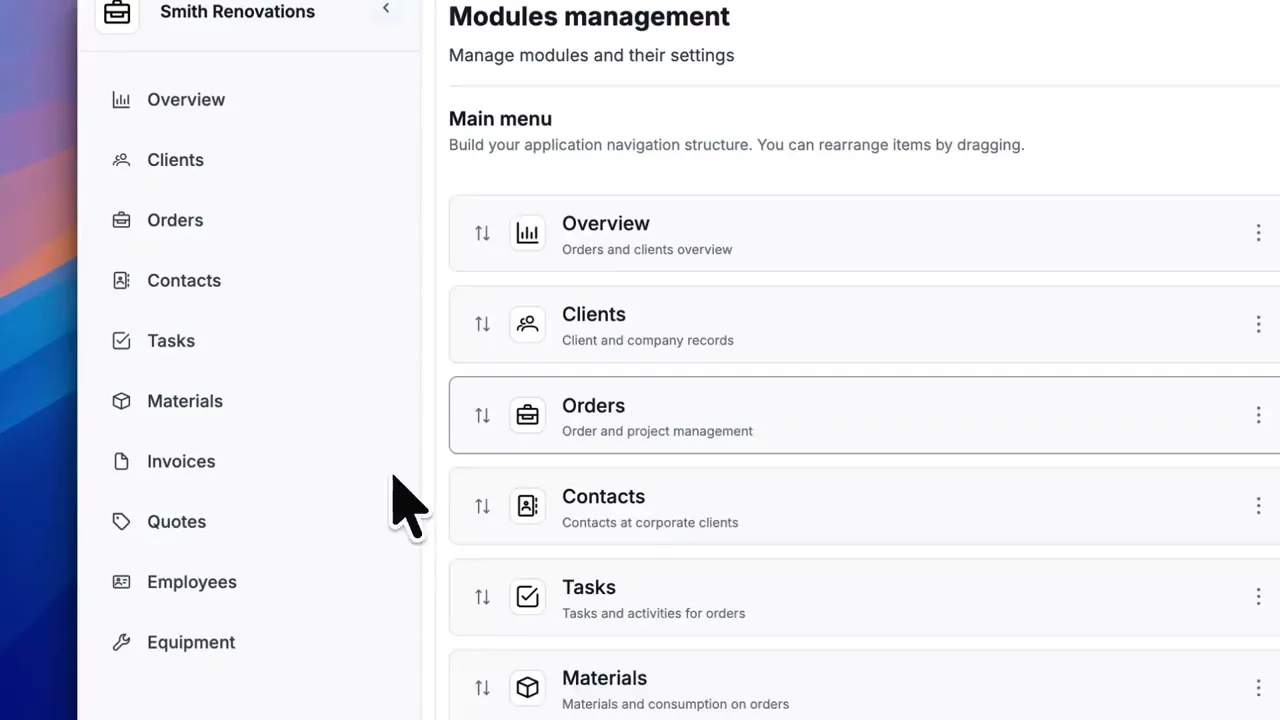
Split your forms into tabs
Form tabs let you group dozens of fields into logical sections by topic, department, or workflow stage. Instead of one endless form, your team gets a clean structure where every field is exactly where they expect it.
Everything happens in the form designer. Drag fields between tabs, reorder tabs, set per-role permissions — all visually, no code required.
How to set up form tabs
Open the form designer
Navigate to the module settings and click on the form. A default tab is already there — created automatically when the form was set up.
Create a new tab
Give it a localized name in up to 28 languages, add an optional description, and pick an icon. The tab appears in the list instantly.
Drag fields to the right tab
Move fields between tabs with drag-and-drop. No data is lost — only the visual grouping changes, while the underlying data model stays intact.
Configure tab permissions
In the permission matrix, assign each role read, write, or denied access to each tab. Users only see tabs they have permission for.
Field organization meets access control
Clean forms, even with hundreds of fields
Tabs act as a visual separator. Fields still belong to a single form and a single data model. When filling in a record, users switch tabs and see only the relevant group of fields. Onboarding new team members becomes significantly faster.
Sensitive data stays protected
Salaries, contracts, medical records — not everyone needs to see them. Tab permissions work independently of module-level permissions. Even a user with full module access can be blocked from a specific tab. Three levels: read, write, denied.
What form tabs offer
Unlimited tabs
Add as many tabs as your form needs. No artificial cap.
Localized in 28 languages
Tab names and descriptions translate into every language your project supports.
Drag-and-drop reordering
Move fields between tabs or rearrange tabs themselves — all by dragging.
Per-role tab permissions
Each role gets its own access level for each tab — read, write, or denied.
Consistent view
Admins and end users see the same tab structure when viewing, editing, or creating a record.
Why form tabs save time
Fields split into tabs mean shorter forms and faster navigation.
Sales works in one tab, accounting in another. They stay out of each other's way.
New hires see organized sections with clear labels and icons instead of a wall of fields.
Salaries, health records, or contract details — restrict them to a tab only authorized roles can access.
Tabs are purely visual. Fields remain part of one form and moving them never affects stored data.
Try form tabs today
Build a structured form in minutes. Split fields into tabs, configure permissions, and give every team exactly the view they need.
Try for freeRelated Features
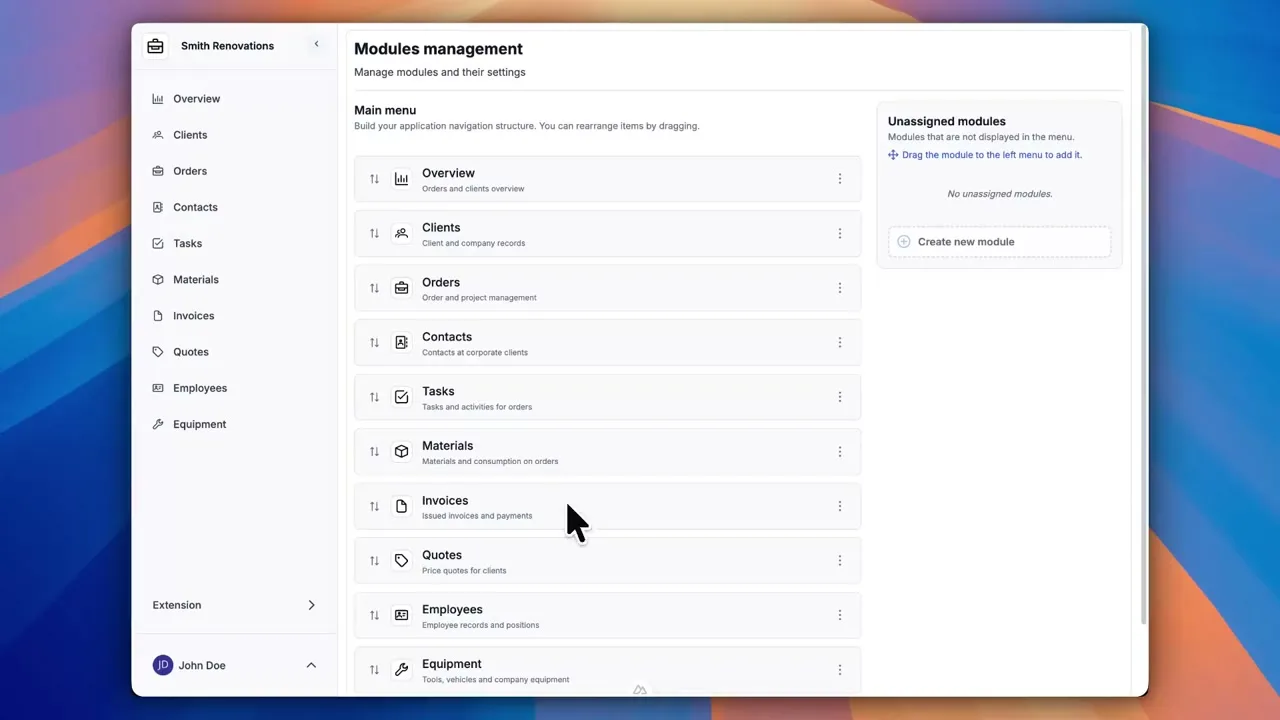
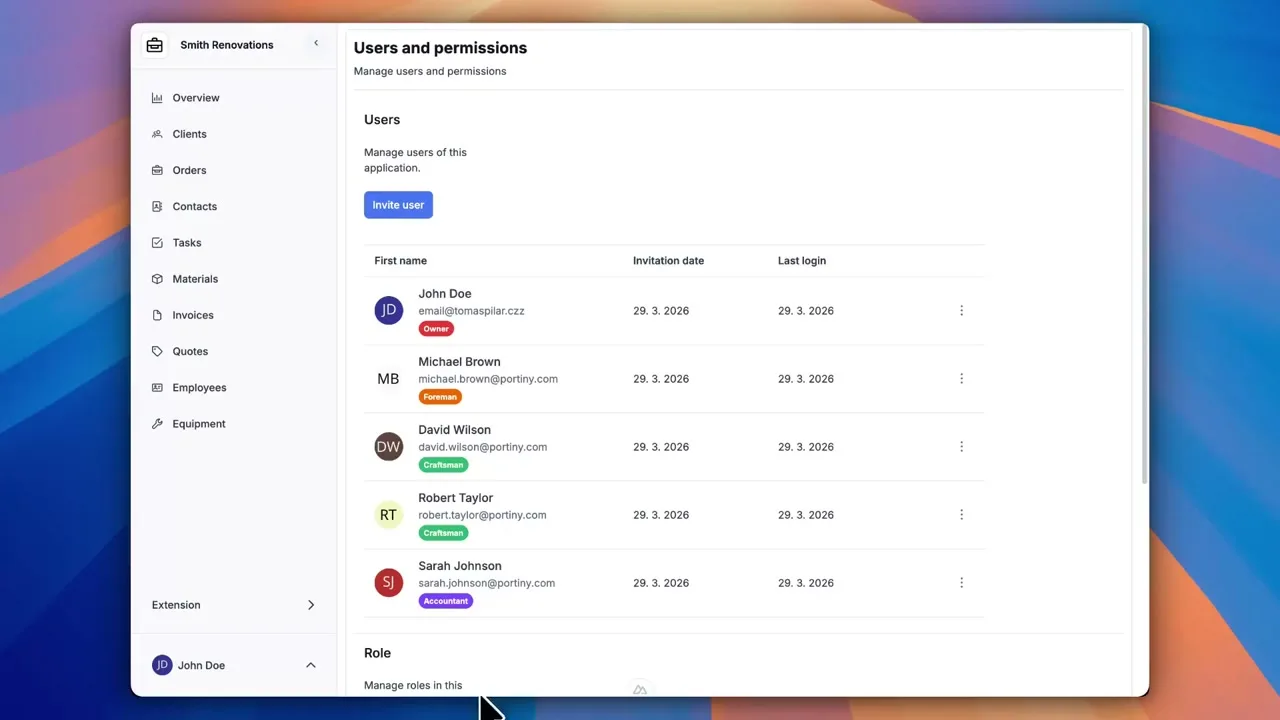
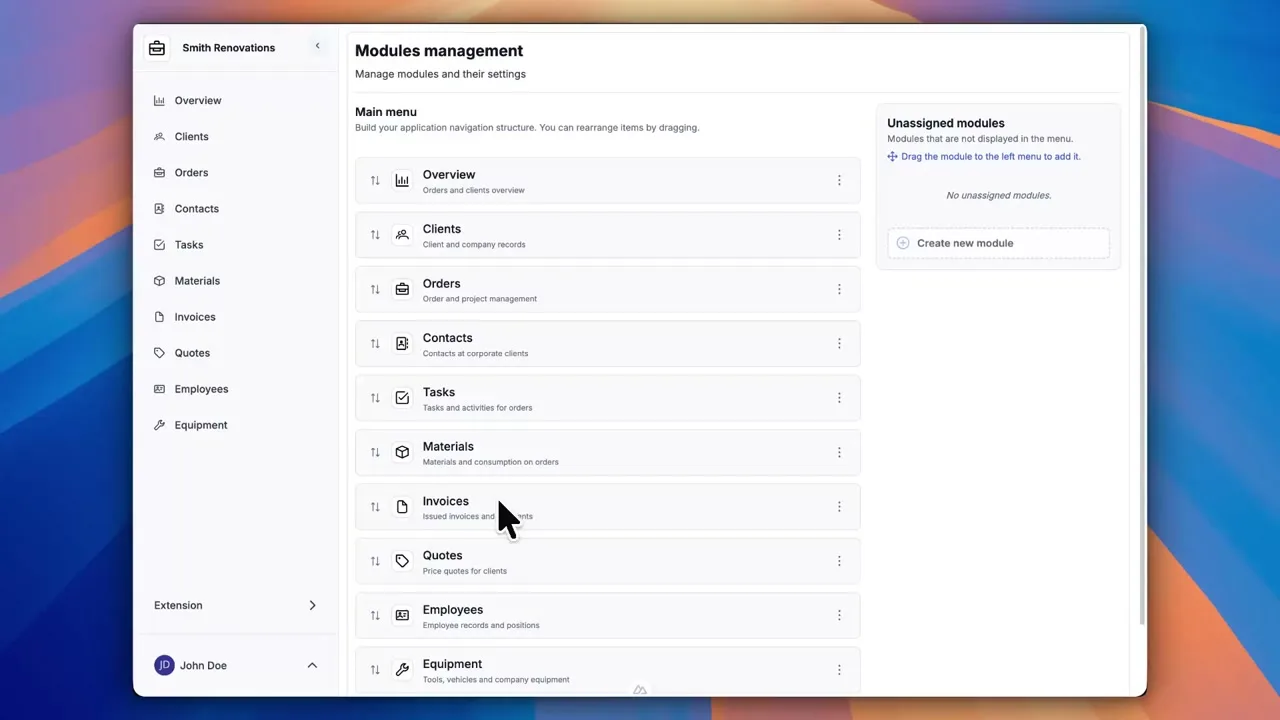
Try everything yourself
After signing up, you can create a demo project — a sample construction company with 9 modules and test data. Everything you see in the videos, you can click through and try yourself.