
Asset Inventory
Portiny lets you run physical asset inventories directly within the platform — no paper forms needed. Assign a QR code to every item, have workers scan it on their phone, and confirm status with a single tap. Five check states, per-user statistics, and result exports give you full visibility into every inventory cycle.
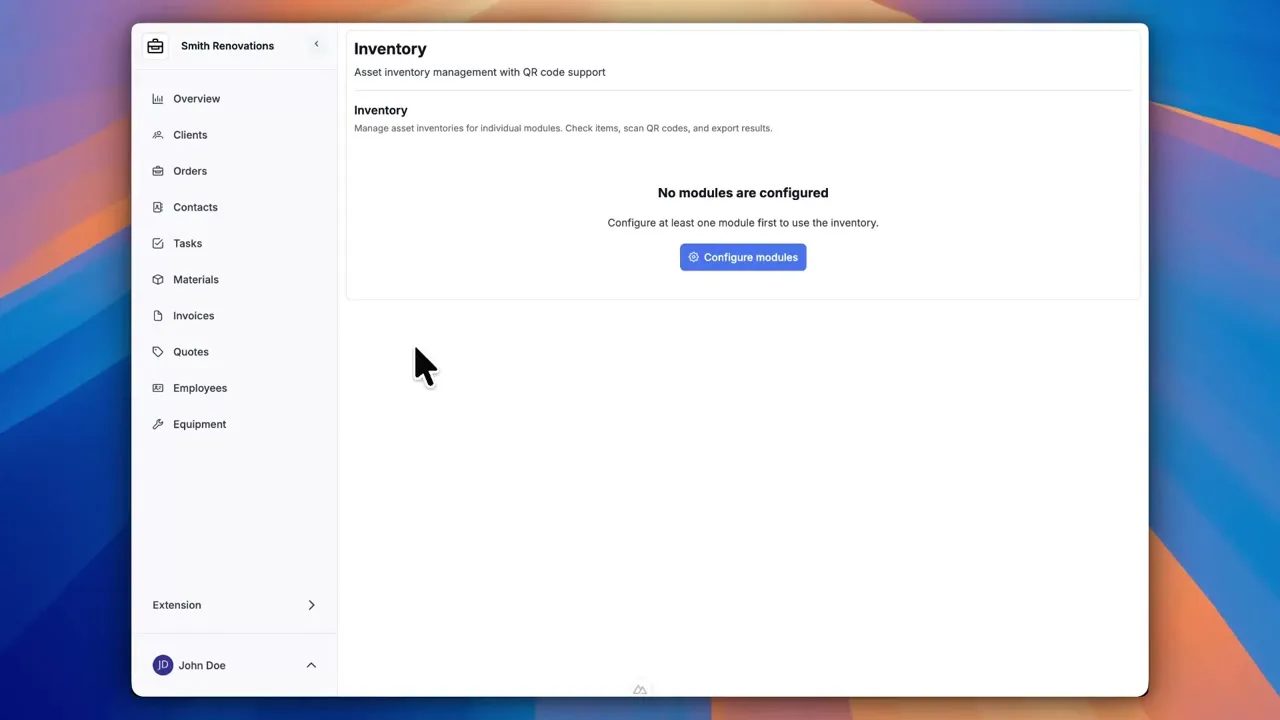
Run asset inventories from your phone
Portiny's inventory extension turns physical asset checks into a streamlined digital process. Stick a QR code on each device, scan it during your walkthrough, and log the status right there. Laptops, vehicles, tools, lab equipment — anything tracked in a module can be inventoried.
Results show up instantly. No transcribing from clipboards, no wondering who checked what. The system records every action — who scanned, when, and whether the QR code was used.
Real-world inventory scenarios
Tracking laptops and peripherals
Print QR labels, attach them to monitors, docking stations, and laptops. Walk the office with your phone. Missing devices get flagged automatically — no manual cross-referencing.
Checking tools and fixtures
Shift supervisors scan QR codes on tools and jigs. Damaged items get tagged as "in repair" with a note describing the issue. Maintenance sees the list immediately.
Vehicle inventory checks
Each vehicle carries a dashboard QR code. Drivers confirm presence and condition during their morning routine. The fleet manager tracks progress in real time from the office.
What the inventory extension offers
QR codes per item
Generate a QR code, print it as PDF or JPG, and stick it on the asset. Label size is adjustable from 1 to 200 mm.
Five check states
OK, damaged, in repair, missing, unverifiable. Each check can include a text note for context.
Live statistics
Total items, checked count, remaining, breakdown by status. Updated as your team works through the list.
Per-user breakdown
When a module uses a USER_RELATION field, the inventory dashboard splits results by responsible person.
Result exports
Detailed or summary view. Download inventory results for archival, accounting, or feeding into an upstream system.
Spreadsheet inventory vs. Portiny
Without Portiny
- Paper checklists that get lost or smudged
- Manual data entry into spreadsheets after the fact
- Mix-ups between similar-looking assets
- No record of who checked what and when
With Portiny
- Scan the QR code on the device with your phone
- Results land in the system instantly — zero transcription
- Every item uniquely identified by its QR code
- Full audit trail — who, when, and how
Take your inventory digital
Sign up and see how asset inventory management works in Portiny. QR codes, mobile scanning, and instant exports — all in one place.
Try for freeRelated Features
Try everything yourself
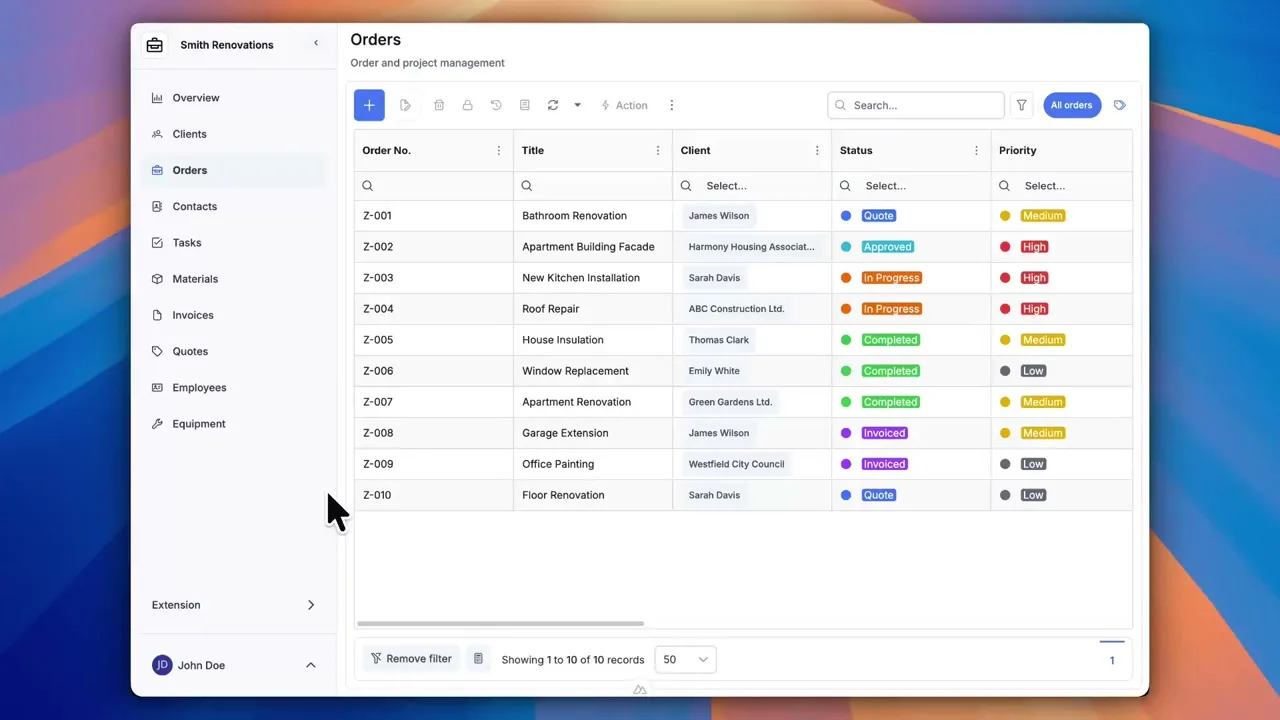
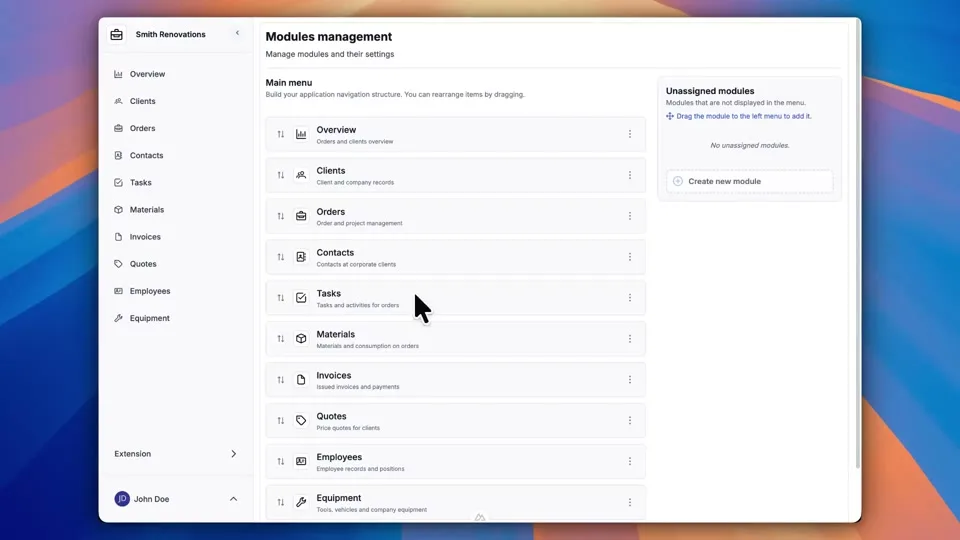
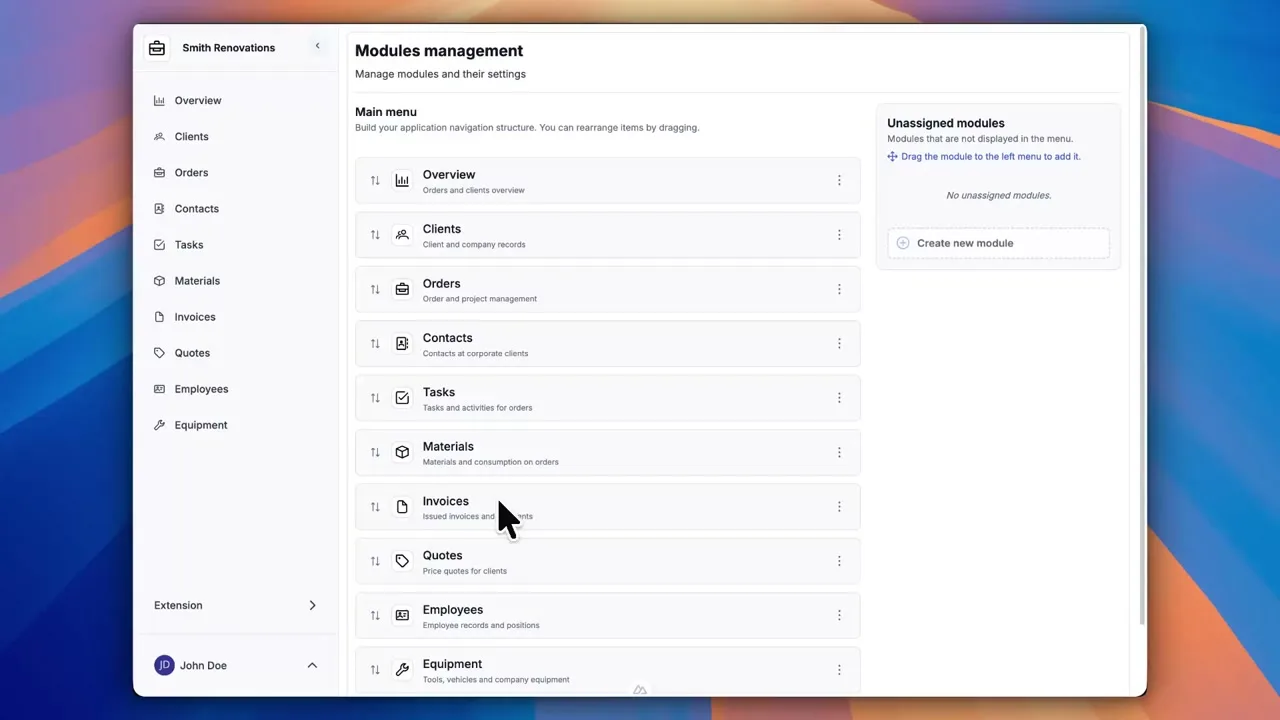
After signing up, you can create a demo project — a sample construction company with 9 modules and test data. Everything you see in the videos, you can click through and try yourself.